01 / RHYTHM → STORY
Find your first great cut.
A folder of footage is not a film yet.
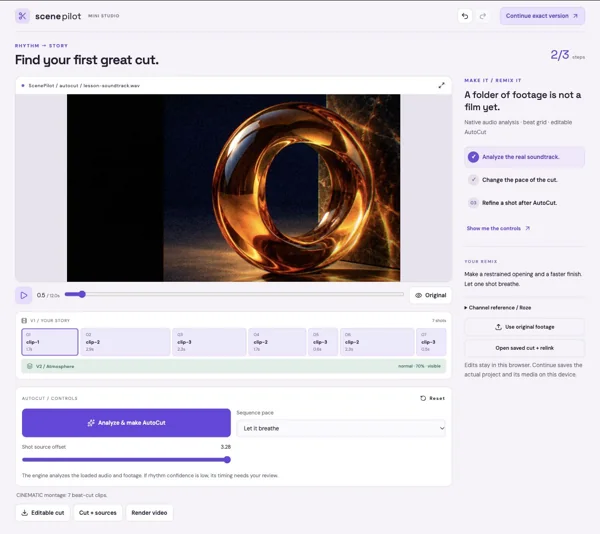
Open a tiny real studio. Make one striking change, understand the edit, then keep going with that exact version.
Travel, music, movement, and an artist's everyday world. Watch the channel references, then import original MP4/MOV footage into any lesson. Current editable projects use the supplied Momentium source studies.
Explore the reference collection ↗Practice soundtrack ↓Clip 01 ↓Clip 02 ↓Clip 03 ↓A folder of footage is not a film yet.
The second scene looks pasted on.
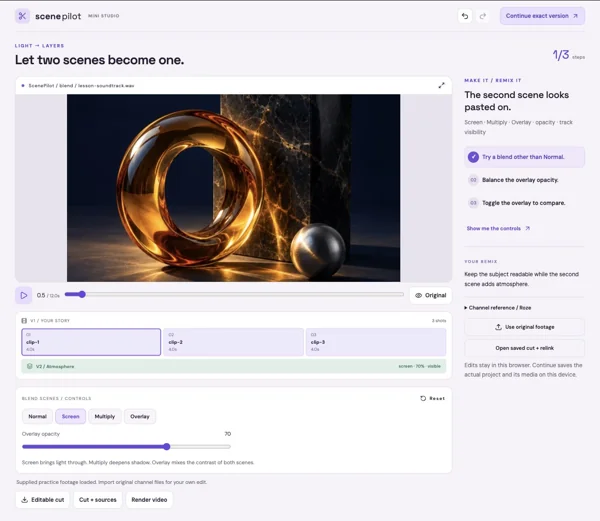
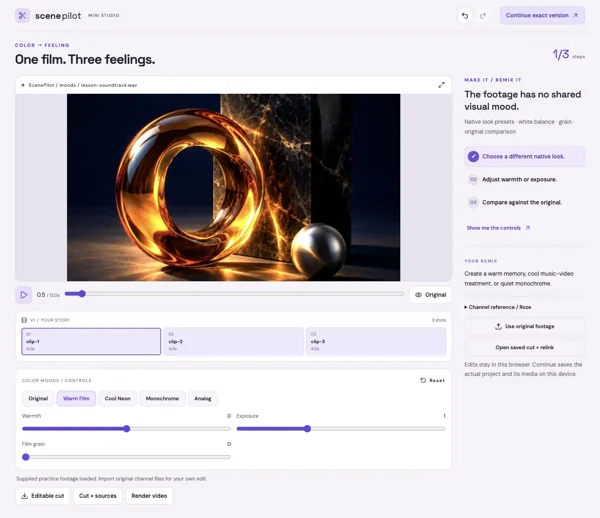
The footage has no shared visual mood.
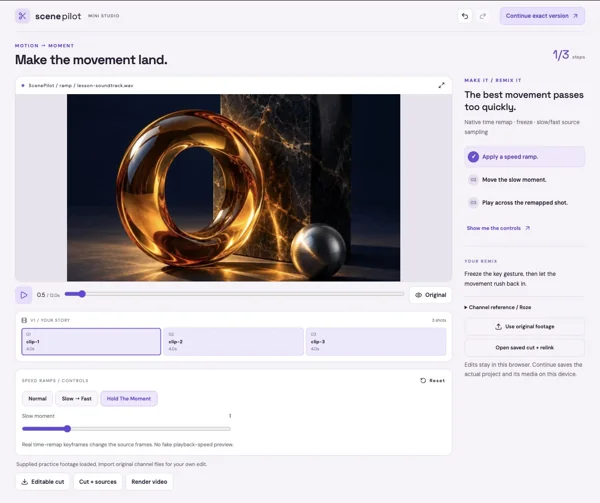
The best movement passes too quickly.
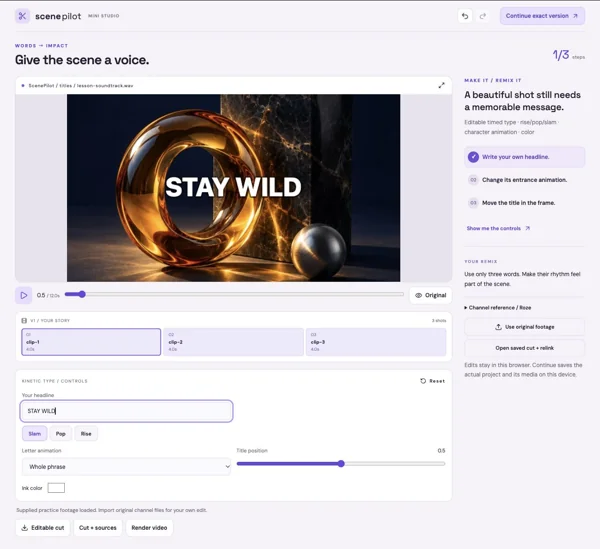
A beautiful shot still needs a memorable message.
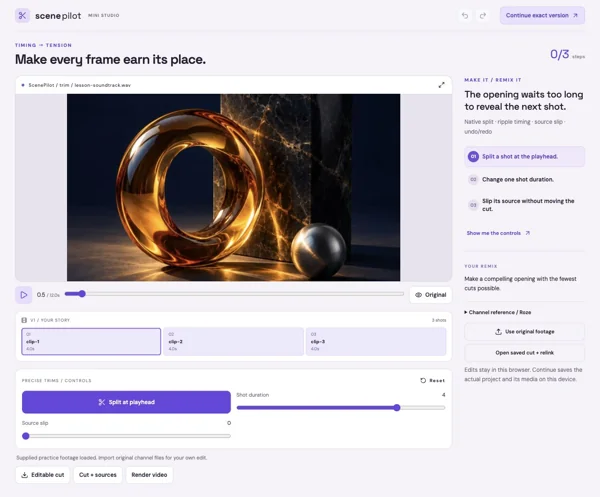
The opening waits too long to reveal the next shot.
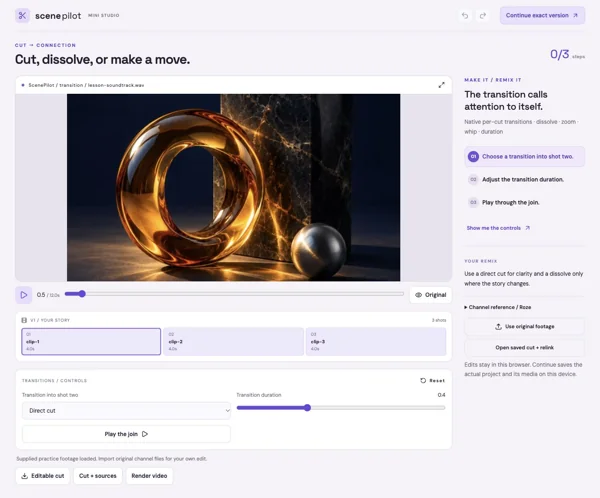
The transition calls attention to itself.
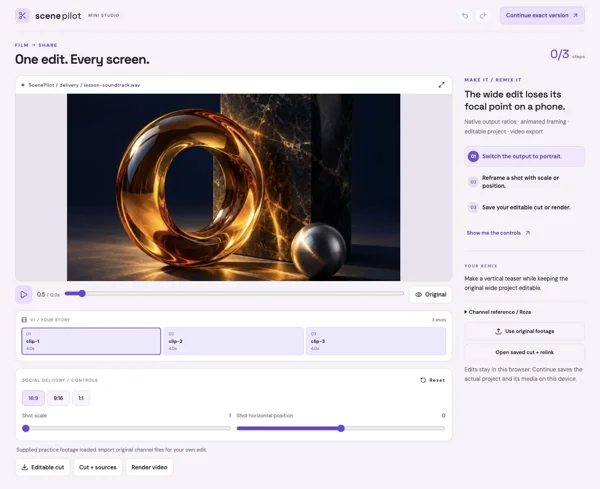
The wide edit loses its focal point on a phone.
Coast and Joshua Tree: tease the setting, reveal a person, and finish on the strongest landscape. AutoCut supplies timing; you decide which shots tell the story.
Its All Love or I FEEL ALIVE: blend light over performance, land kinetic type on an accent, and use one speed change to make a gesture memorable.
Day In The Life: trim to small details, move a phrase through the frame, and keep the color treatment consistent across the film.
These lessons run native analysis, sequence editing, track blending, grading, titles, remapping, framing, and browser delivery. Preview and export share the same compositor.
Native overlay track blends: Normal, Screen, Multiply, Overlay. Desktop composition layers also support Lighten, Darken, Difference, and Color Dodge.
Desktop Pro goes further: editable masks and rotoscoping, point and planar tracking, 3D compositions/cameras, effect graphs, transcript editing and story assembly, color scopes/Curves/LUTs, audio buses, professional interchange, and queued deliveries. These are deeper lesson directions, not unlocked desktop features in a browser preview.