momentium.

LUMA / LEARN BY MAKING

Turn your own images into a complete visual world.

Capture a brush. Make a print belong to fabric. Weave type through a photograph. Start with your supplied images and leave with something yours.

01 Explore the layers02 Make a guided edit03 Remix it your way04 Keep the editable project

Browse the complete effects review →

“Show me” finds the actual control. Progress follows your edits. Every workshop includes a starter, a finished example and a before/after comparison.

01

8–10 min · 5 steps

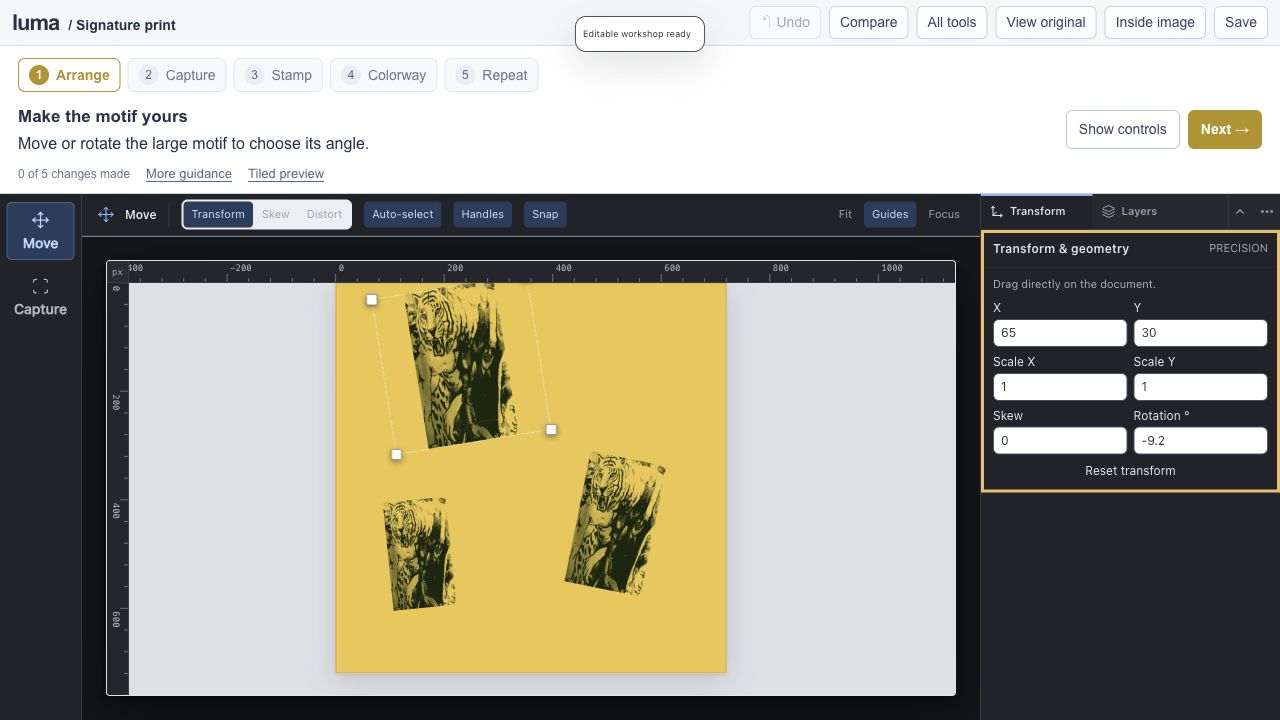
Build a signature print.

luma studioEditable session
Build a signature print.

An editable Luma project

Open the full lesson ↗

Captured brushes / repeat preview / colorways

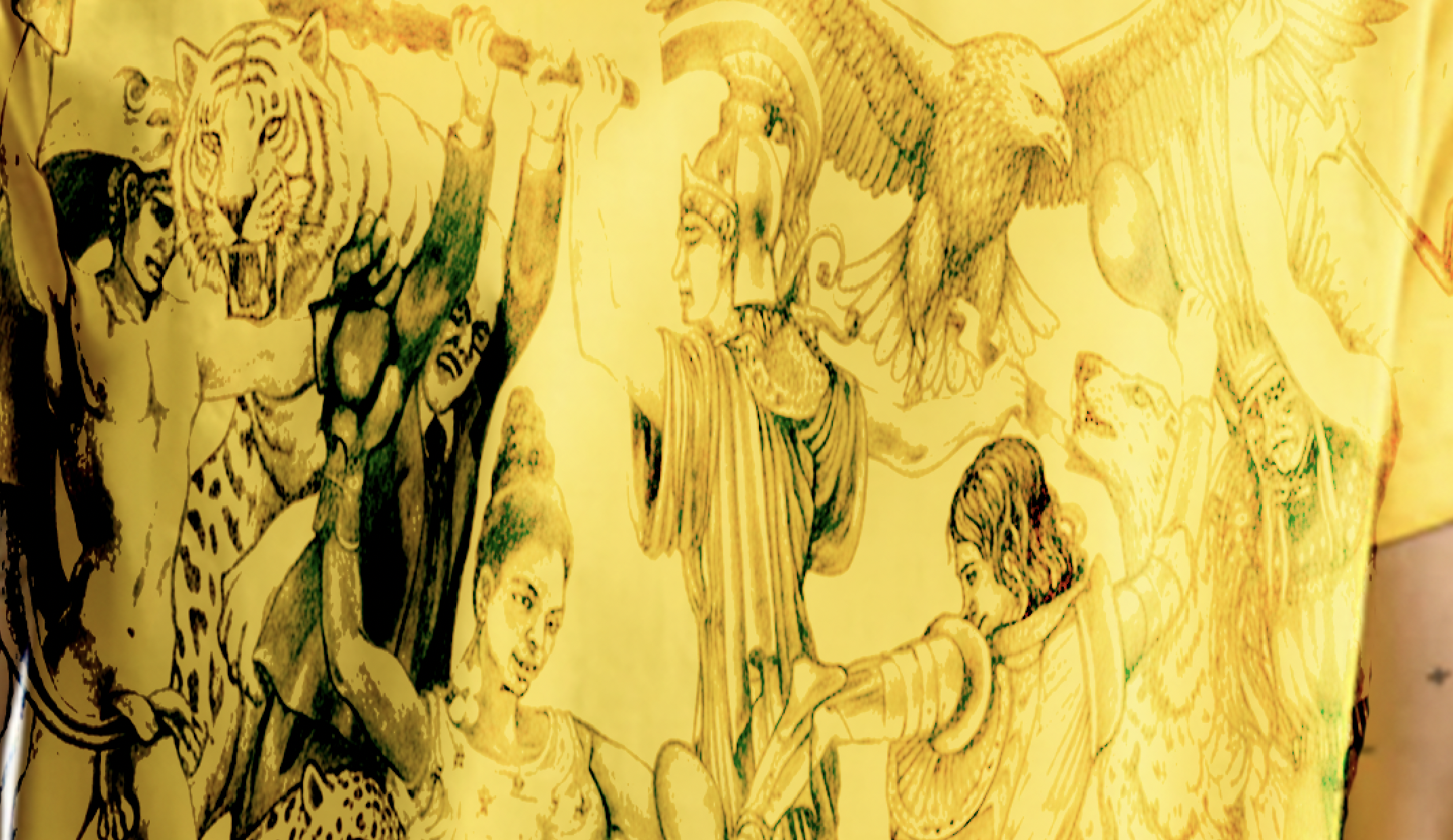
Capture a motif from the yellow fabric as your own brush, paint a repeat and try three fabric colorways.

Start making ↗
View originals & get the editable files

The original image stays intact. The workshop adds editable layers, type, masks and color treatments.

The real Luma editor for Build a signature print.
A genuine screenshot of this prepared Luma session.
02

6–8 min · 5 steps

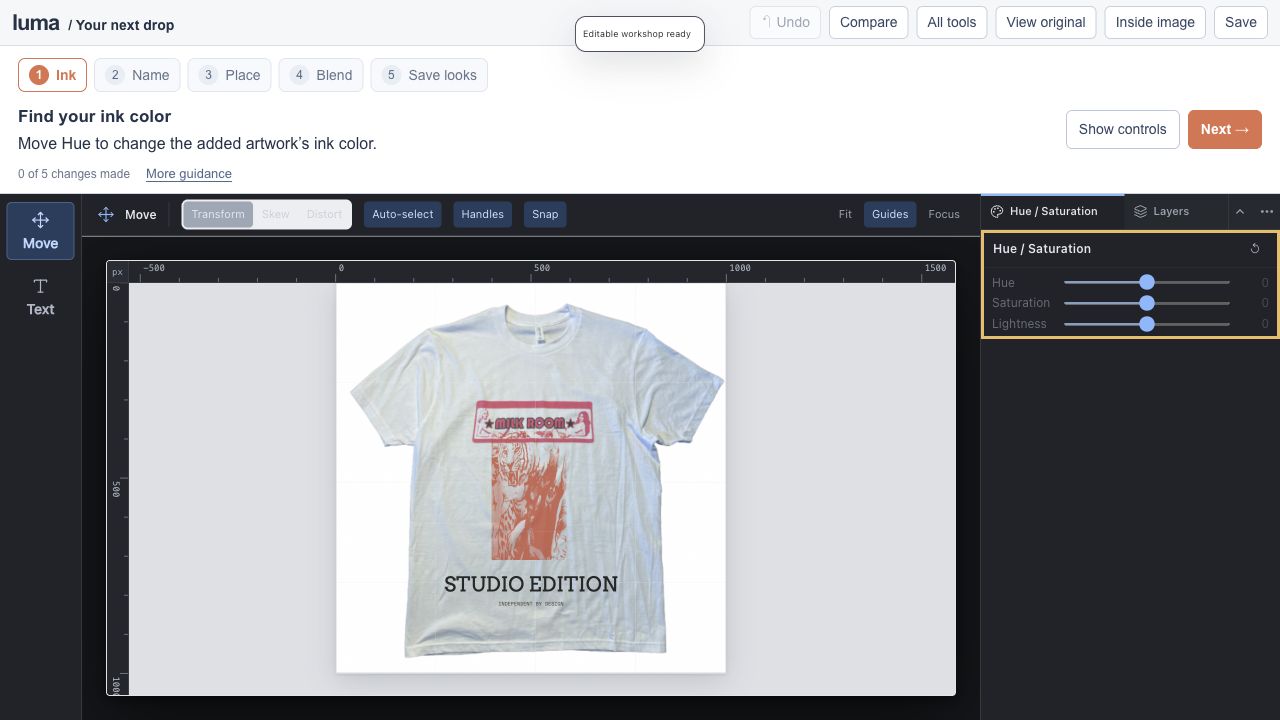
Design your next drop.

luma studioEditable session
Design your next drop.

An editable Luma project

Open the full lesson ↗

Ink color / live type / fabric blending / layer comps

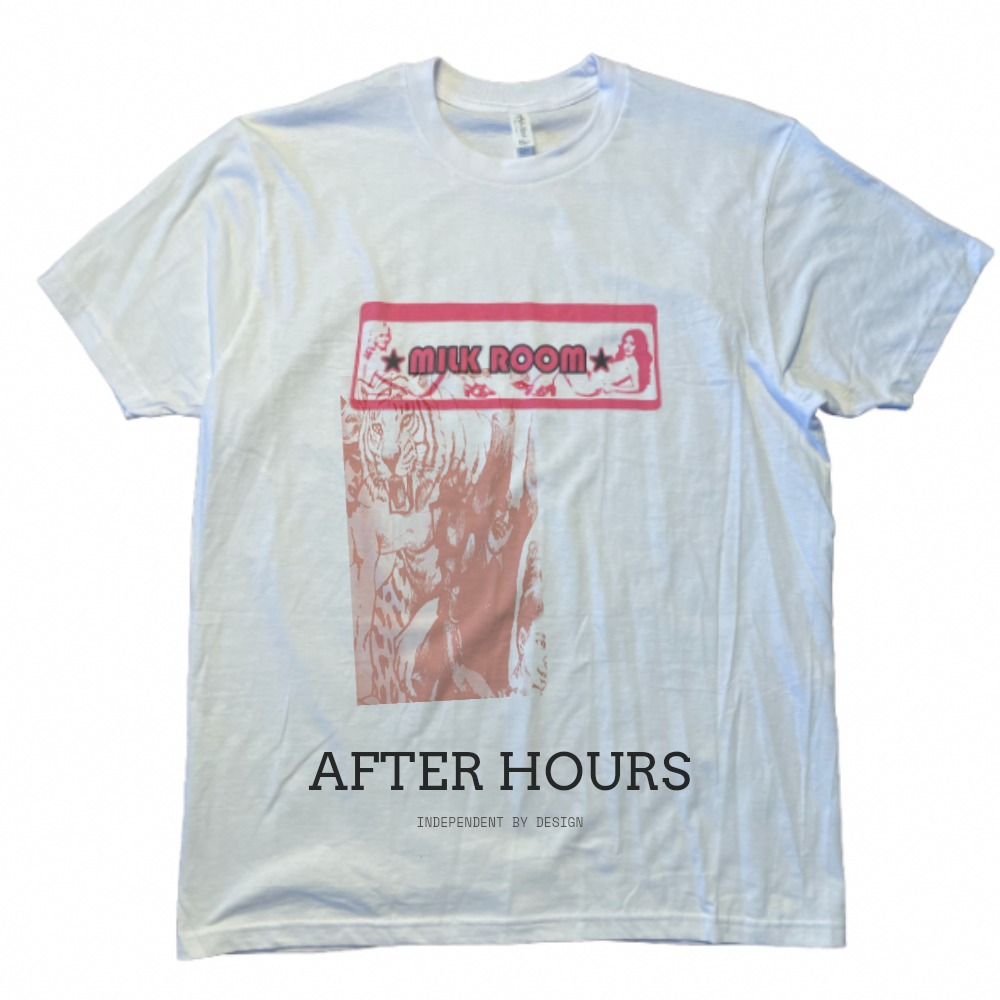
Remix the Milk Room tee photograph with a fabric motif, new ink and your own editable lettering.

Start making ↗
View originals & get the editable files

The original image stays intact. The workshop adds editable layers, type, masks and color treatments.

The real Luma editor for Design your next drop.
A genuine screenshot of this prepared Luma session.
03

5–7 min · 4 steps

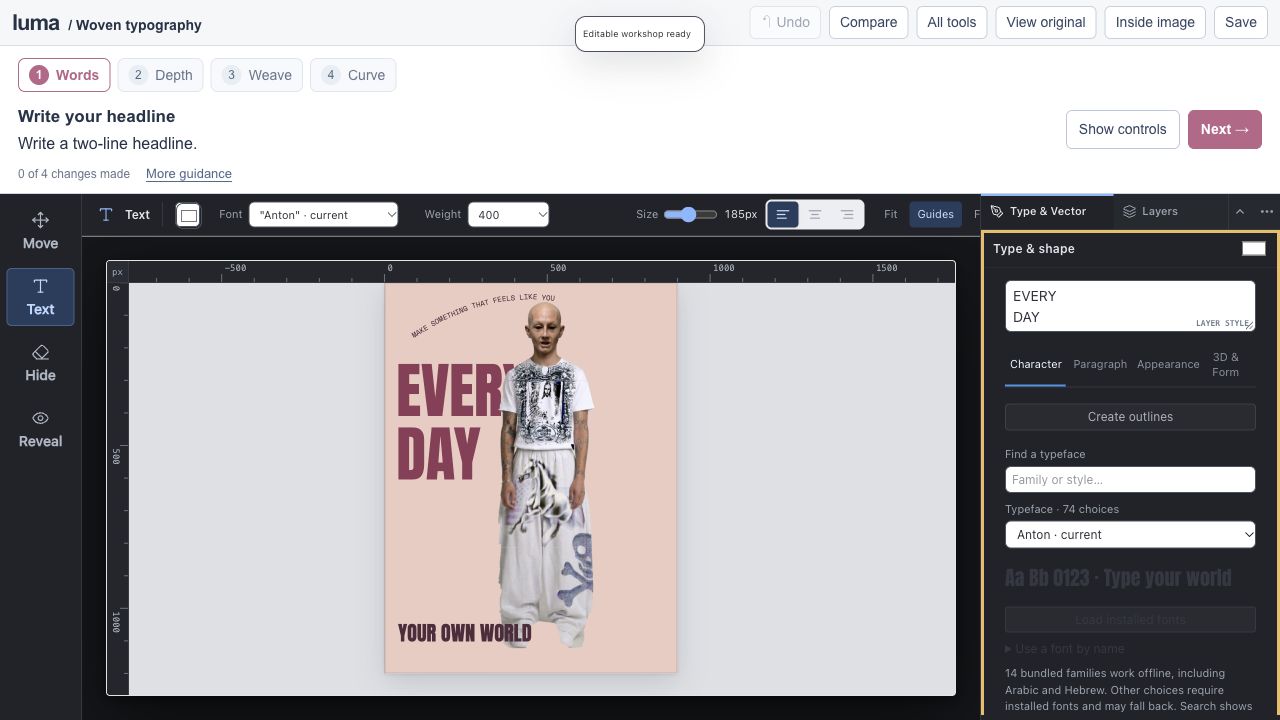
Make type weave through an image.

luma studioEditable session
Make type weave through an image.

An editable Luma project

Open the full lesson ↗

Editable type / layer depth / masks / type on paths

Write behind the supplied model, reveal a letter through the subject mask and edit curved supporting type.

Start making ↗
View originals & get the editable files

The original image stays intact. The workshop adds editable layers, type, masks and color treatments.

The real Luma editor for Make type weave through an image.
A genuine screenshot of this prepared Luma session.
04

6–8 min · 3 steps

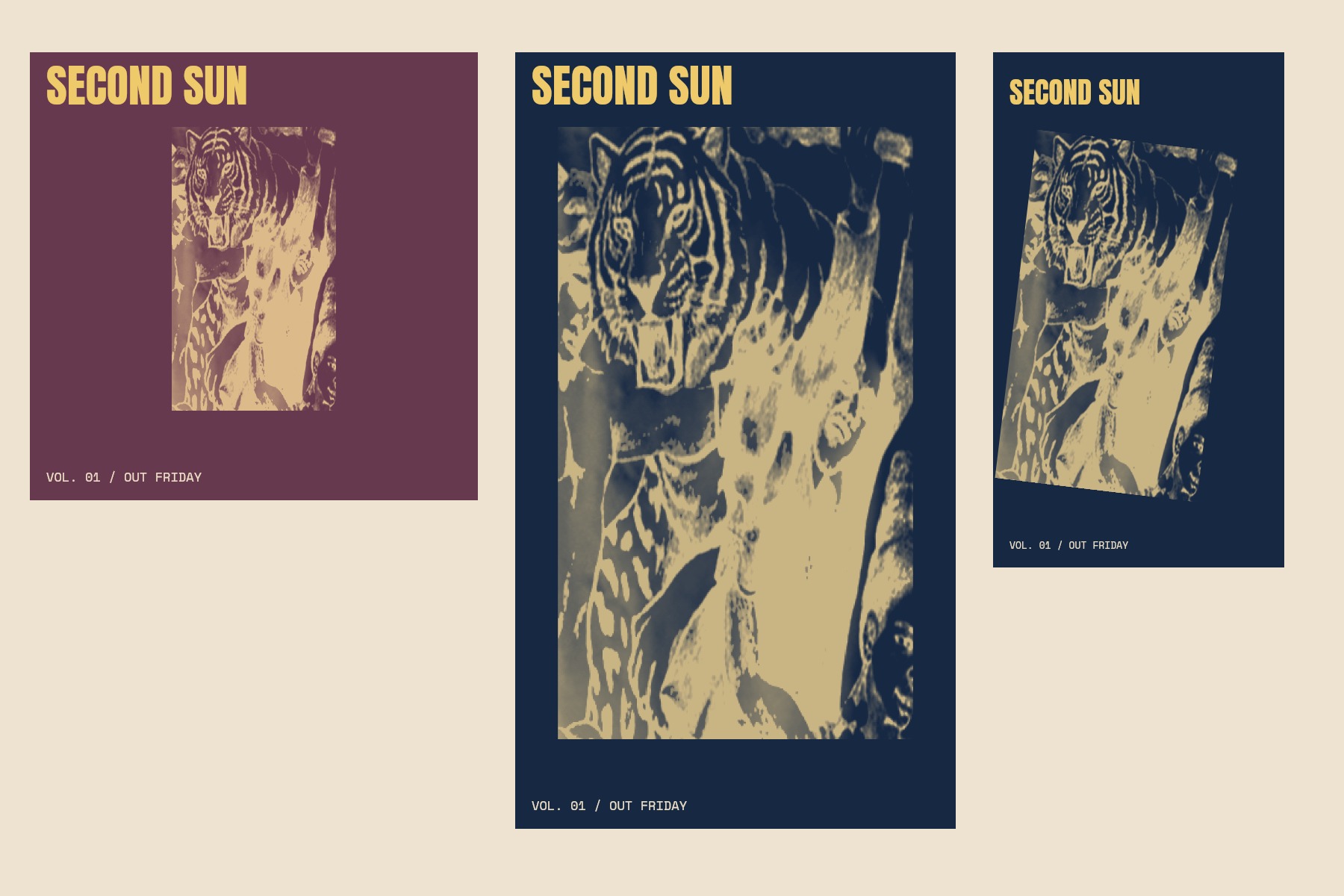
Build an album’s visual identity.

luma studioEditable session
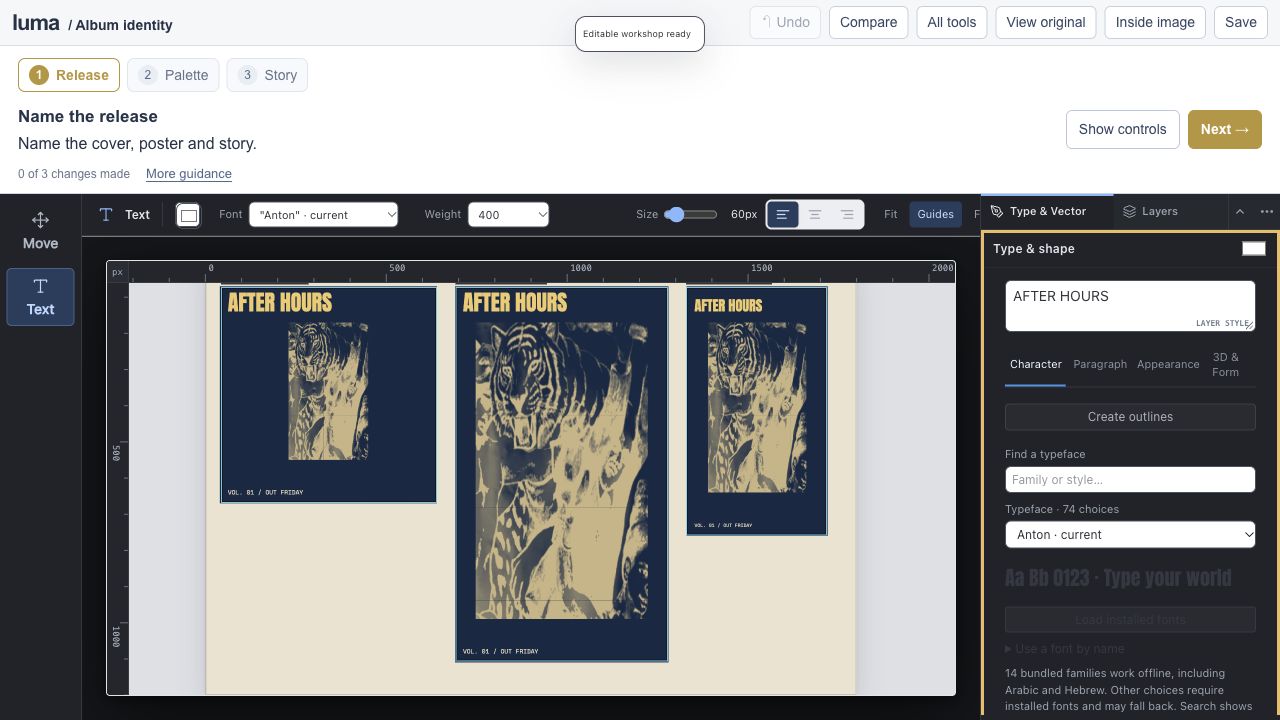
Build an album’s visual identity.

An editable Luma project

Open the full lesson ↗

Shared artwork / independent layouts / shapes / artboard export

Turn the fabric motif into a cover, release poster and vertical story. Export three real artboard regions.

Start making ↗
View originals & get the editable files

The original image stays intact. The workshop adds editable layers, type, masks and color treatments.

The real Luma editor for Build an album’s visual identity.
A genuine screenshot of this prepared Luma session.
05

6–9 min · 4 steps

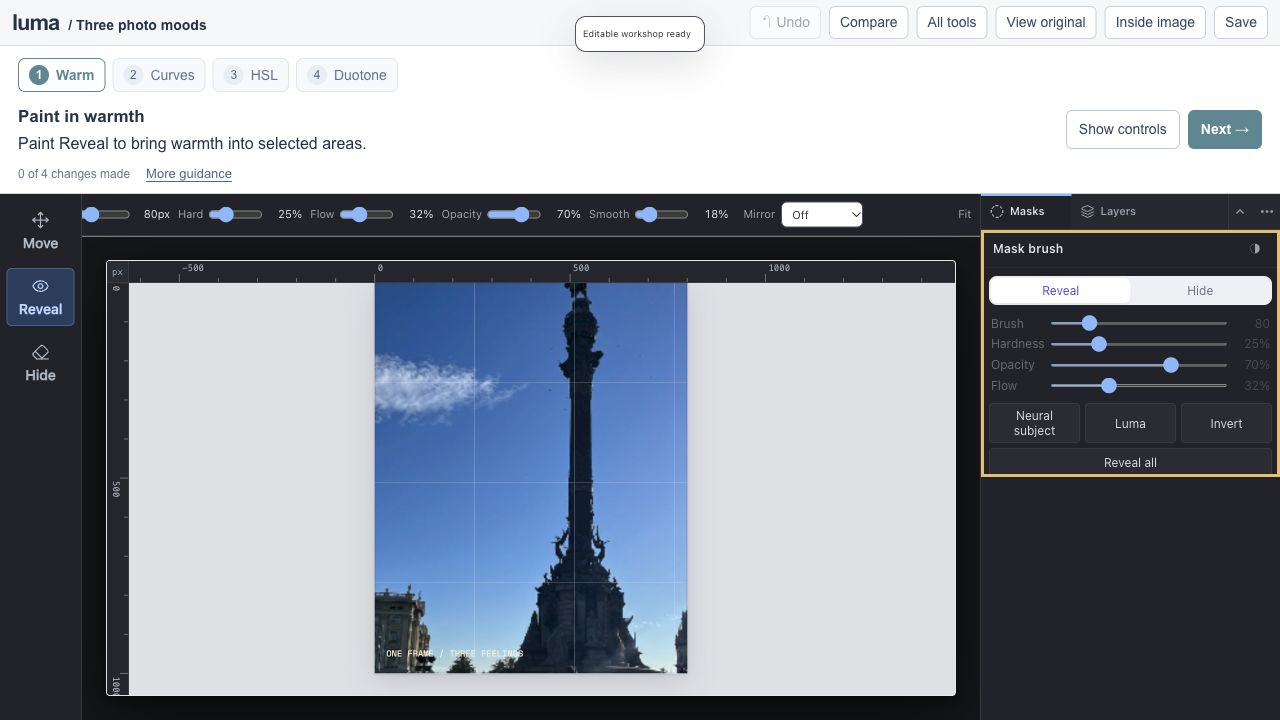
One photograph, three feelings.

luma studioEditable session
One photograph, three feelings.

An editable Luma project

Open the full lesson ↗

Curves / HSL / Gradient Map / adjustment masks

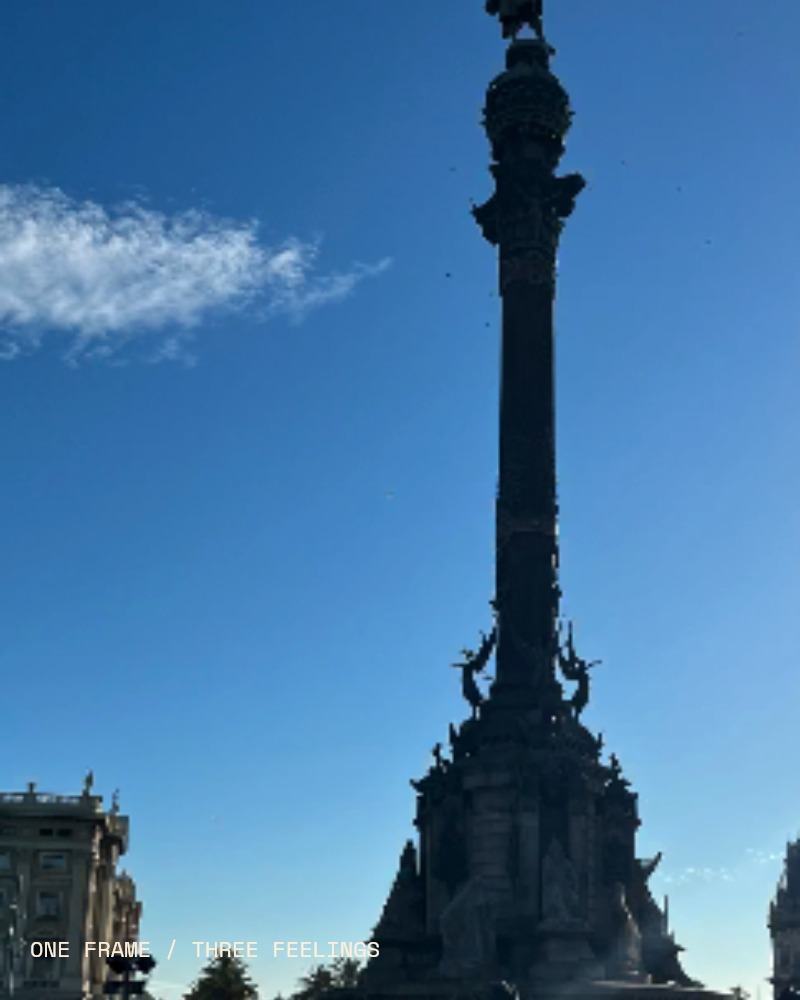
Paint warmth into your supplied photograph, shape Curves and explore HSL and a graphic Gradient Map.

Start making ↗
View originals & get the editable files

The original image stays intact. The workshop adds editable layers, type, masks and color treatments.

The real Luma editor for One photograph, three feelings.
A genuine screenshot of this prepared Luma session.
06

5–8 min · 3 steps

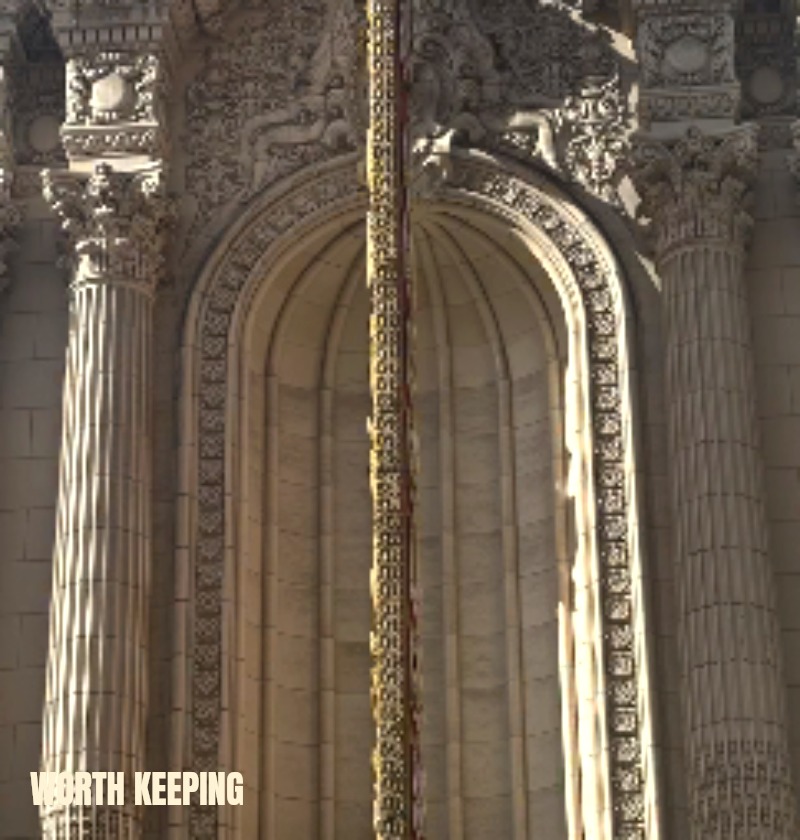
Rescue a favorite photograph.

luma studioEditable session
Rescue a favorite photograph.

An editable Luma project

Open the full lesson ↗

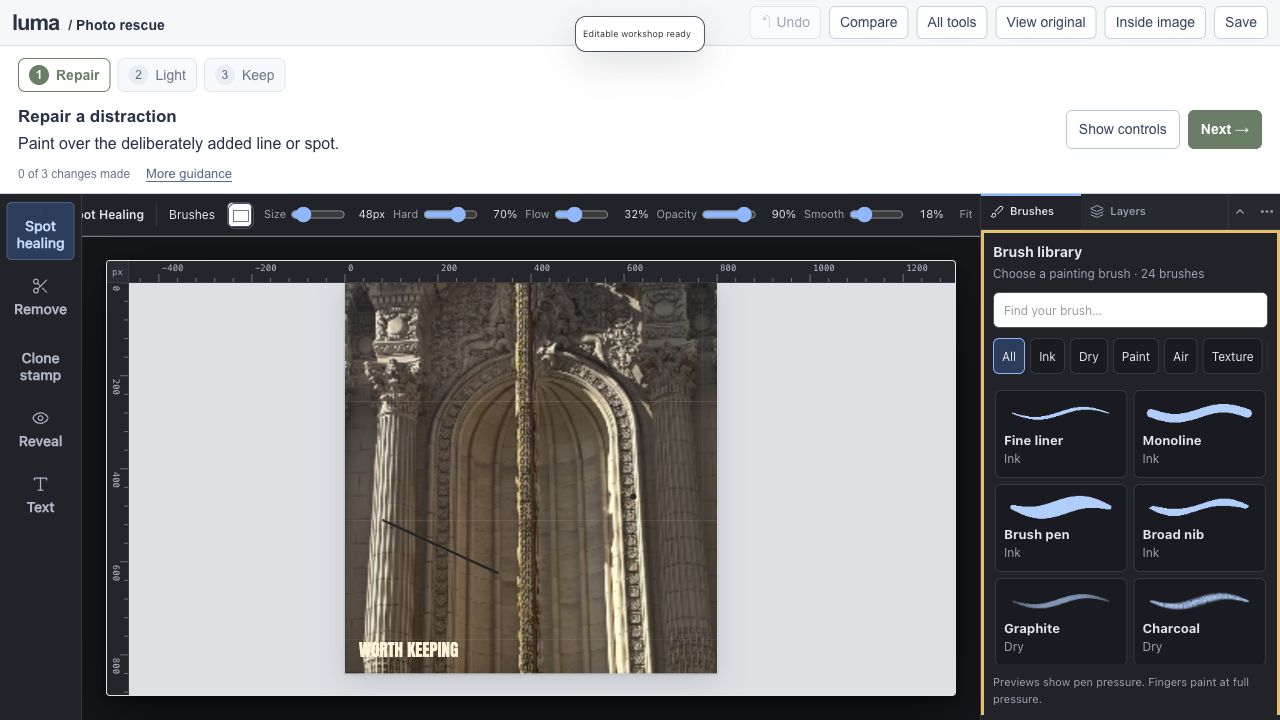
Spot healing / Remove / Clone / local light

Repair deliberately added practice distractions on a copy of your travel photograph, then brighten a selected area.

Start making ↗
View originals & get the editable files

The original image stays intact. The workshop adds editable layers, type, masks and color treatments.

The real Luma editor for Rescue a favorite photograph.
A genuine screenshot of this prepared Luma session.
07

5–7 min · 4 steps

Design a sticker and label collection.

luma studioEditable session
Design a sticker and label collection.

An editable Luma project

Open the full lesson ↗

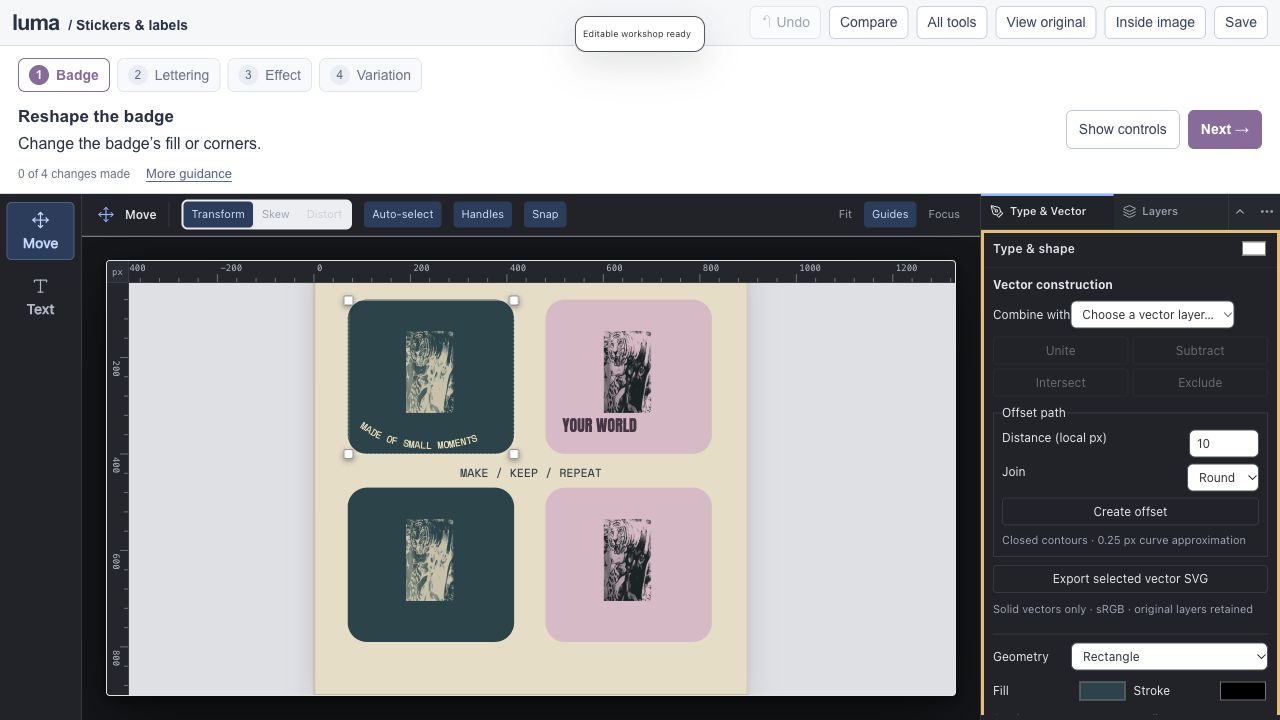
Vector badges / type on paths / layer effects / variations

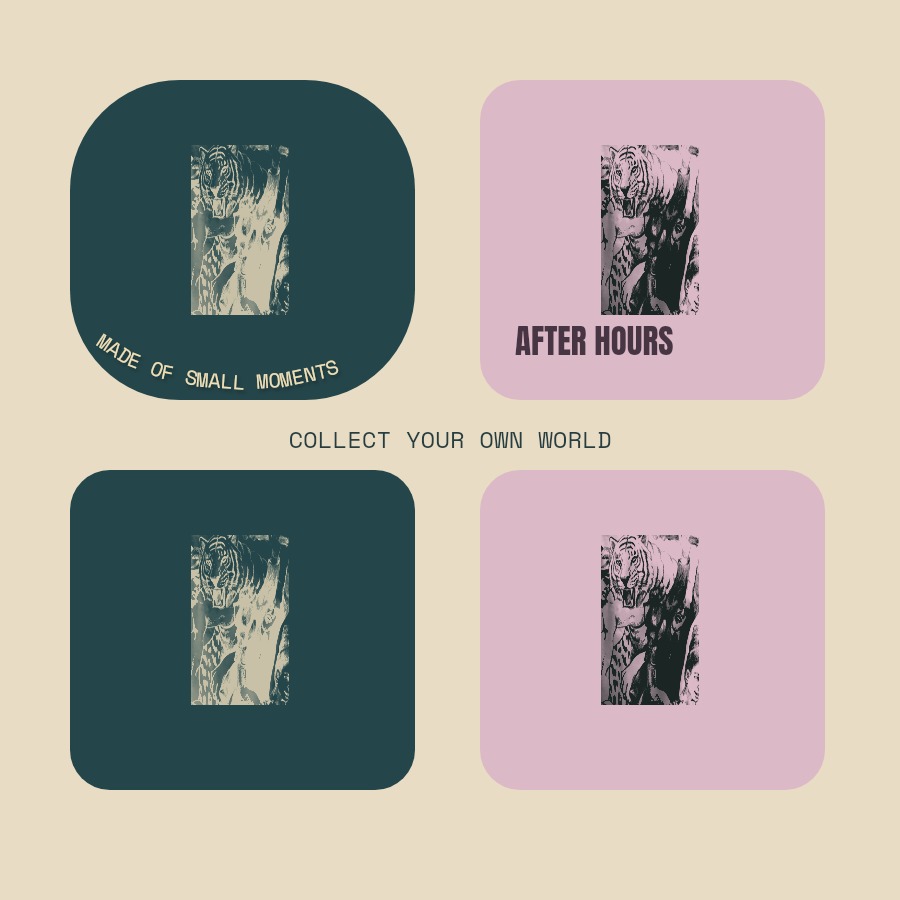
Build coordinated badges with your fabric motif, editable vector shapes, curved lettering and layer effects.

Start making ↗
View originals & get the editable files

The original image stays intact. The workshop adds editable layers, type, masks and color treatments.

The real Luma editor for Design a sticker and label collection.
A genuine screenshot of this prepared Luma session.
08

6–9 min · 5 steps

Make a maximalist poster.

luma studioEditable session
Make a maximalist poster.

An editable Luma project

Open the full lesson ↗

Layered collage / masks / vector shapes / live type

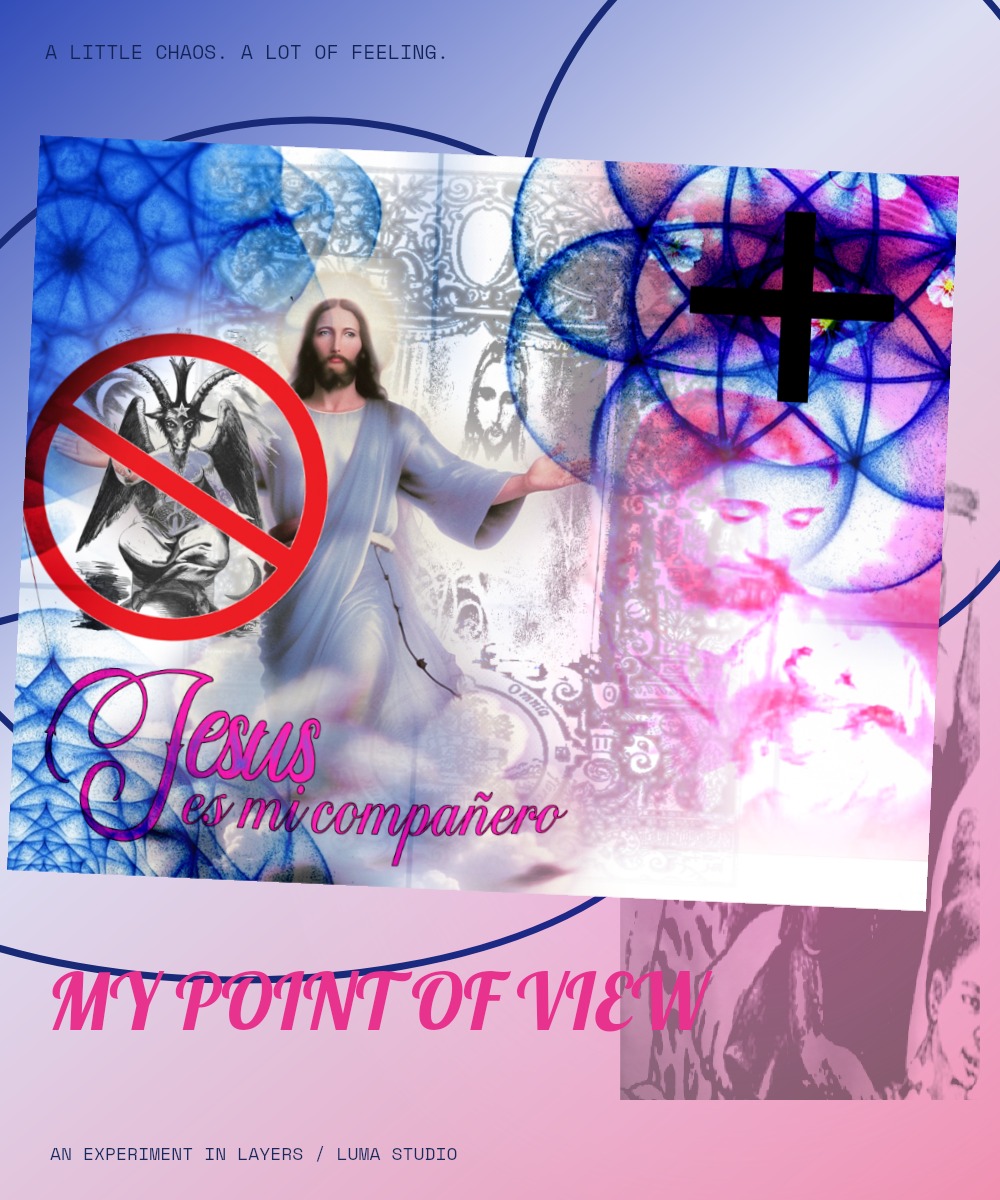
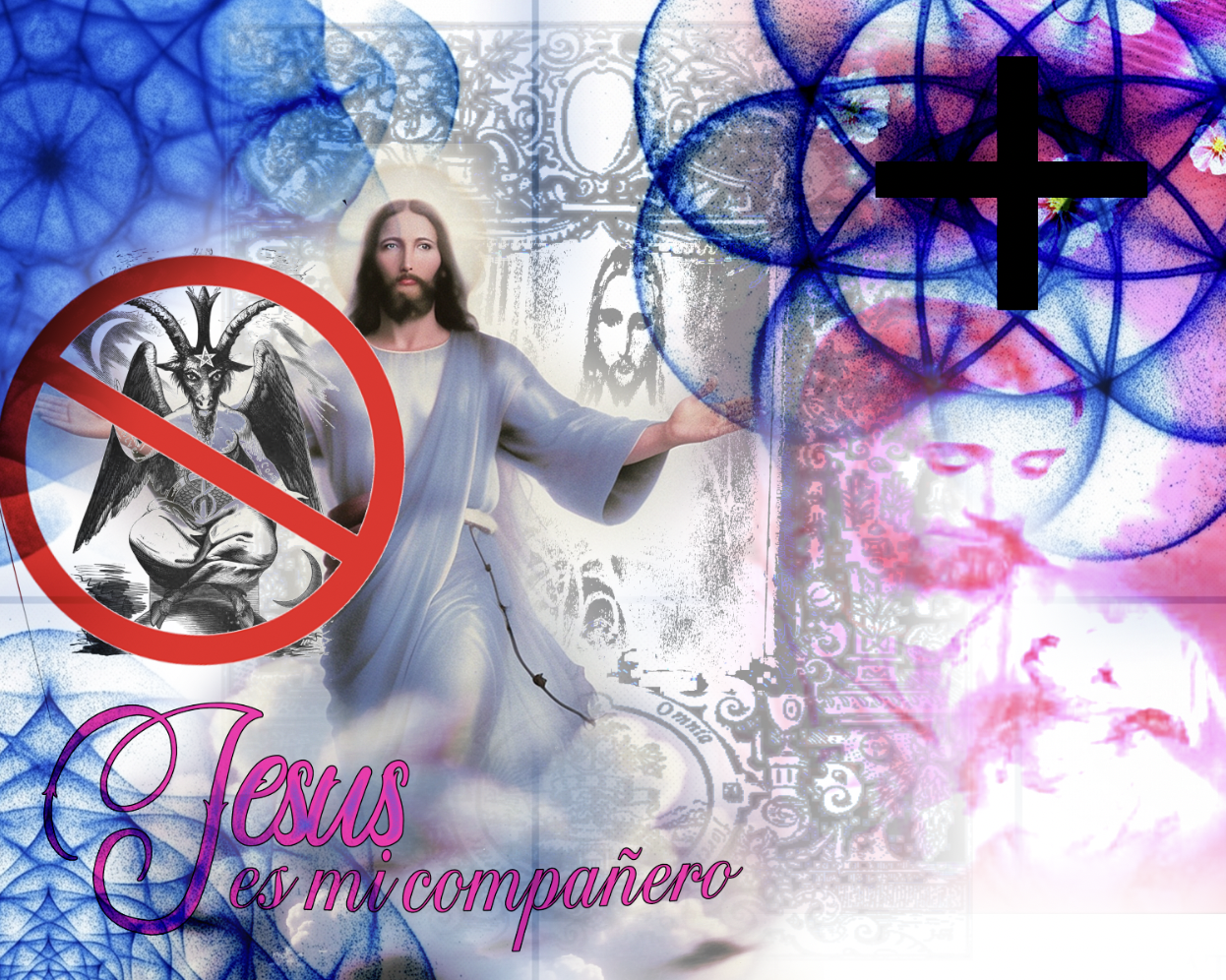
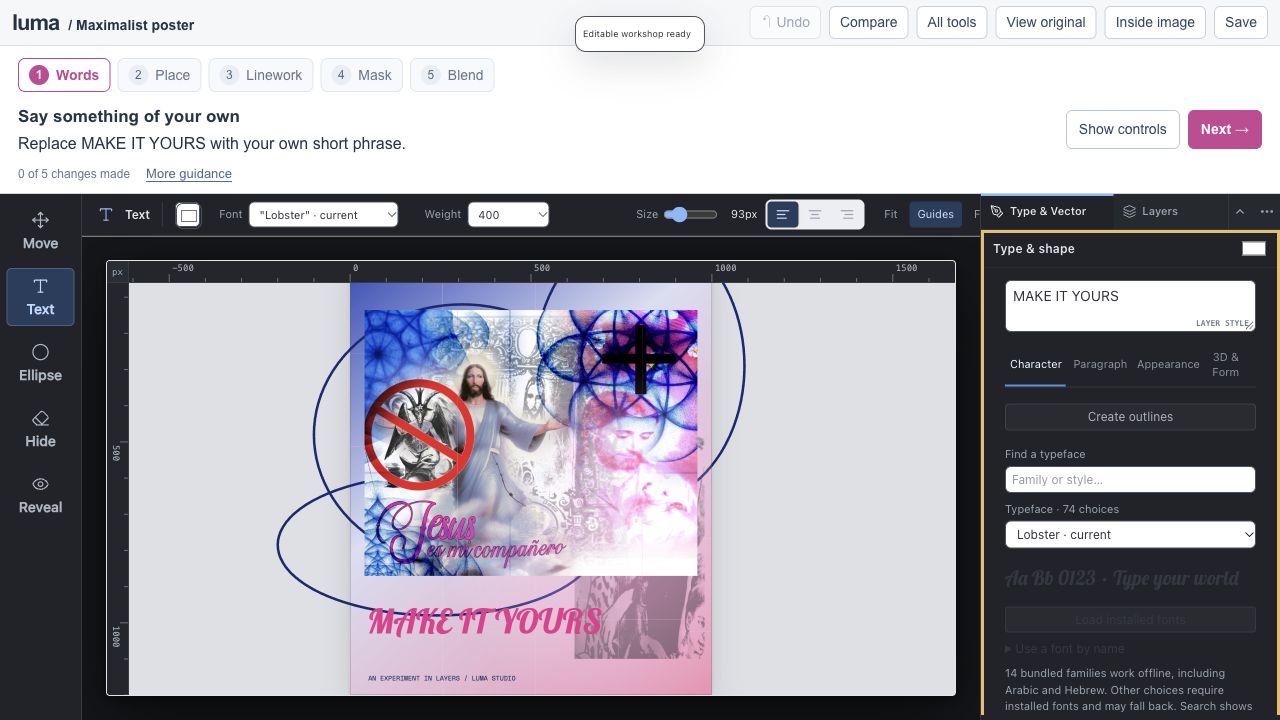
Build on the supplied blue-and-pink collage with editable lettering, linework and masked glow.

Start making ↗
View originals & get the editable files

The original image stays intact. The workshop adds editable layers, type, masks and color treatments.

The real Luma editor for Make a maximalist poster.
A genuine screenshot of this prepared Luma session.
09

6–8 min · 5 steps

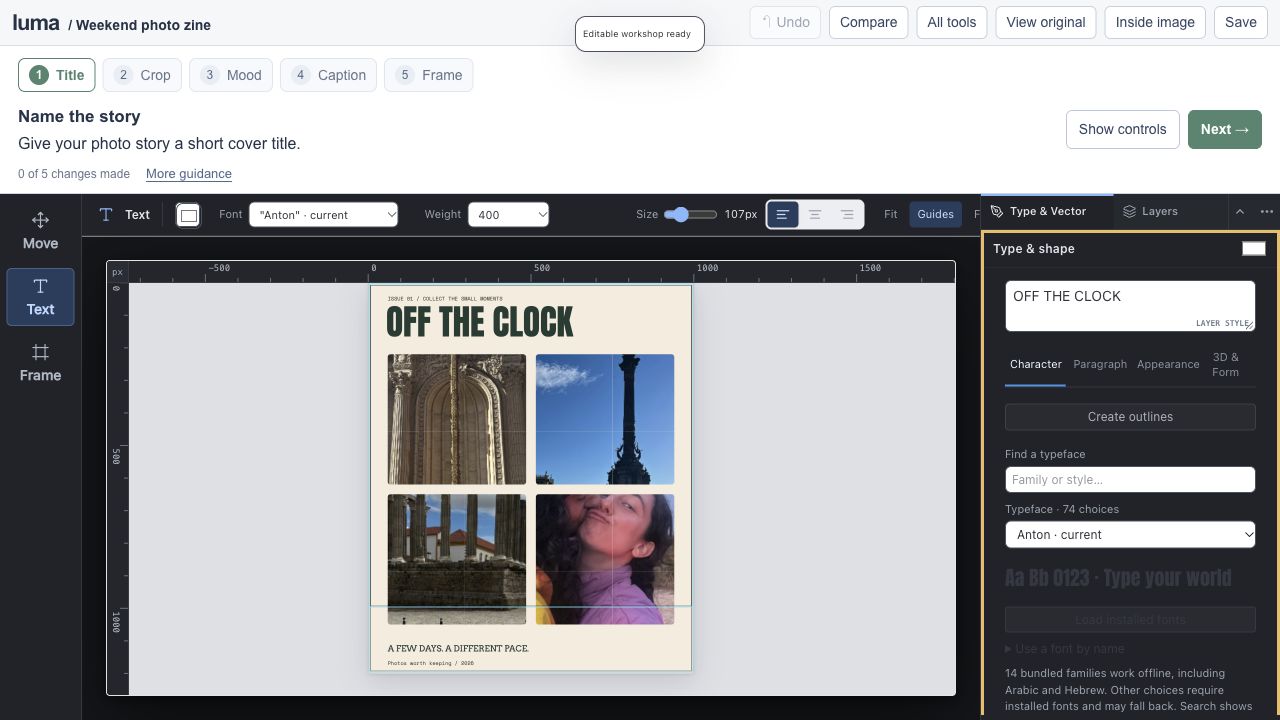
Make a weekend photo zine.

luma studioEditable session
Make a weekend photo zine.

An editable Luma project

Open the full lesson ↗

Clipping frames / photo grading / typography / artboards

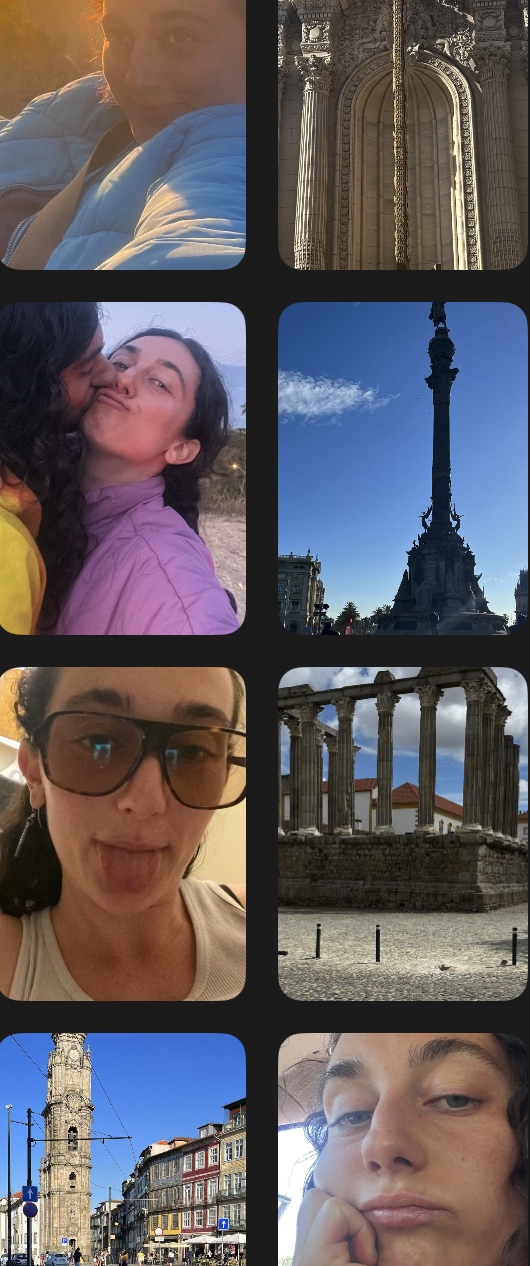
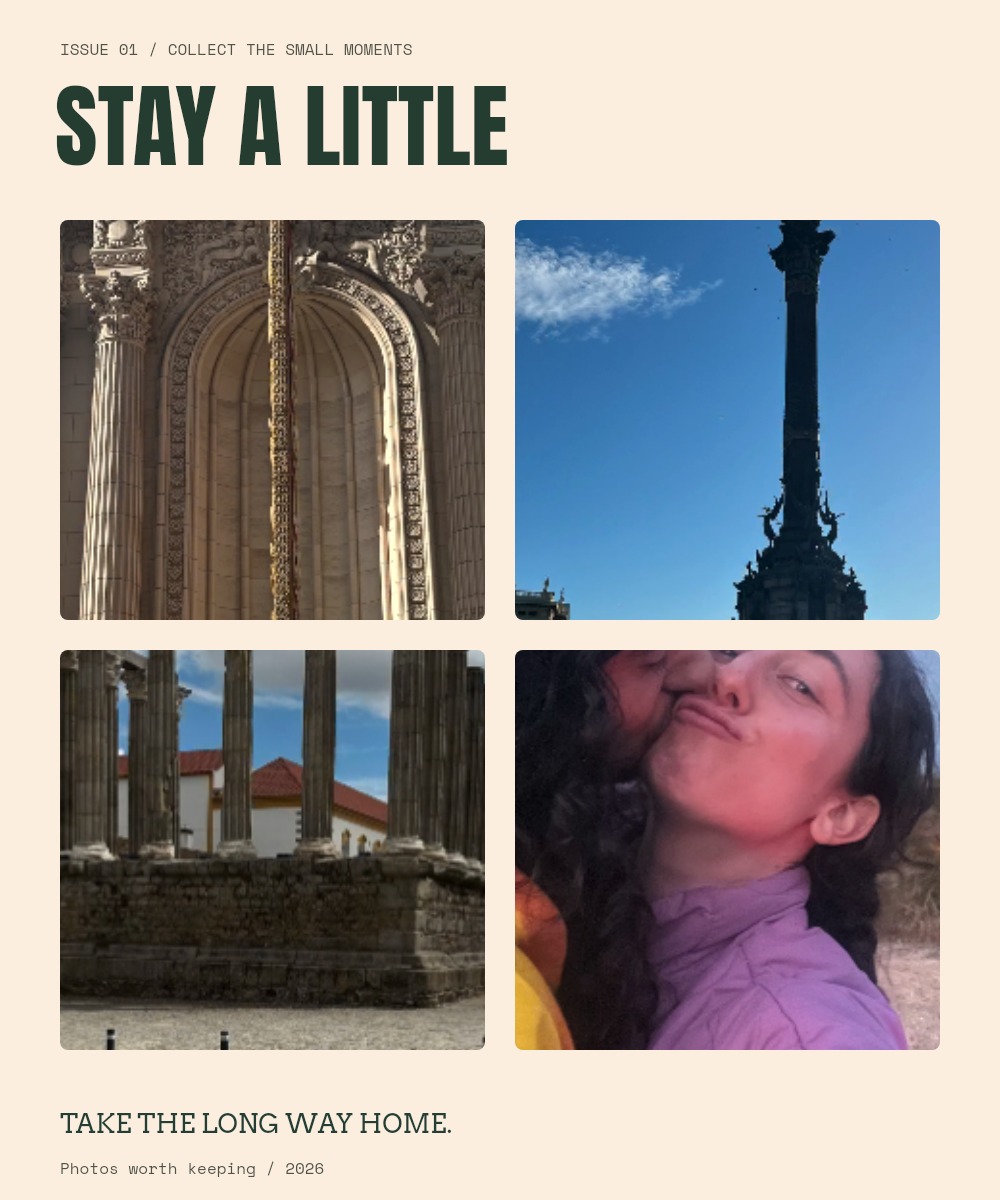
Turn the supplied travel and portrait photographs into an editorial story, then export a cover and a square social post.

Start making ↗
View originals & get the editable files

The original image stays intact. The workshop adds editable layers, type, masks and color treatments.

The real Luma editor for Make a weekend photo zine.
A genuine screenshot of this prepared Luma session.
10

7–10 min · 5 steps

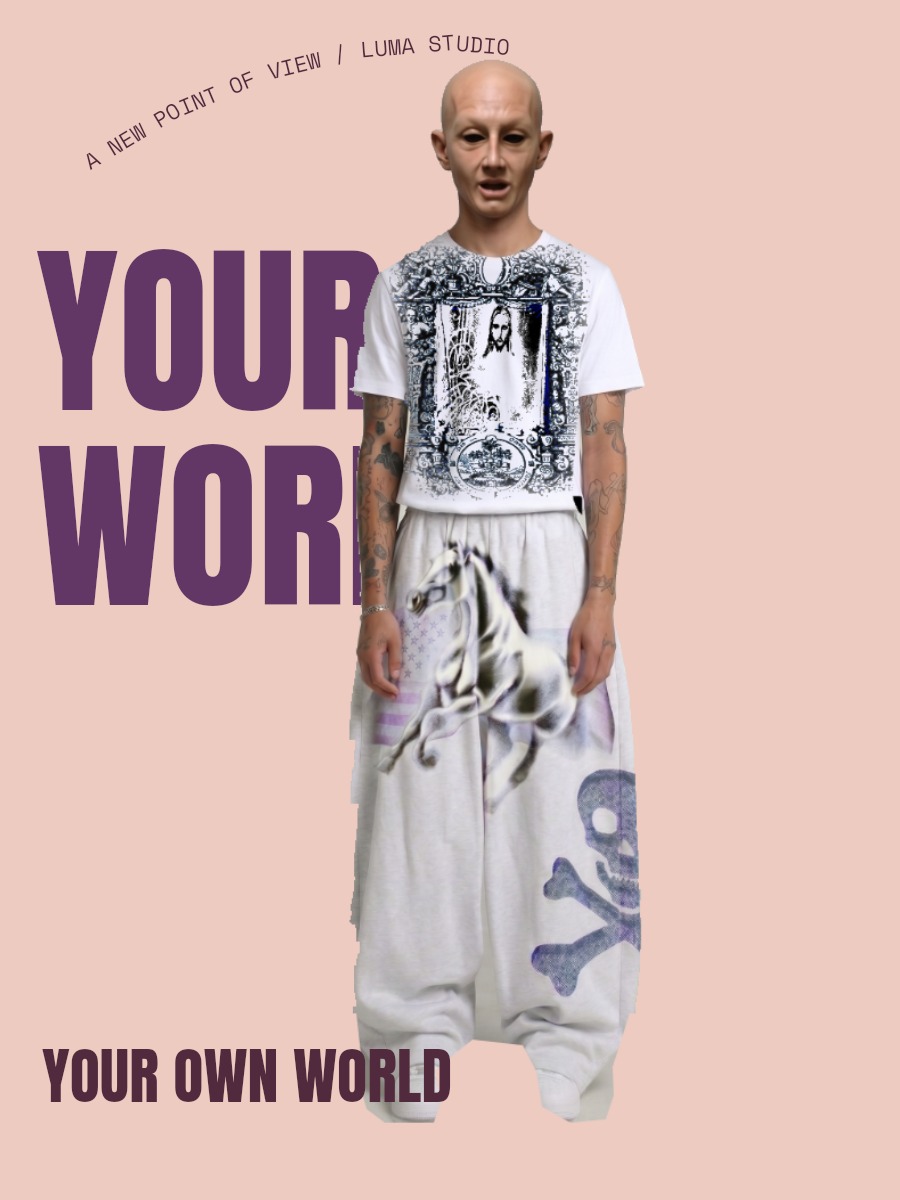
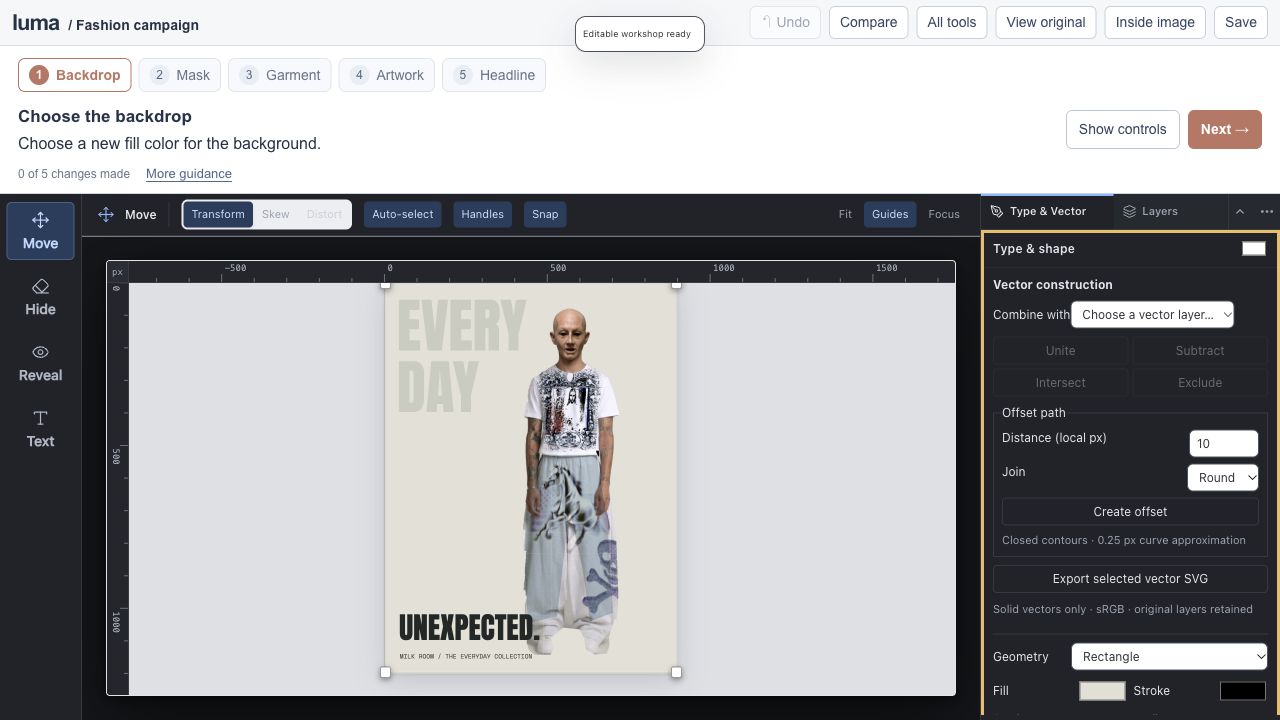
Create a fashion campaign.

luma studioEditable session
Create a fashion campaign.

An editable Luma project

Open the full lesson ↗

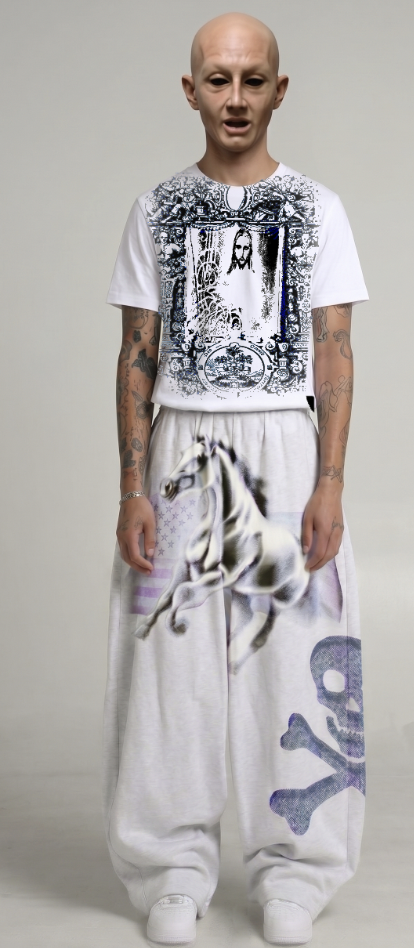
Mask cleanup / local color / artwork placement

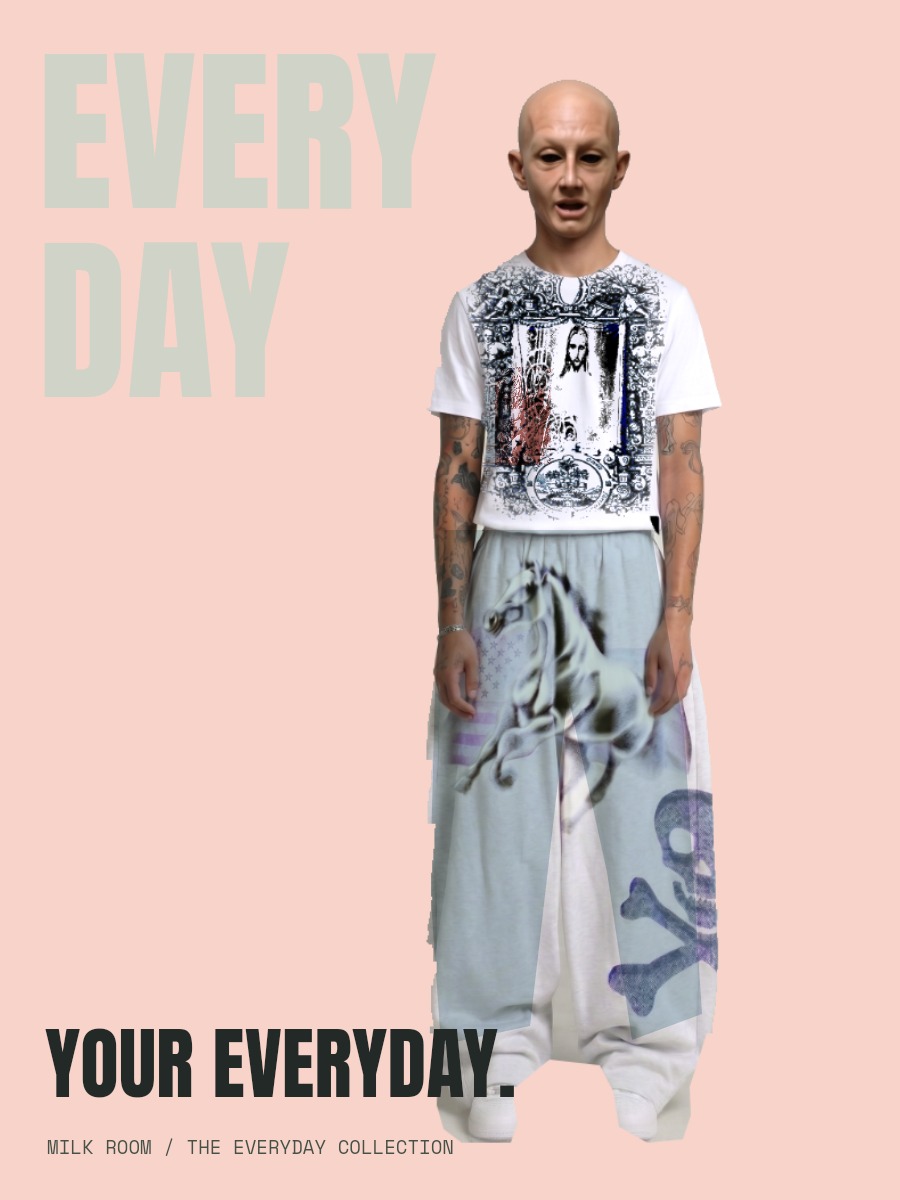
Start with a prepared cutout from the supplied outfit photograph. Choose a backdrop, treat the garment and give the image a voice.

Start making ↗
View originals & get the editable files

The original image stays intact. The workshop adds editable layers, type, masks and color treatments.

The real Luma editor for Create a fashion campaign.
A genuine screenshot of this prepared Luma session.
11

7–10 min · 5 steps

Build a cinematic scene.

luma studioEditable session
Build a cinematic scene.

An editable Luma project

Open the full lesson ↗

Mask painting / compositing / Curves / mood studies

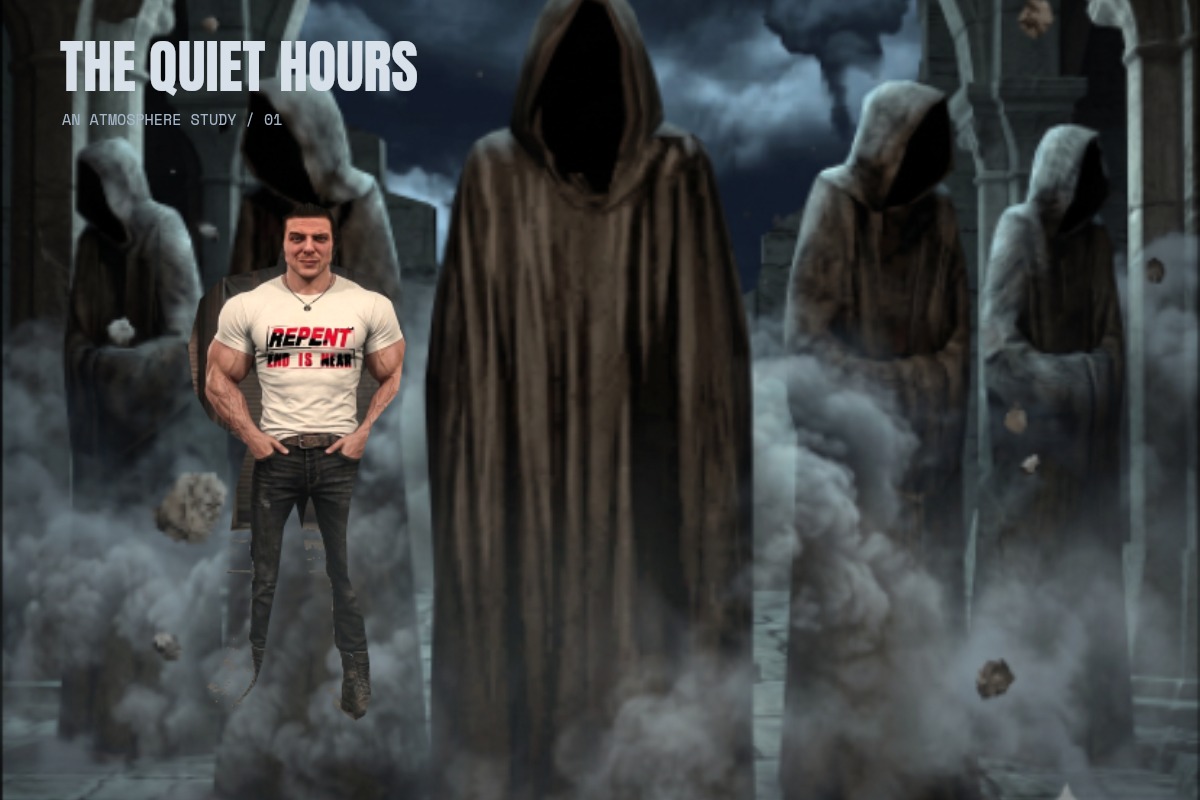
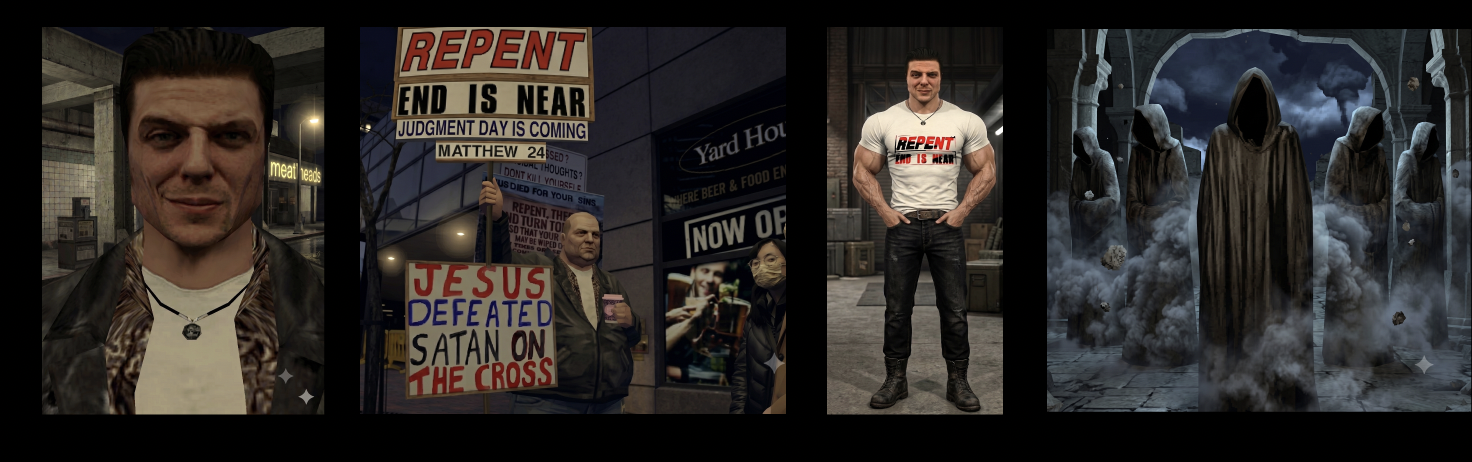
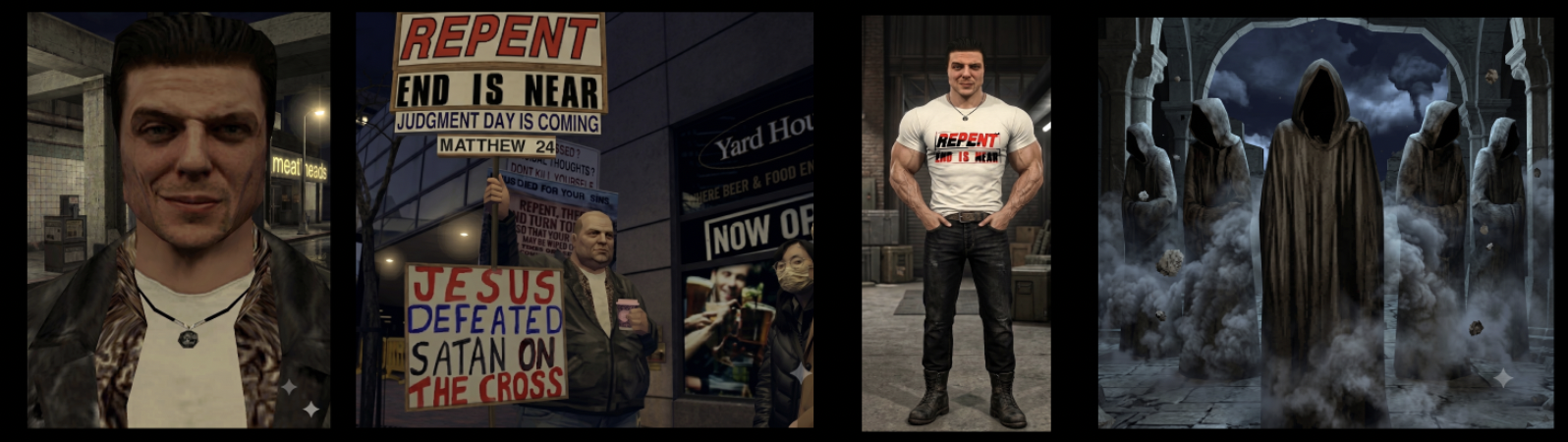
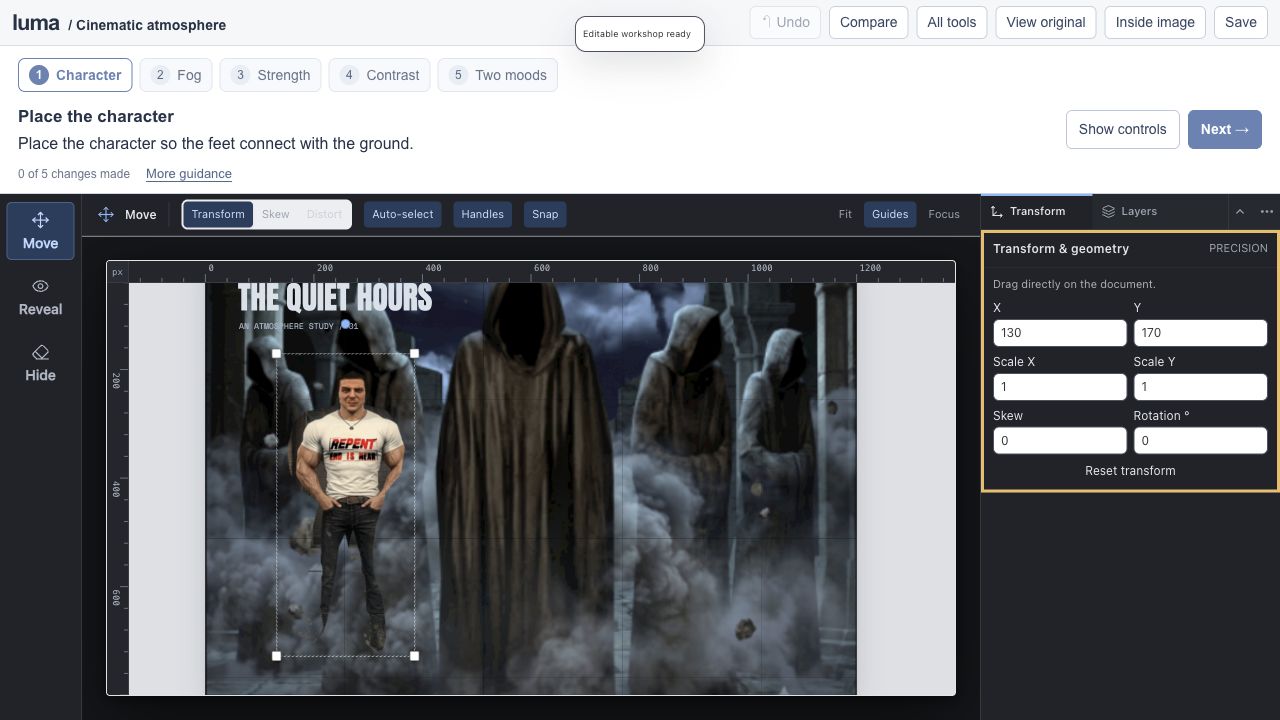
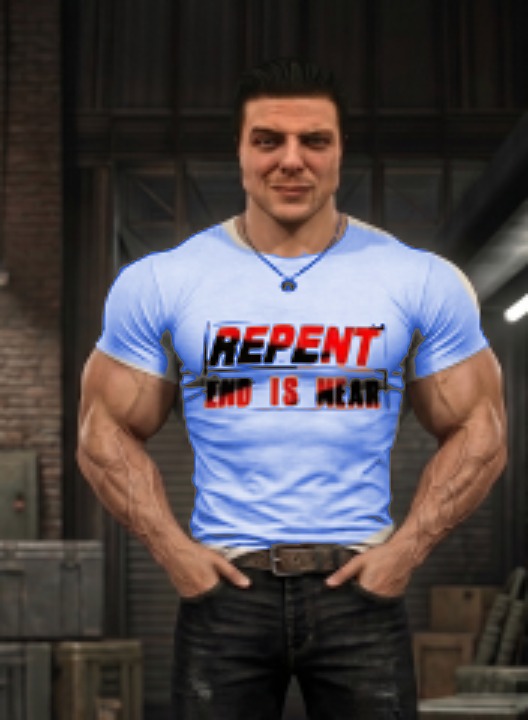
Combine the character and hooded scene from the two supplied boards. Paint in the atmosphere and compare moonlight with an amber grade.

Start making ↗
View originals & get the editable files

The original image stays intact. The workshop adds editable layers, type, masks and color treatments.

The real Luma editor for Build a cinematic scene.
A genuine screenshot of this prepared Luma session.
12

4–6 min · 3 steps

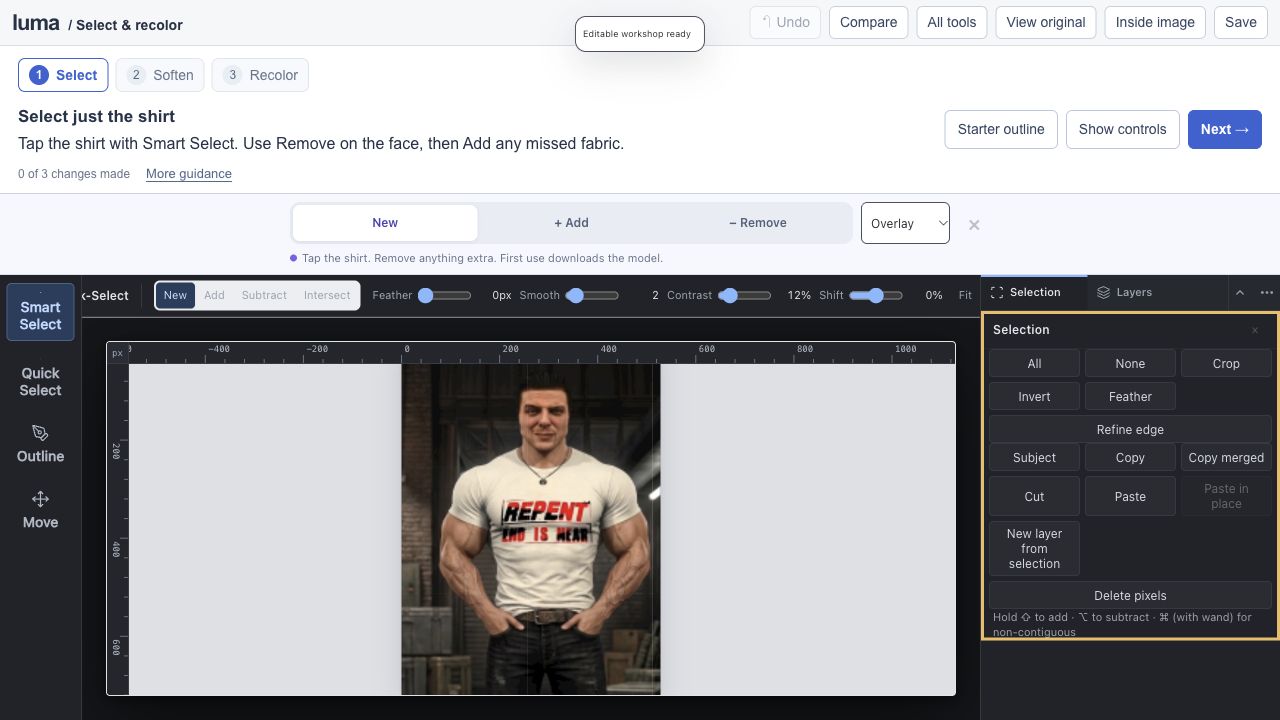
Select his shirt. Change its color.

luma studioEditable session
Select his shirt. Change its color.

An editable Luma project

Open the full lesson ↗

Smart selection / mask preview / edge refinement / targeted Recolor

Tap to smart-select the man’s T-shirt, refine its mask with Add and Remove, then recolor a copy. Keep his face, arms, printed lettering and surroundings intact.

Start making ↗
View originals & get the editable files

The original image stays intact. The workshop adds editable layers, type, masks and color treatments.

The real Luma editor for Select his shirt. Change its color.
A genuine screenshot of this prepared Luma session.
13

5–7 min · 5 steps

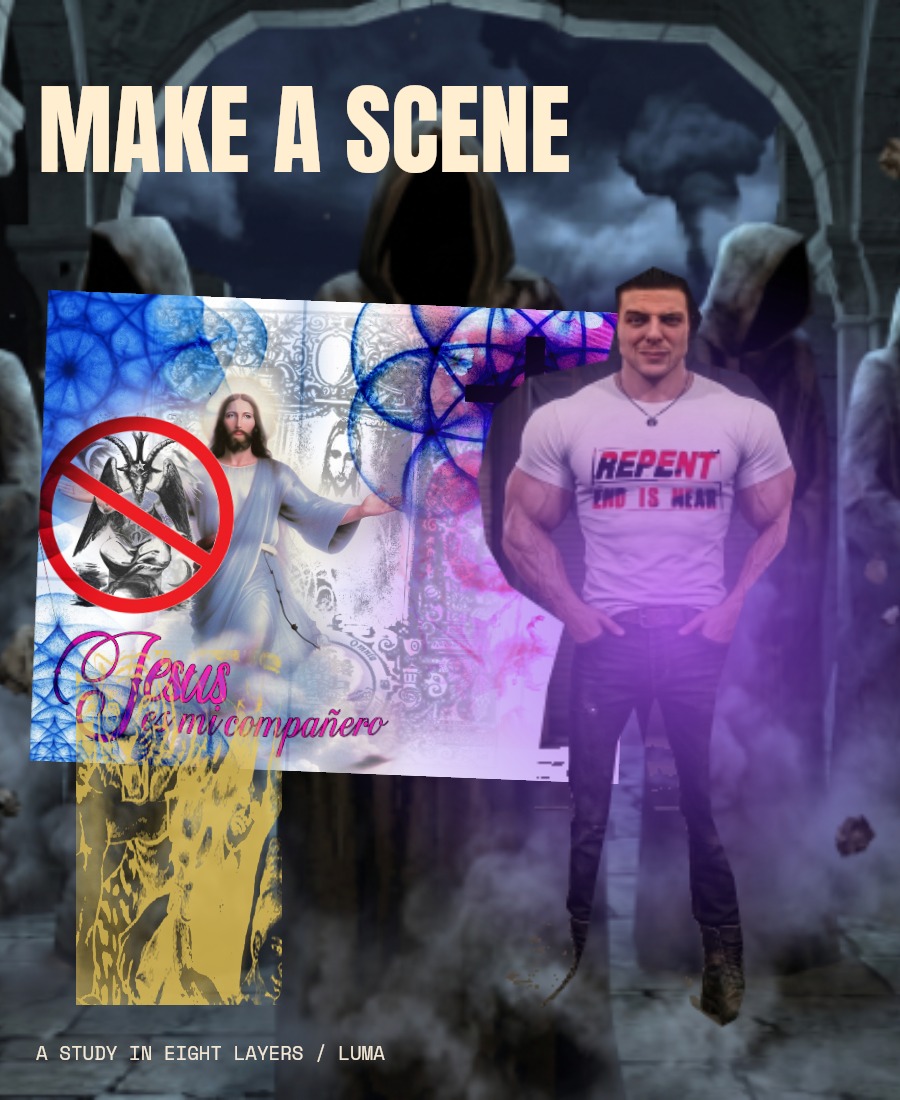
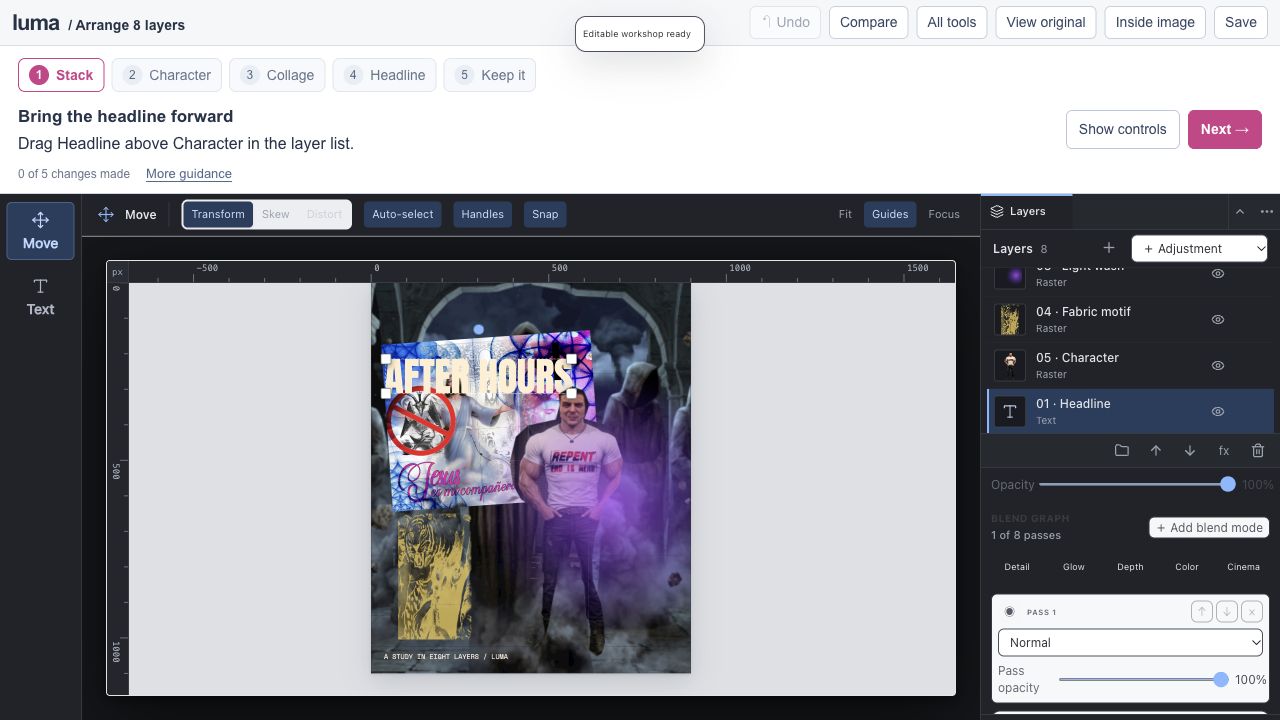
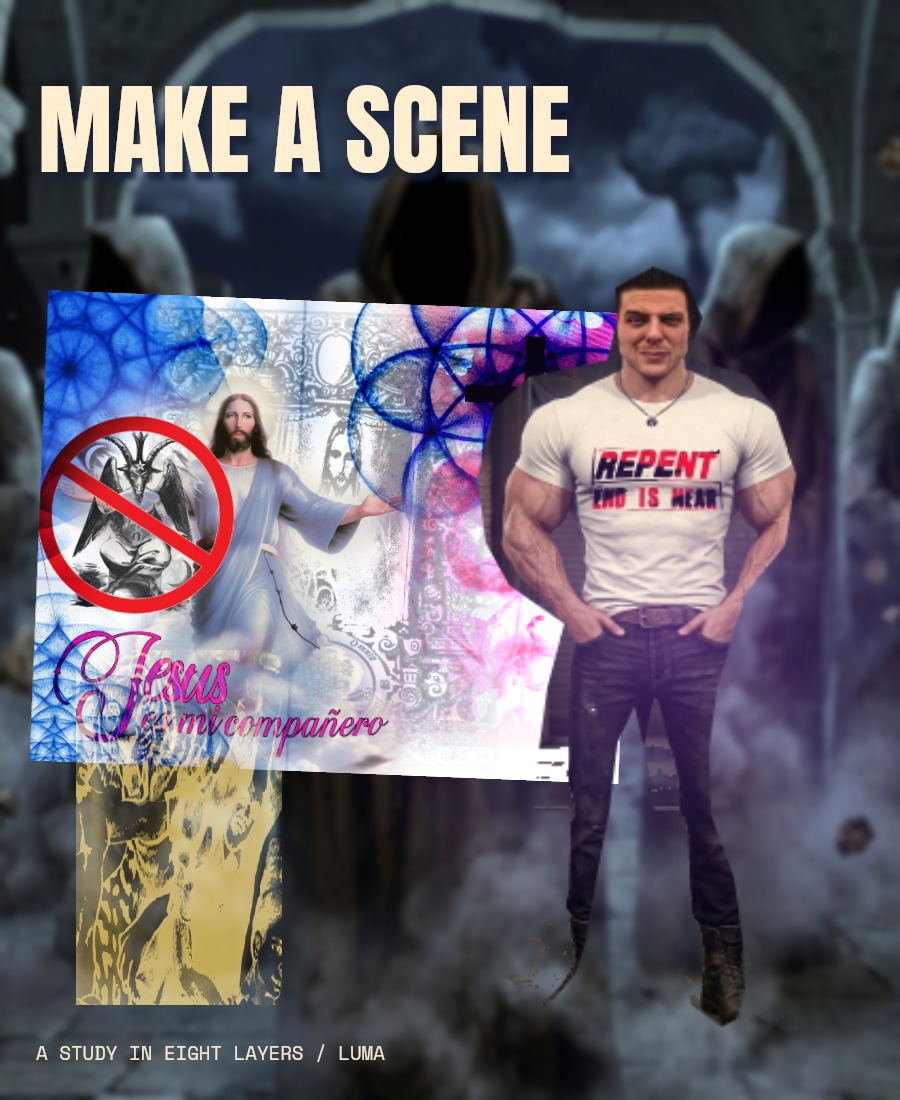
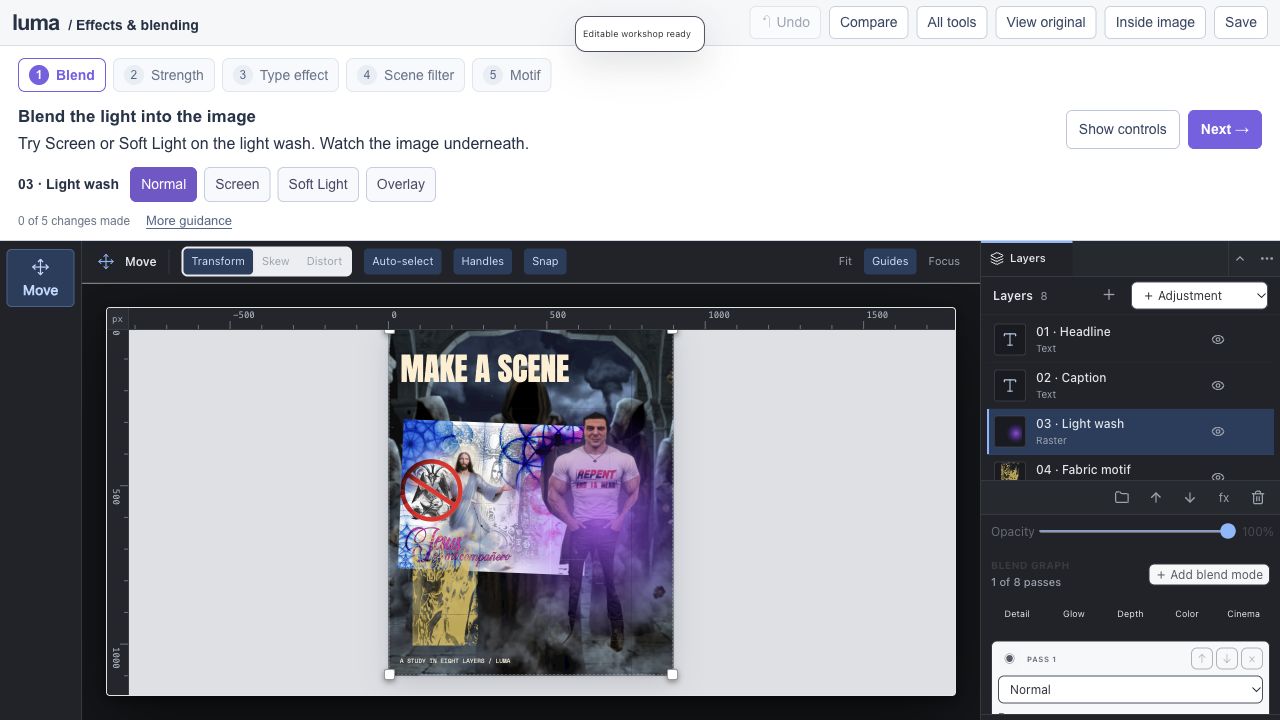
Eight layers. Your composition.

luma studioEditable session
Eight layers. Your composition.

An editable Luma project

Open the full lesson ↗

8 editable layers / layer order / placement / live text

Reorder the stack, move the imagery and edit the headline. Continue with this exact document in the next lesson.

Start making ↗
View originals & get the editable files

The original image stays intact. The workshop adds editable layers, type, masks and color treatments.

The real Luma editor for Eight layers. Your composition.
A genuine screenshot of this prepared Luma session.
14

6–9 min · 5 steps

Same layers. A different feeling.

luma studioEditable session
Same layers. A different feeling.

An editable Luma project

Open the full lesson ↗

Blending / opacity / layer effects / smart filters

Continue your composition and explore all 27 blend modes, 17 layer effects and 15 editable smart filters.

Start making ↗
View originals & get the editable files

The original image stays intact. The workshop adds editable layers, type, masks and color treatments.

The real Luma editor for Same layers. A different feeling.
A genuine screenshot of this prepared Luma session.

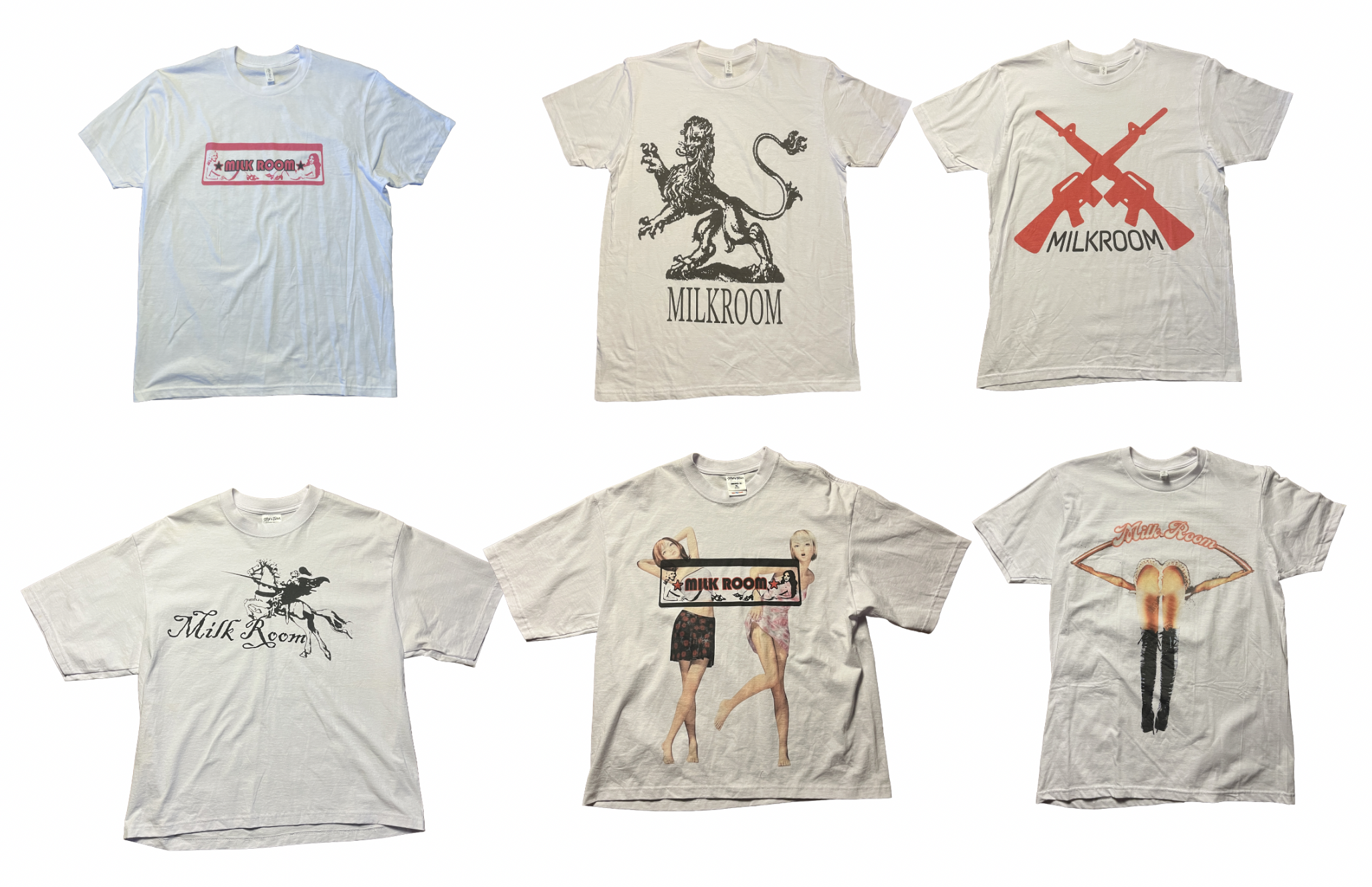
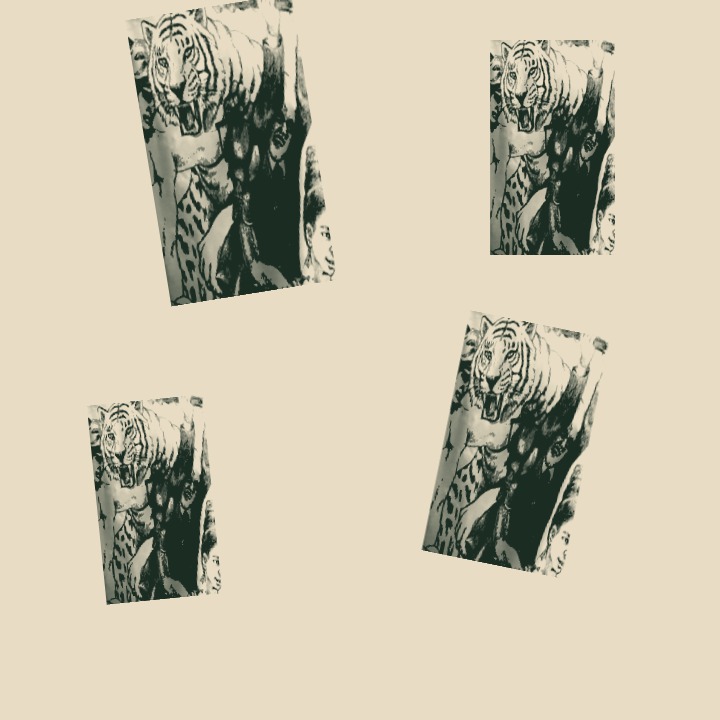
Built from the supplied shirts, photo grid, yellow fabric, outfit photograph, cinematic boards and collage. Original images are flattened; the workshops add editable crops, masks, typography, adjustments and layers. Your edits run locally in your browser; download your .luma file to keep a portable copy.
Make it in LumaOpen full workspace ↗
Explore the original quick lessons →