Momentium Creative Suite One of four creative products
Web editor / OPEN FOR EXPLORATION
Luma Studio Turn your own images into a complete visual world.
Build a layered composition with editable type and precise tonal adjustments. Keep the project as well as the picture.
Web editor · layers, typography and tone
Use our apps on the web, or download a native edition where available. Many of our apps are in alpha. Every bug report, idea, and bit of feedback helps us improve. Thank you for testing with us.
Public Mac downloads are not available yet. No public iPhone or iPad build is available.
More starter examples SMALL PROJECTS. REAL POSSIBILITIES.
Turn one image into your invitation. Change the words and color of a poster sketch here, then continue with the actual layered project inside Luma.
01 / 2 minutes Give the image a voice Typography · Complete layer system
Edit the headline and supporting line in the poster sketch. Try a different text color and export your PNG. Open the original .luma project to work with independent text and image layers. What you get A poster variation you can download, with a layered source project for deeper editing.
02 / 3 minutes Keep the atmosphere editable Nondestructive adjustments · Masks and effects
In the live project, select the existing tone adjustment. Compare exposure and contrast changes against the source image. Toggle the adjustment instead of permanently painting over the original. What you get A different mood that remains reversible inside the Luma project.
03 / 2 minutes Save the source and the shareable image Saving and export · Versioning and workspace
Keep a .luma project with your layers and edits. Export a PNG for sharing. Reopen the saved project and confirm that text is still editable. What you get A portable image for sharing and a separate editable master.
Use the starter instructions to open an example in the app. The live workspace loads only when you launch it.
On a small screen, open the app in its own tab for the full workspace.
Explore the complete feature reference INSIDE LUMA STUDIO
What Luma Studio can do. Build layered images, refine every detail, and keep creative decisions editable.
21 features to explore
Full product inventory. Web, native and experimental capabilities vary by edition. Hosted generative edits require authentication and network access. Desktop RAW support and native processing go beyond the browser. PSD/PSB conversion is explicitly scoped rather than universally lossless.
Layers & color Paint, select & compose RAW & Photoshop workflows Production & creative continuity 01 Layers & color 6 features
Complete layer system Raster, text, shape, path, group, adjustment, and smart-object layers.
Try this in an example
Advanced blending 27 Photoshop layer blend modes, opacity and fill controls, multiple blend passes, and Blend If.
Masks and effects Layer masks, clipping masks, layer effects, and editable smart filters.
Try this in an example
Nondestructive adjustments Levels, Curves, HSL, exposure, tone, and color adjustments.
Try this in an example
Precision color 8-, 16-, and 32-bit precision masters; sRGB, Display P3, and linear sRGB working spaces.
Color management Supported ICC profiles, soft proofing, and gamut warnings.
02 Paint, select & compose 7 features
Painting Pressure- and tilt-aware brushes, symmetry, painting, erasing, and mixer tools.
Custom brushes Capture full-color image tips from the canvas or an uploaded image; use tint or stencil modes and save brush libraries inside projects.
Retouching Clone, healing, removal, dodge/burn, blur/sharpen, smudge, and sponge tools.
Selections Marquee, lasso, polygonal, magnetic, color, quick, text-mask, and local semantic selections.
Selection refinement Feathering, smoothing, contrast, and edge shifting.
Typography Editable text, paragraph and vertical type, and text on curved paths.
Try this in an example
Vector and composition tools Pen and direct selection, shapes, perspective adjustments, cropping, straightening, and transforms.
03 RAW & Photoshop workflows 3 features
RAW development Supported DNG sensor development with retained source data, white balance, exposure, and highlight controls.
Desktop camera support Additional camera formats through available macOS codecs, with clearly identified preview fallbacks.
Photoshop interchange PSD/PSB preflight, preservation of supported text/vector/adjustment metadata and smart-object payloads, plus conversion warnings.
04 Production & creative continuity 5 features
Versioning and workspace Branching history, recovery, multiple documents, contextual properties, custom workspaces, and shortcuts.
Try this in an example
Production tools Actions, batch ZIP export, named layer comps, channel inspection, and artboard-region export.
AI-assisted editing Local segmentation/matting and authenticated hosted generative edits, including masked regions and variations.
Saving and export Editable .luma projects and PNG, JPEG, and WebP outputs.
Try this in an example
Desktop extensions Declarative action packages, native file dialogs, and native high-precision compositing for eligible documents.
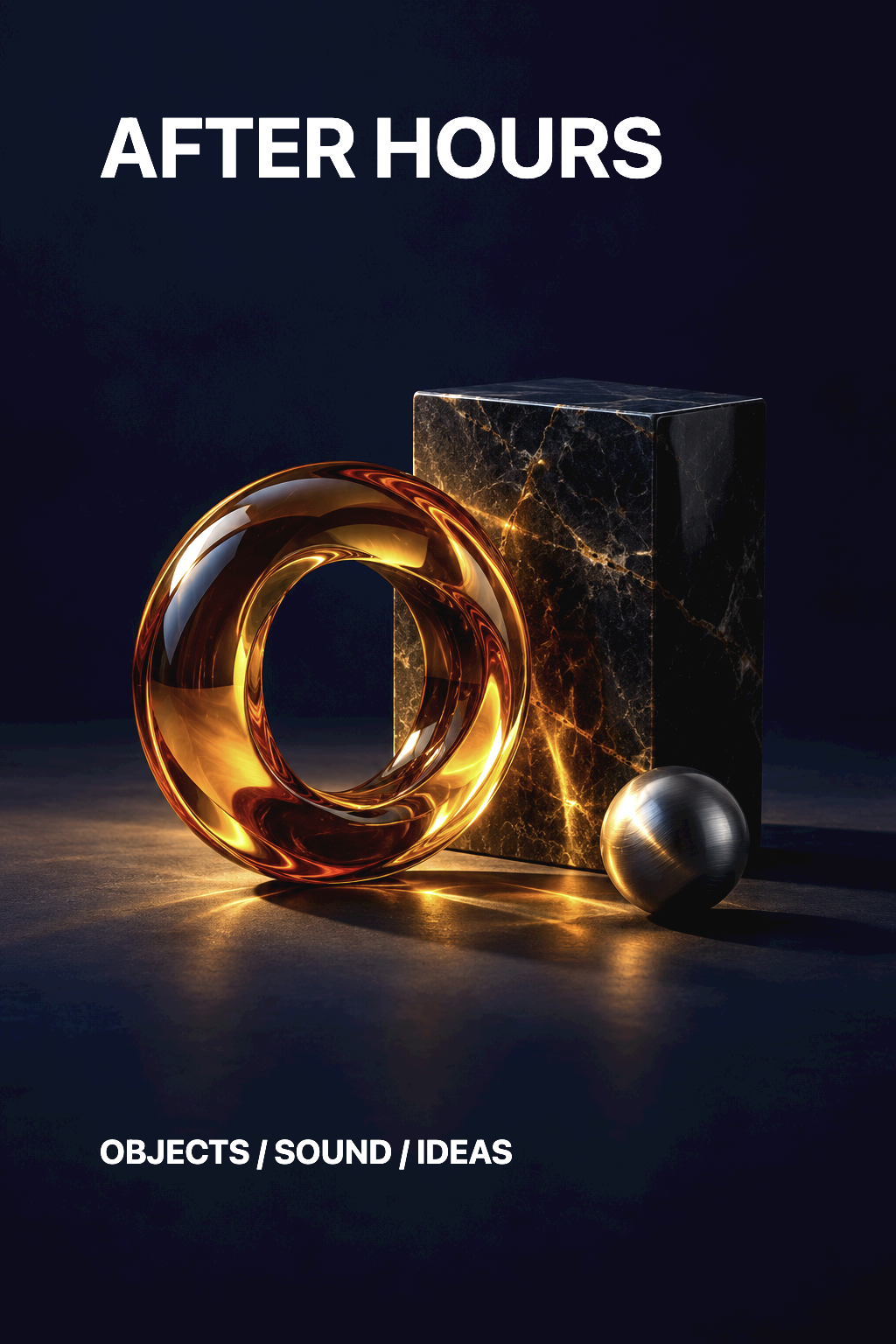
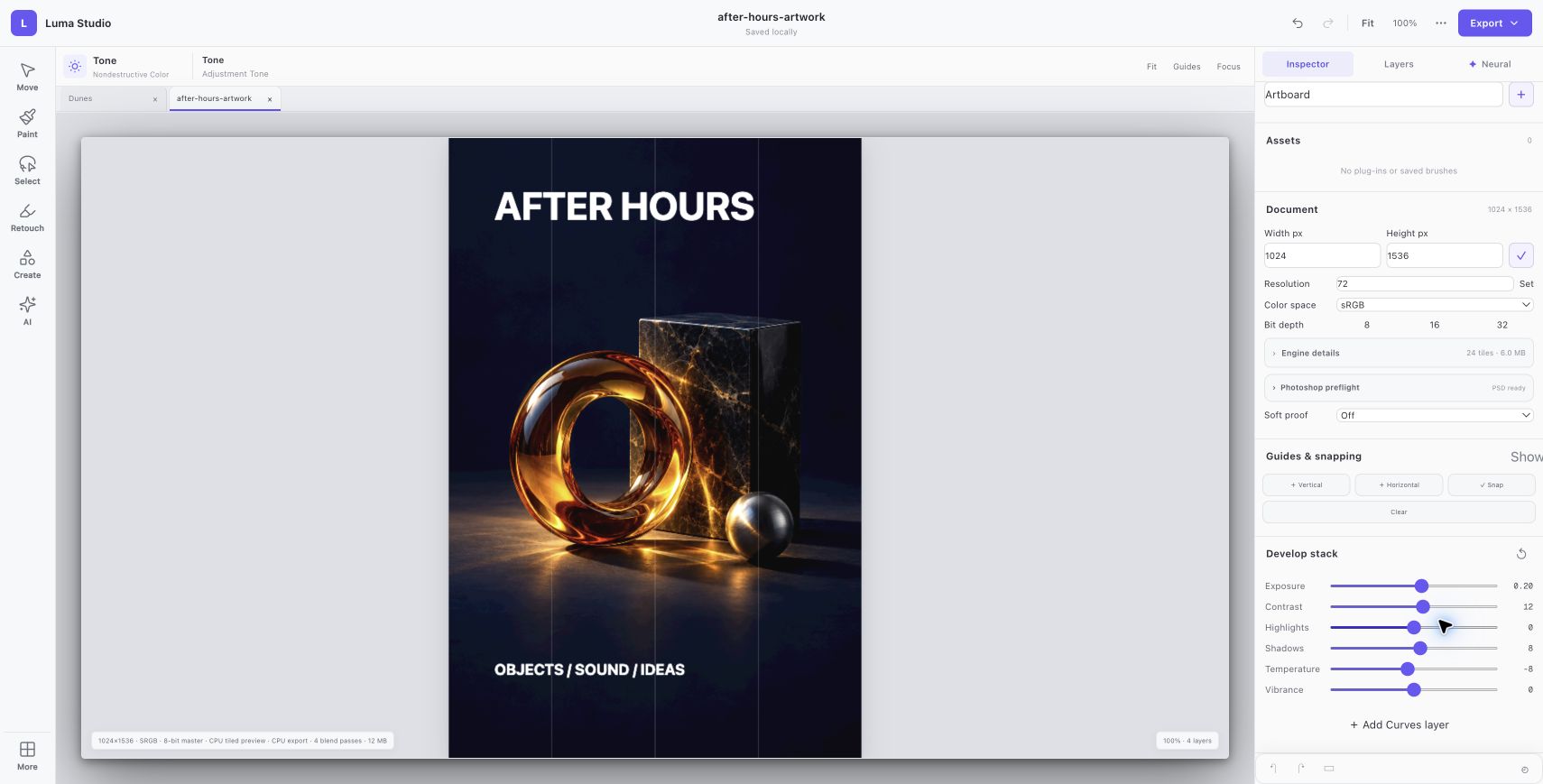
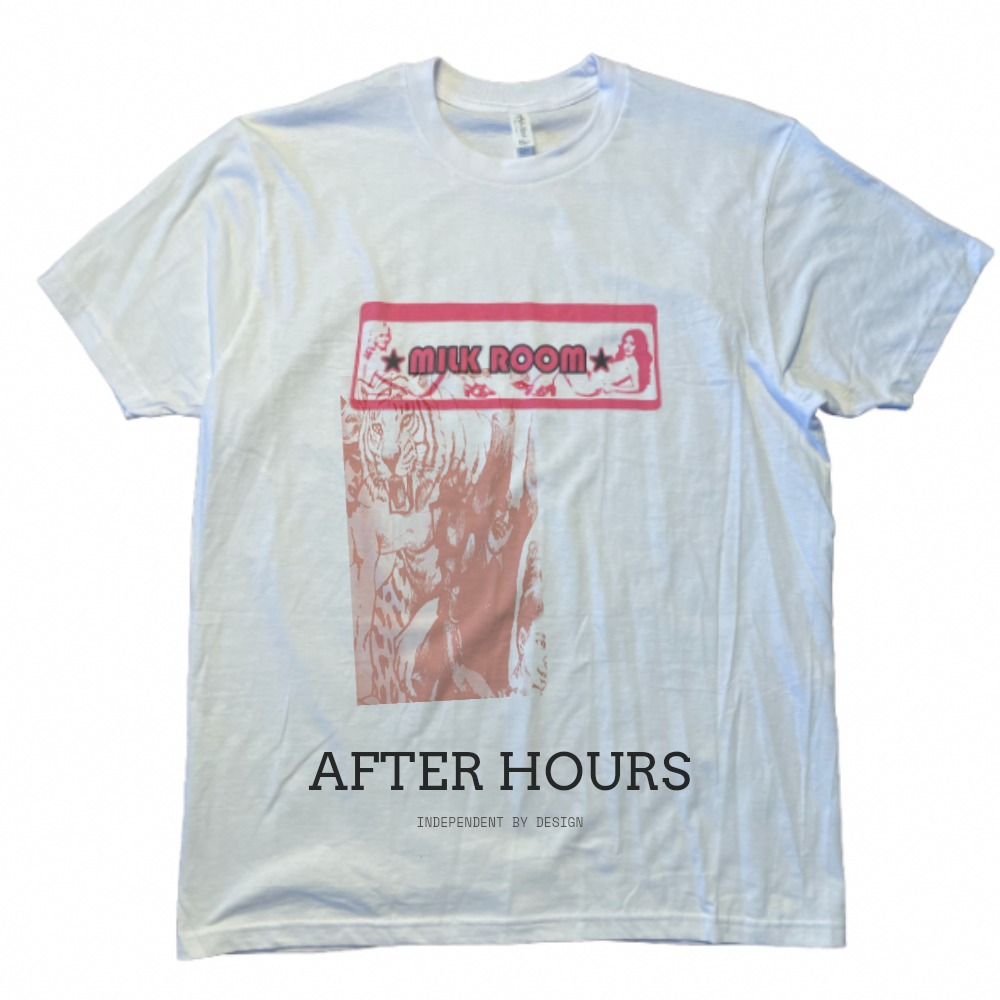
AFTER HOURS / Luma Studio / Web editor
An image becomes an invitation. Build a real exhibition poster: one original still life, two editable text elements, and a controlled shift in tone.
01 Begin with an image02 Give it a voice03 Develop the atmosphere04 Keep every decision
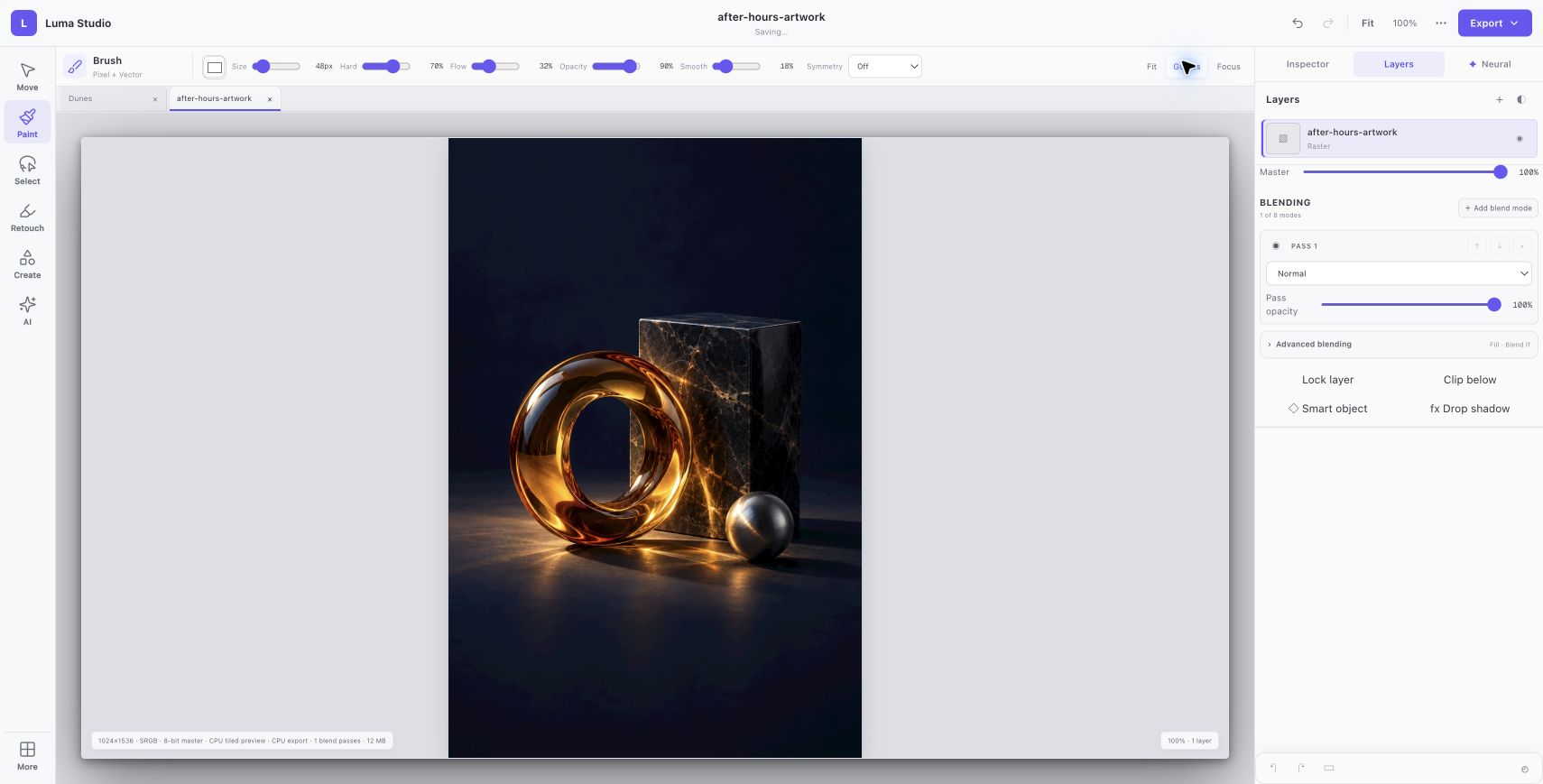
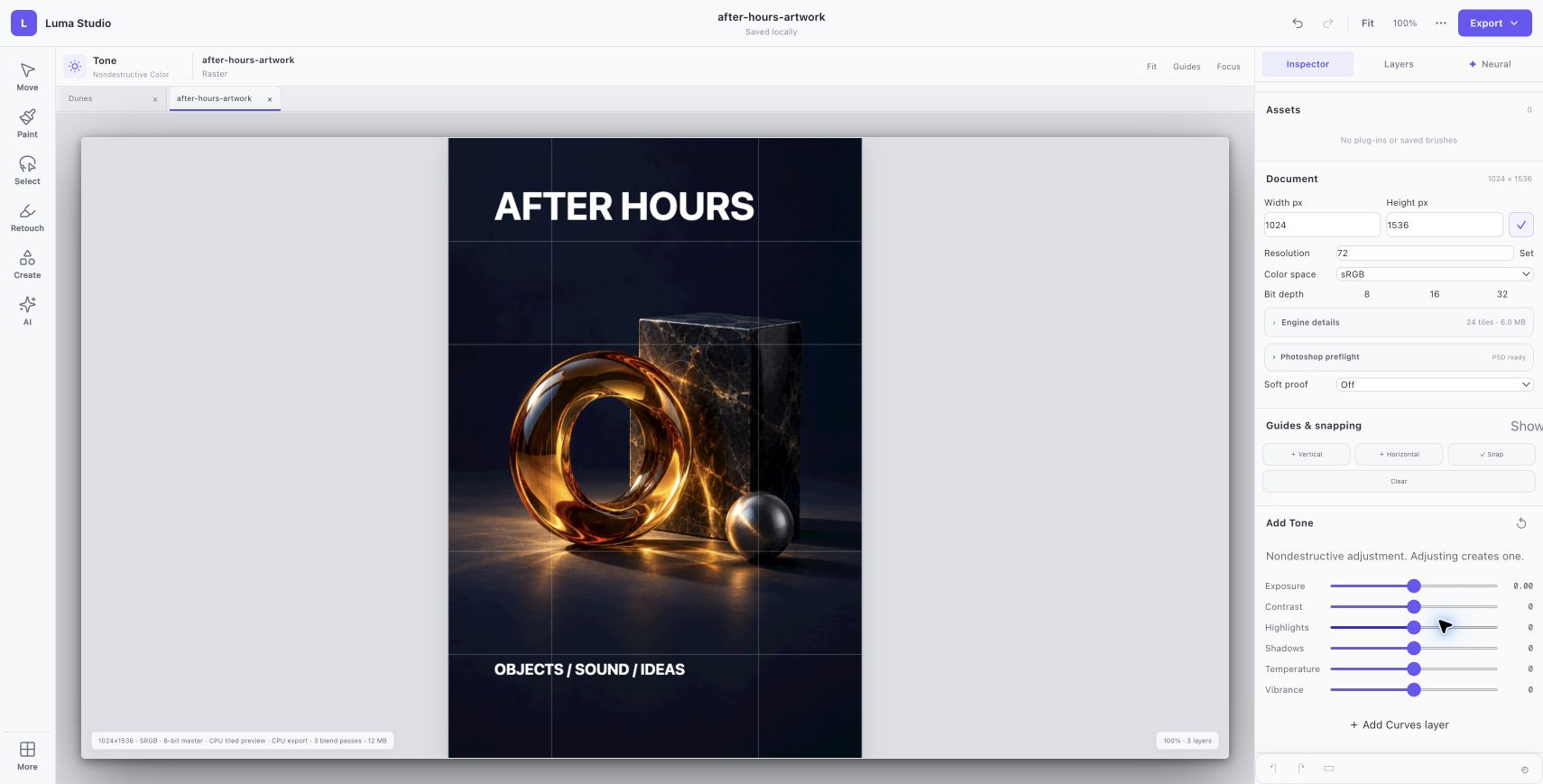
Begin with an image An original AI-generated still life becomes a 1024 × 1536 portrait document. The source artwork remains its own raster layer.
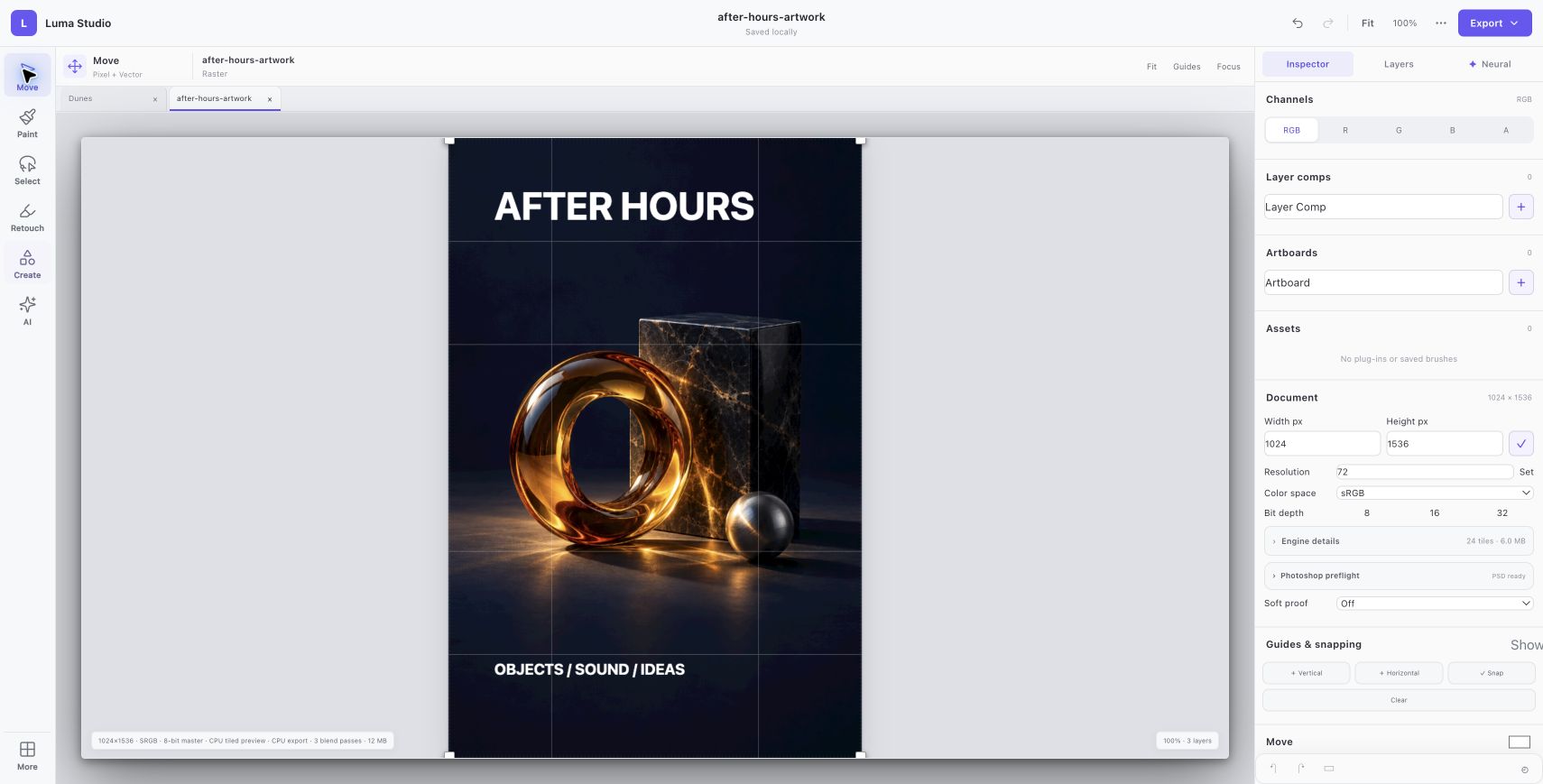
Give it a voice AFTER HOURS and OBJECTS / SOUND / IDEAS are separate editable text elements, placed in the open space around the still life.
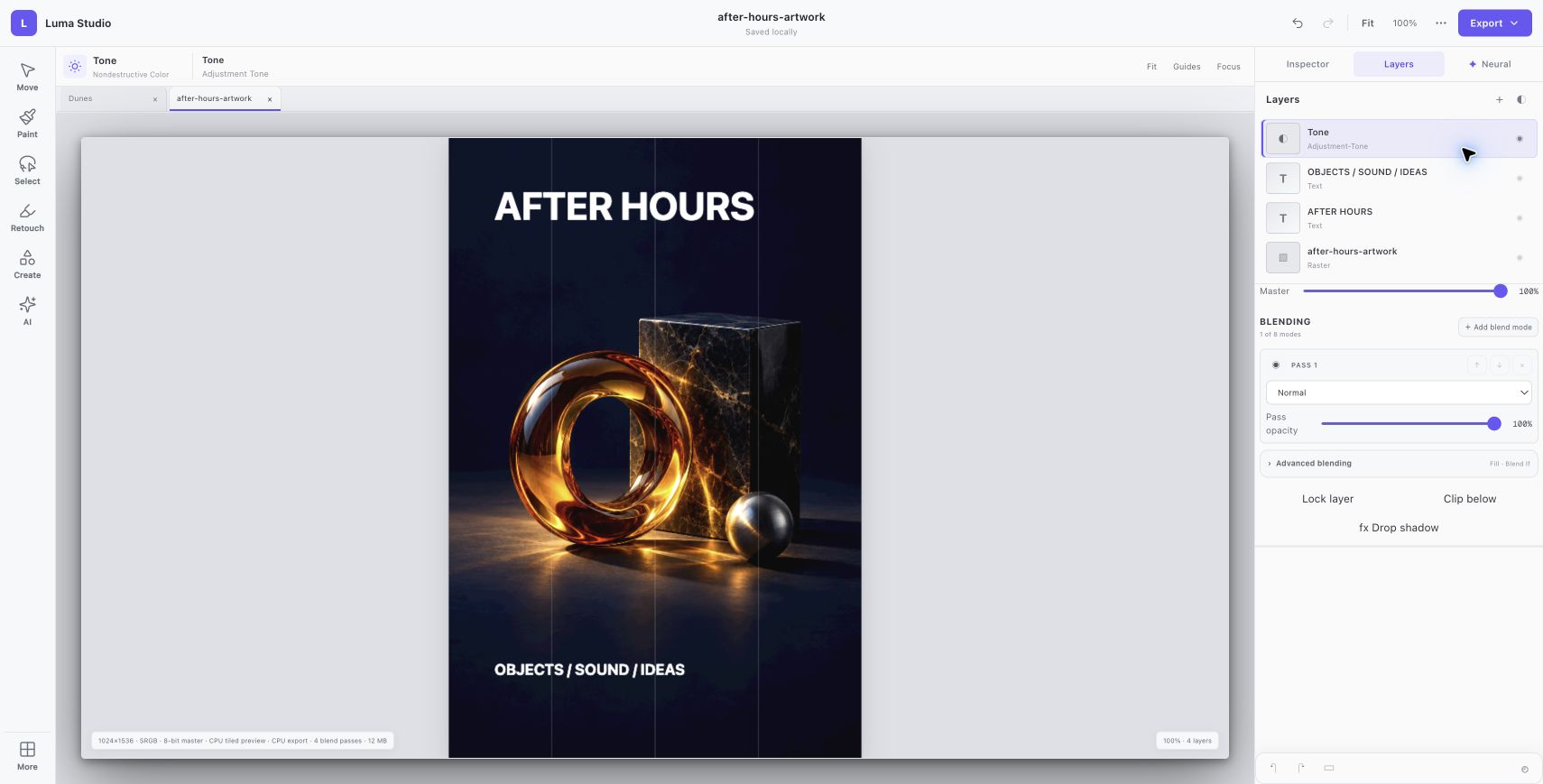
Develop the atmosphere A tone layer sets exposure to 0.20, contrast to 12, shadows to 8 and temperature to −8. The before and after views use the same composition.
Keep every decision The four-layer document was saved in Luma’s native format. Its exported PNG was opened and visually checked at the original 1024 × 1536 size.
The finished invitation Actual PNG output from Luma. The source artwork was AI-generated; typography and tone were applied in the editor.
Actual browser session. Native Luma v4 archive integrity and all four layer records were verified. No PSD round-trip or print-production fidelity is implied.
Close screenshot
Web editor / WORKFLOW GALLERY
See Luma Studio in motion. Real sessions. Four useful moments. A closer look at what you can make.
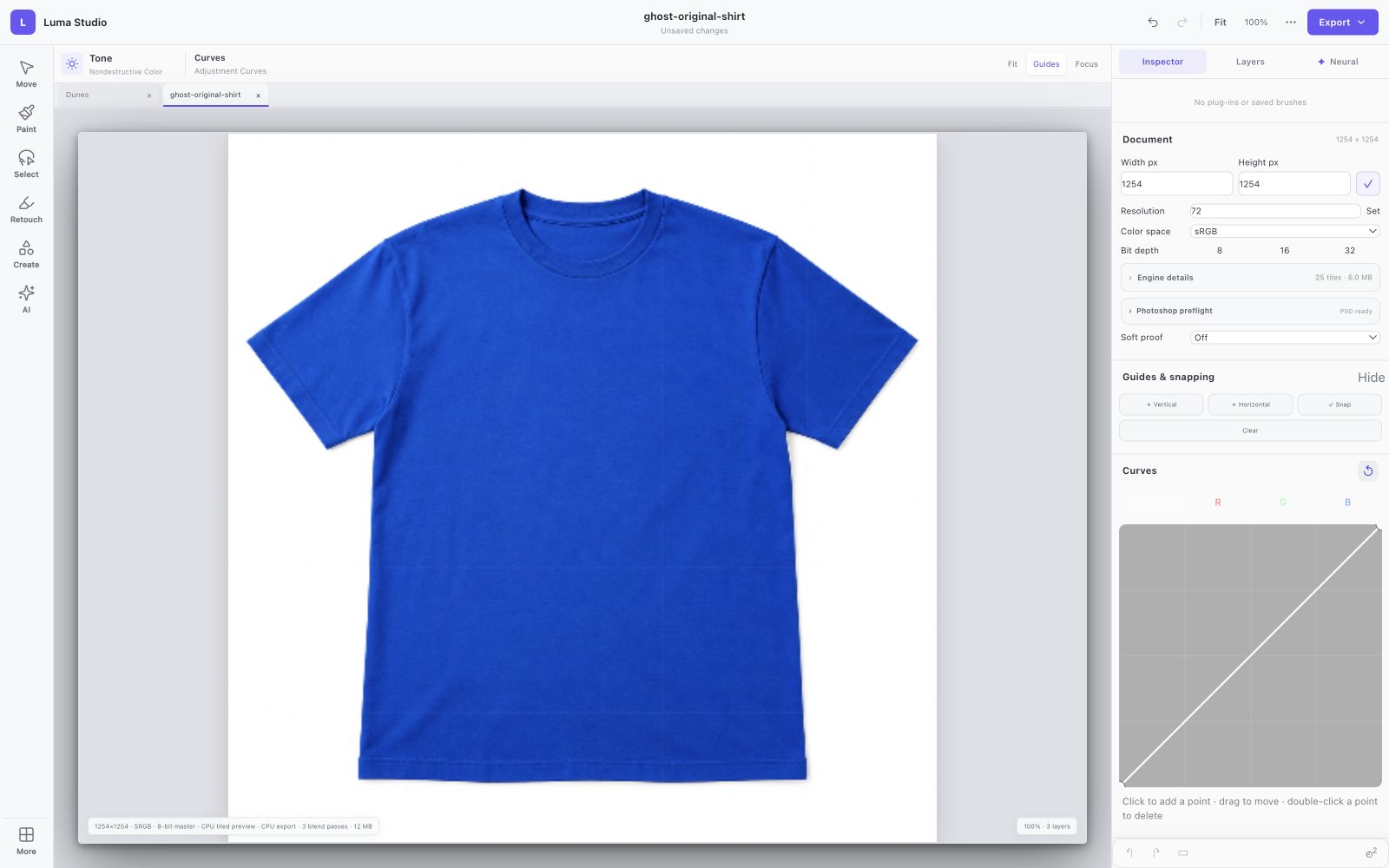
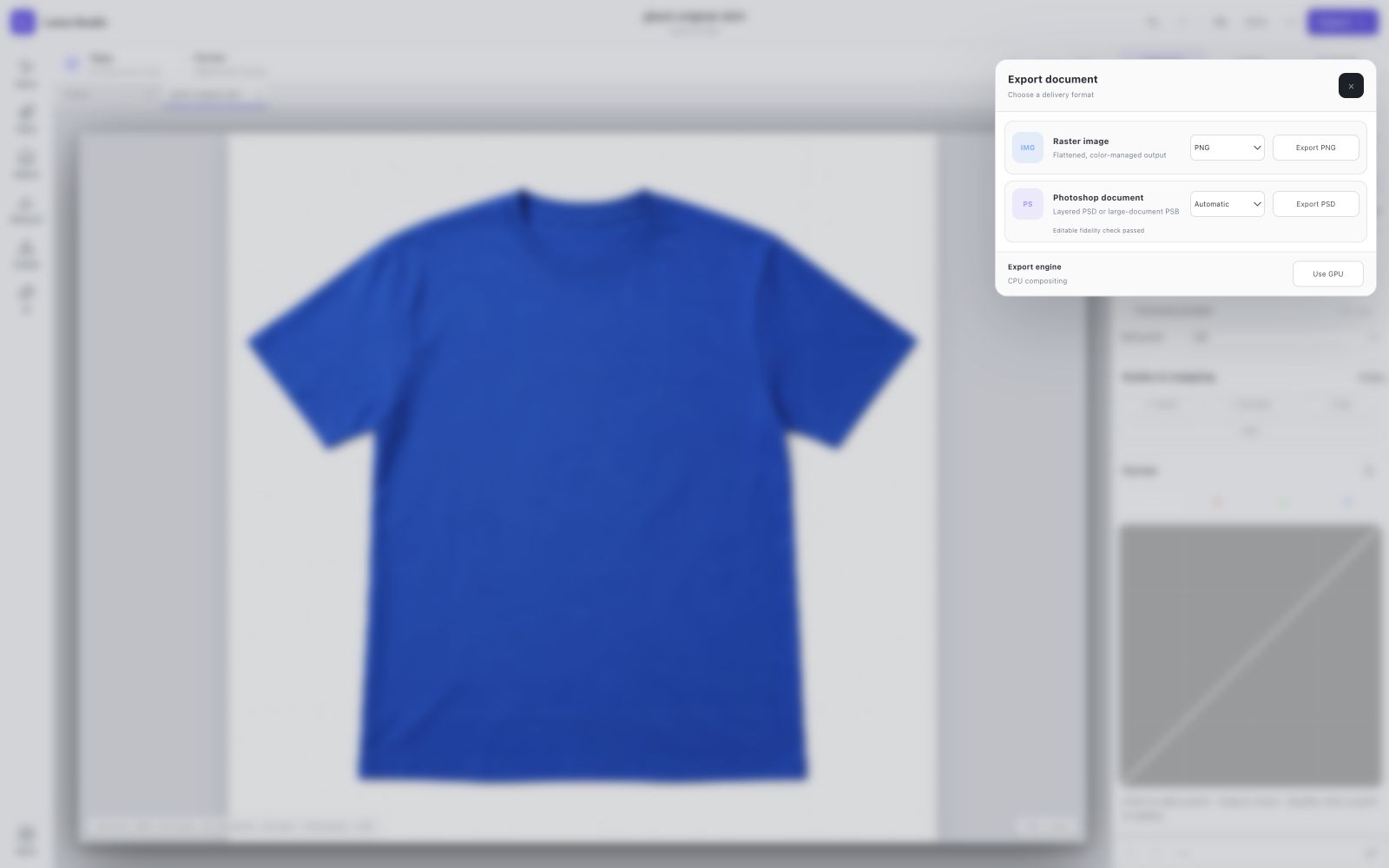
Start with an image Develop the tone Shape the curve Choose the handoff
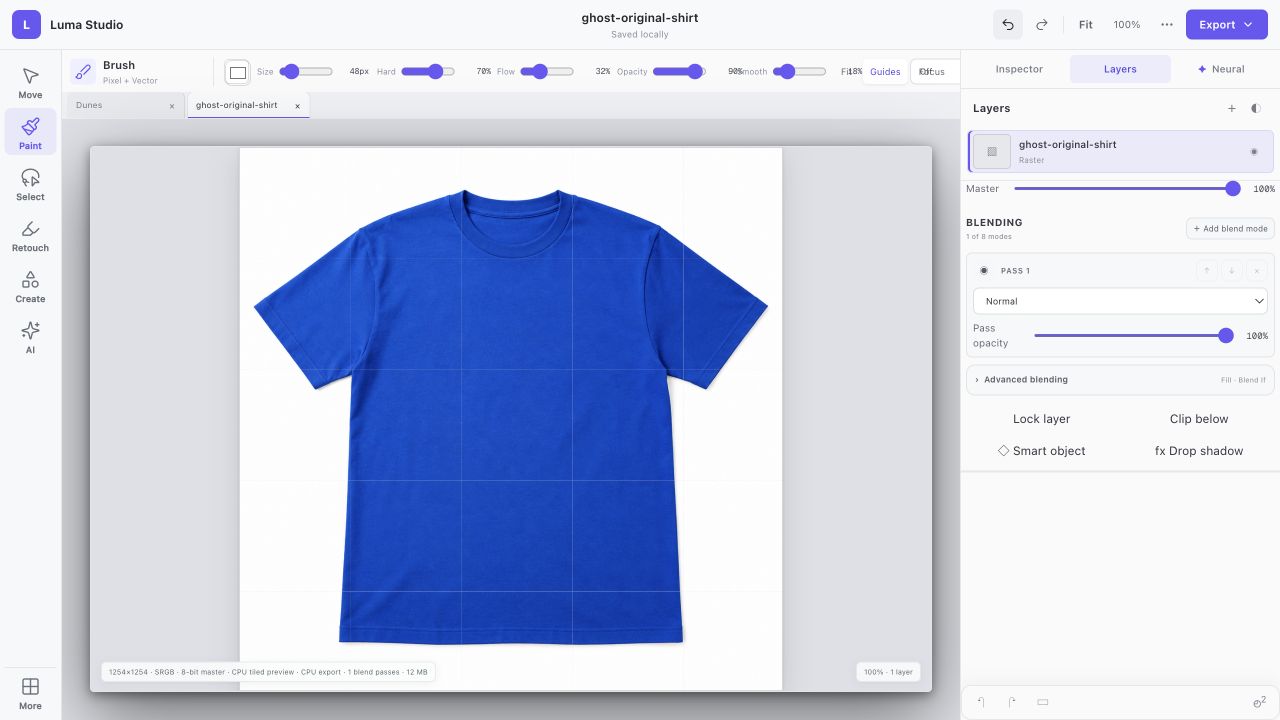
Start with an image Import an original image into the layer workspace.
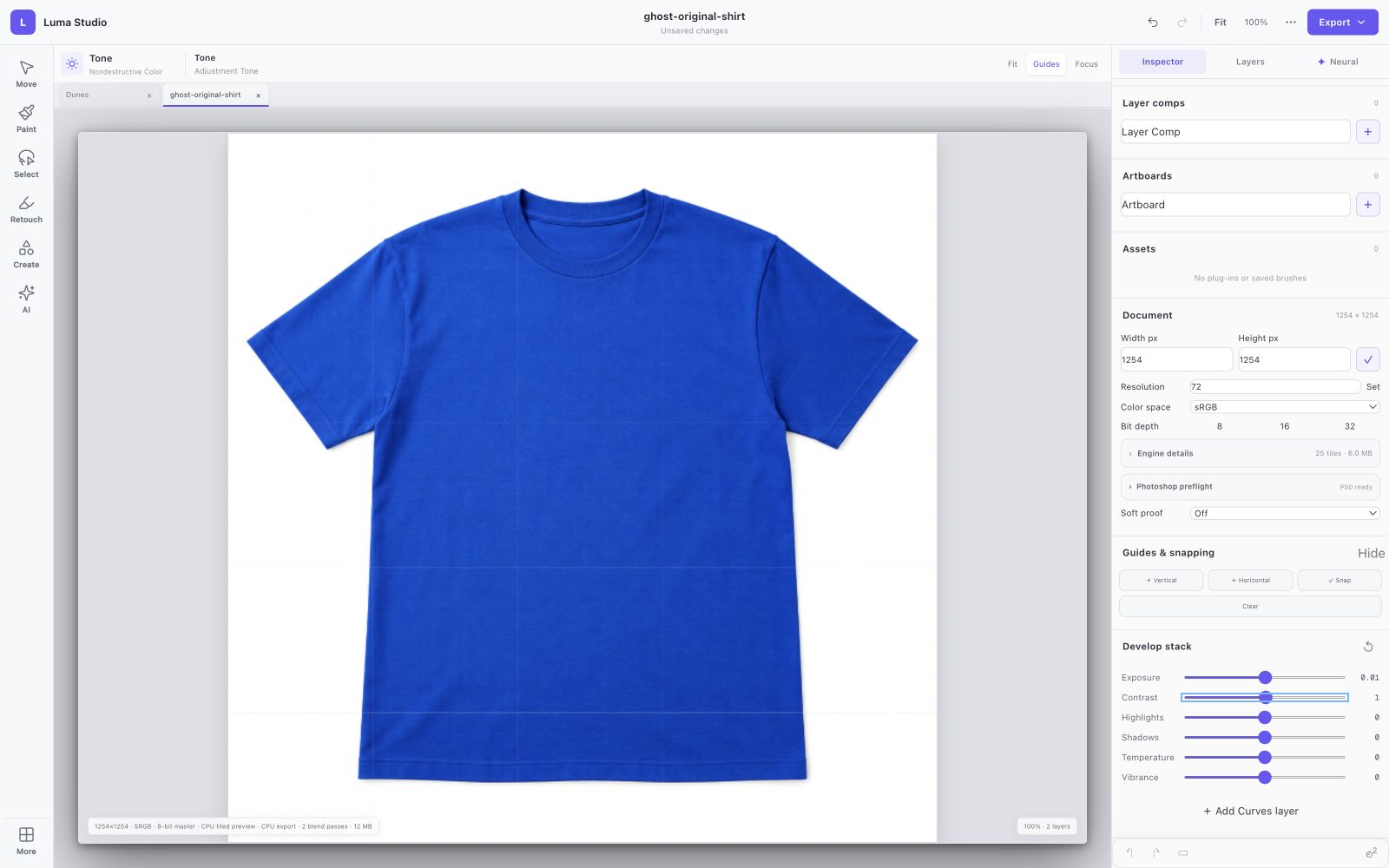
01 Develop the tone Adjust exposure and contrast with editable tone layers.
02 Shape the curve Add a curves layer and inspect its tonal controls.
03 Choose the handoff Review PNG, JPEG, WebP, PSD and native project options.
04 ← Previous Next → 01 / 04 View full screenshot
The blue shirt is an original AI-generated input image. The screenshots show local editing, not hosted image generation. Native RAW and print features vary. Actual browser captures · September 29, 2026.
YOUR BROWSER EDITION
Start here. Paint, compose with layers, adjust color, and export an image using the shared Luma editing engine.
Current limitations Native RAW codecs and desktop print features are not all available in the browser. Optional hosted generative edits require sign-in and send selected image content to a service. PSD conversions have limits.
Prefer the native app? Mac release candidates are under review. Public download links are not available yet. No public iOS build is available.
View release status LUMA / LEARN BY MAKING
Turn your own images into a complete visual world. Capture a brush. Make a print belong to fabric. Weave type through a photograph. Start with your supplied images and leave with something yours.
01 Explore the layers 02 Make a guided edit 03 Remix it your way 04 Keep the editable project Browse the complete effects review →
“Show me” finds the actual control. Progress follows your edits. Every workshop includes a starter, a finished example and a before/after comparison.
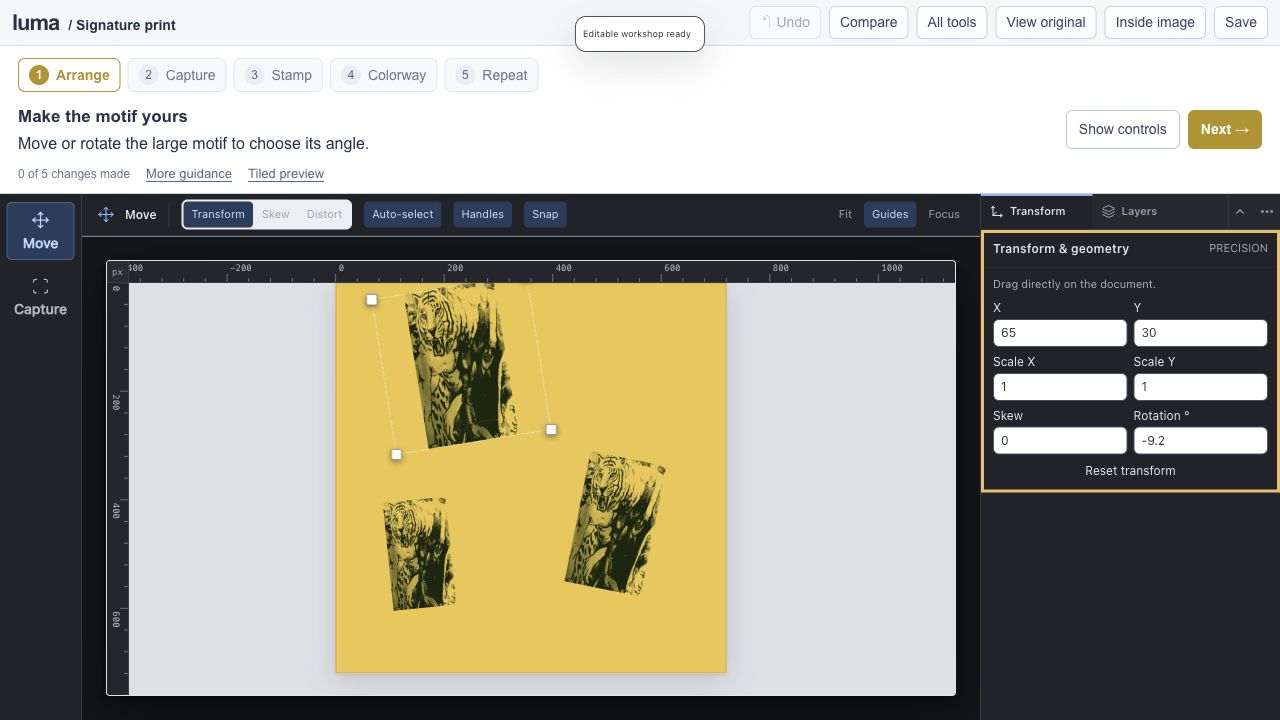
01 / Capture Turn an image into a brush02 / Blend Make ink belong to fabric03 / Weave Give your type depth01 8–10 min · 5 steps
Build a signature print. studio Editable session Expand editor ↗
Save an editable project to keep your work.
Captured brushes / repeat preview / colorways
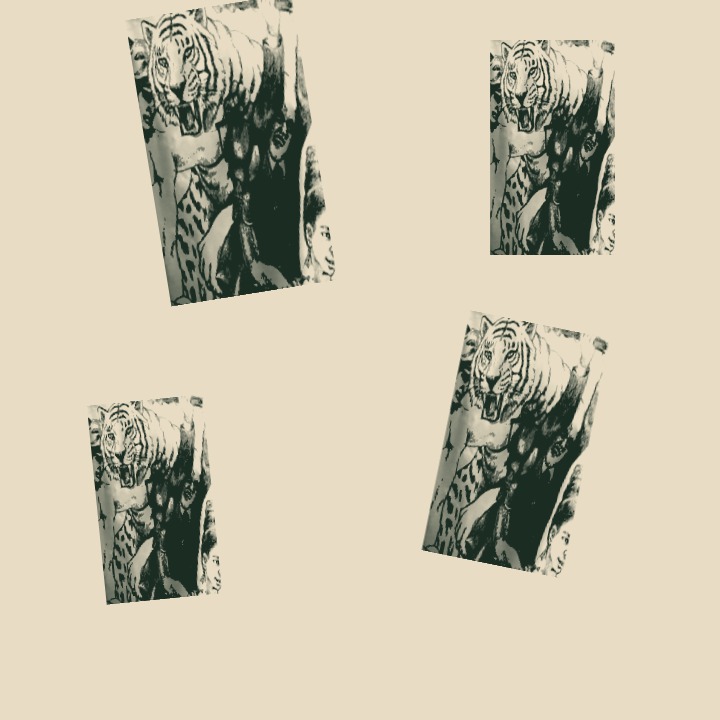
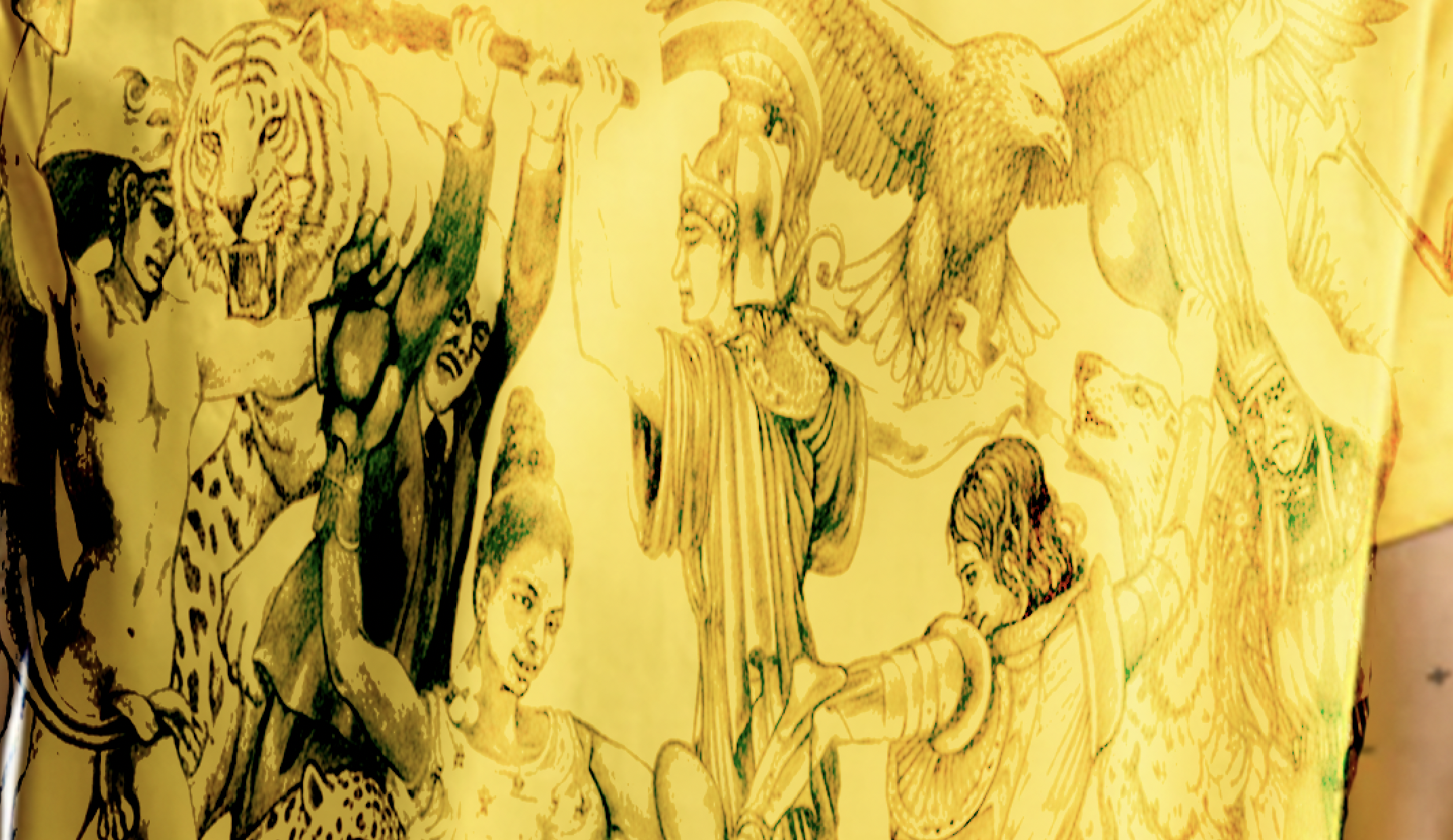
Capture a motif from the yellow fabric as your own brush, paint a repeat and try three fabric colorways.
View originals & get the editable files The original image stays intact. The workshop adds editable layers, type, masks and color treatments.
A genuine screenshot of this prepared Luma session. 02 6–8 min · 5 steps
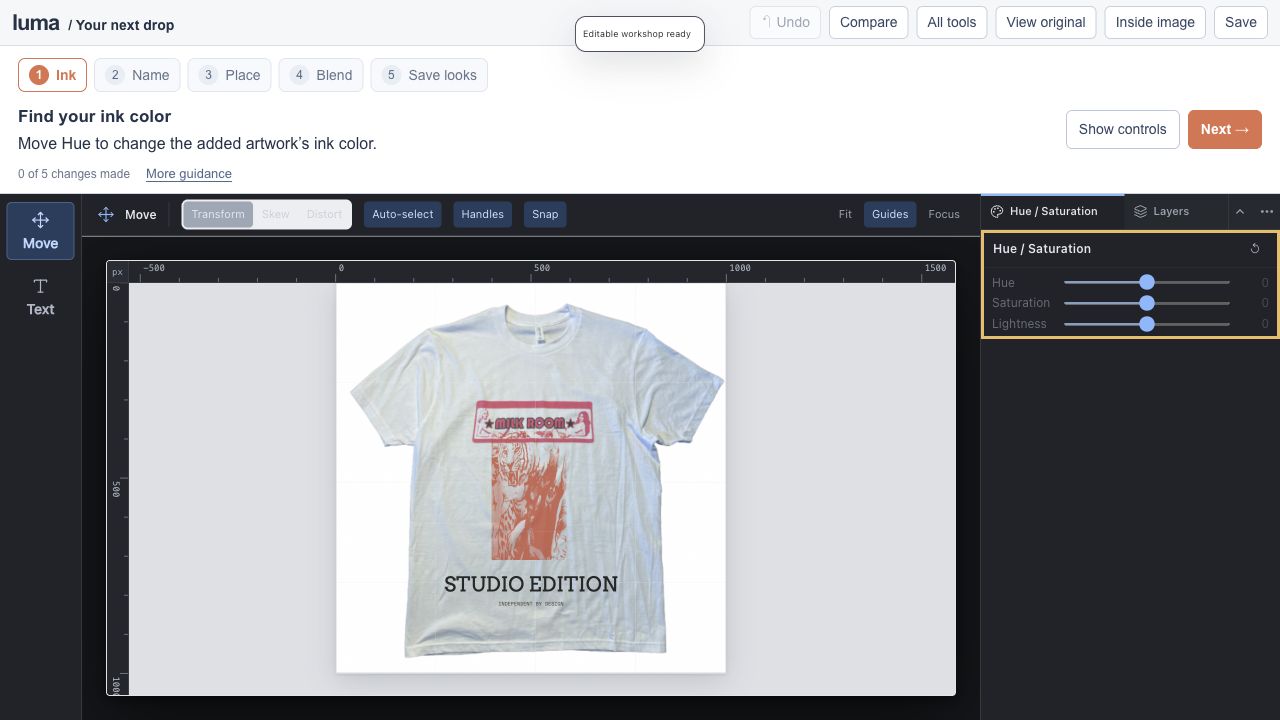
Design your next drop. studio Editable session Expand editor ↗
Save an editable project to keep your work.
Ink color / live type / fabric blending / layer comps
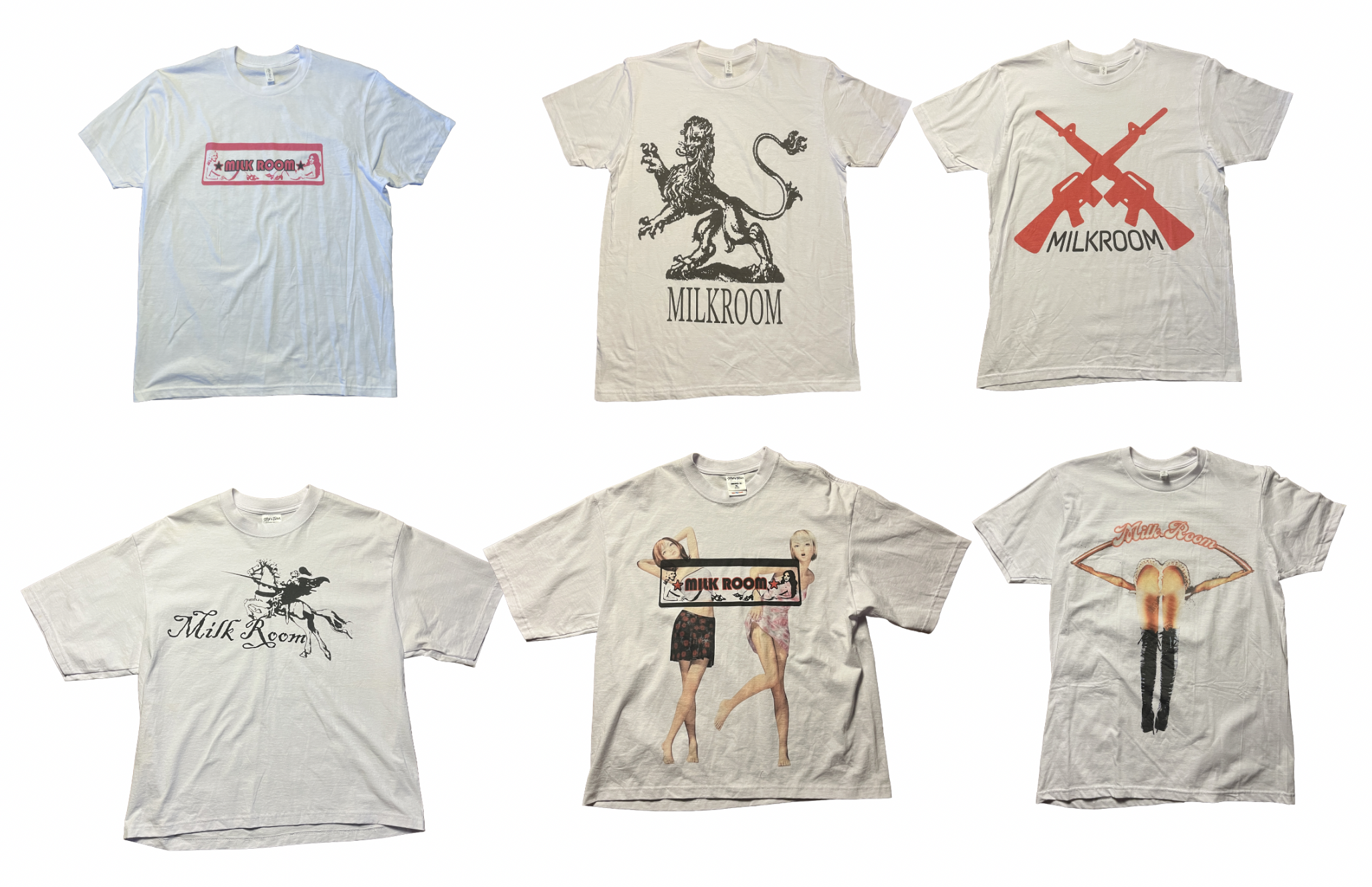
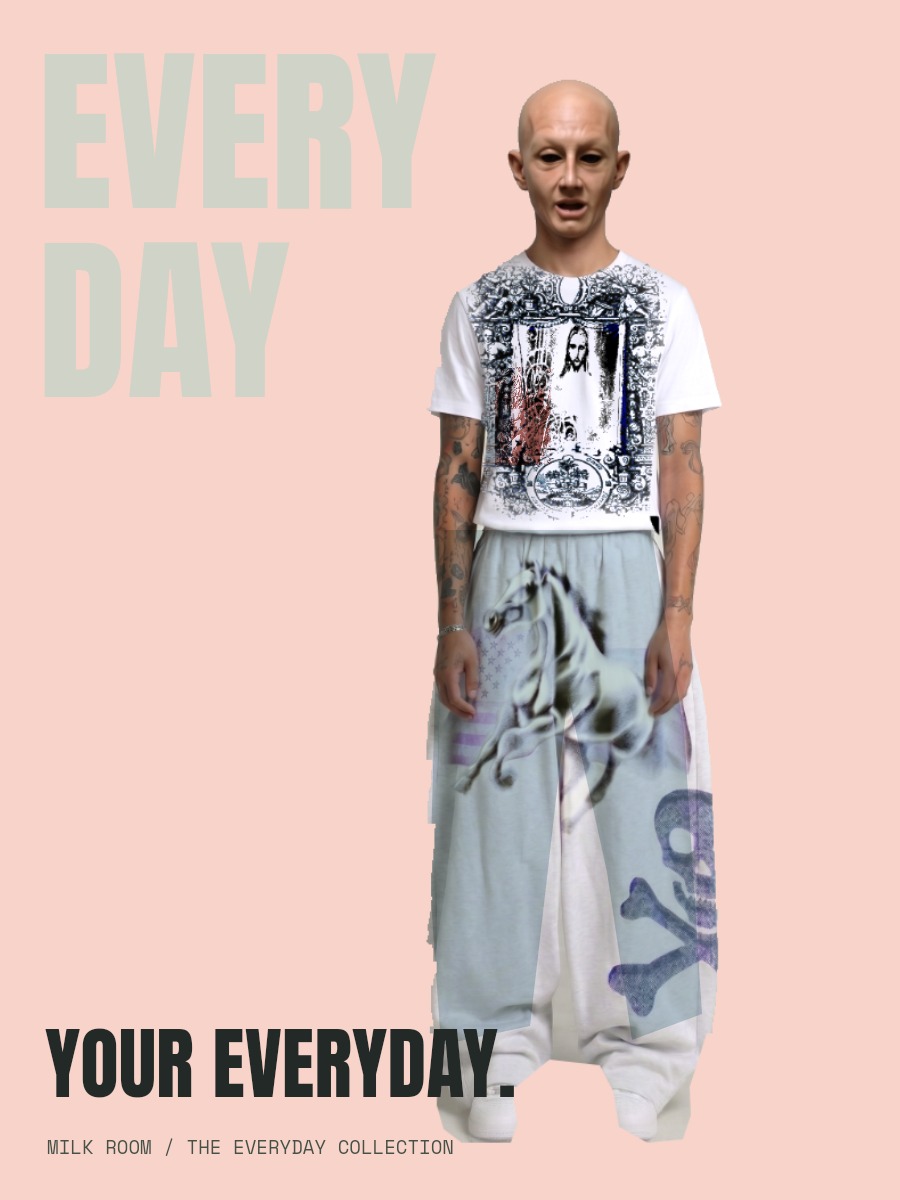
Remix the Milk Room tee photograph with a fabric motif, new ink and your own editable lettering.
View originals & get the editable files The original image stays intact. The workshop adds editable layers, type, masks and color treatments.
A genuine screenshot of this prepared Luma session. 03 5–7 min · 4 steps
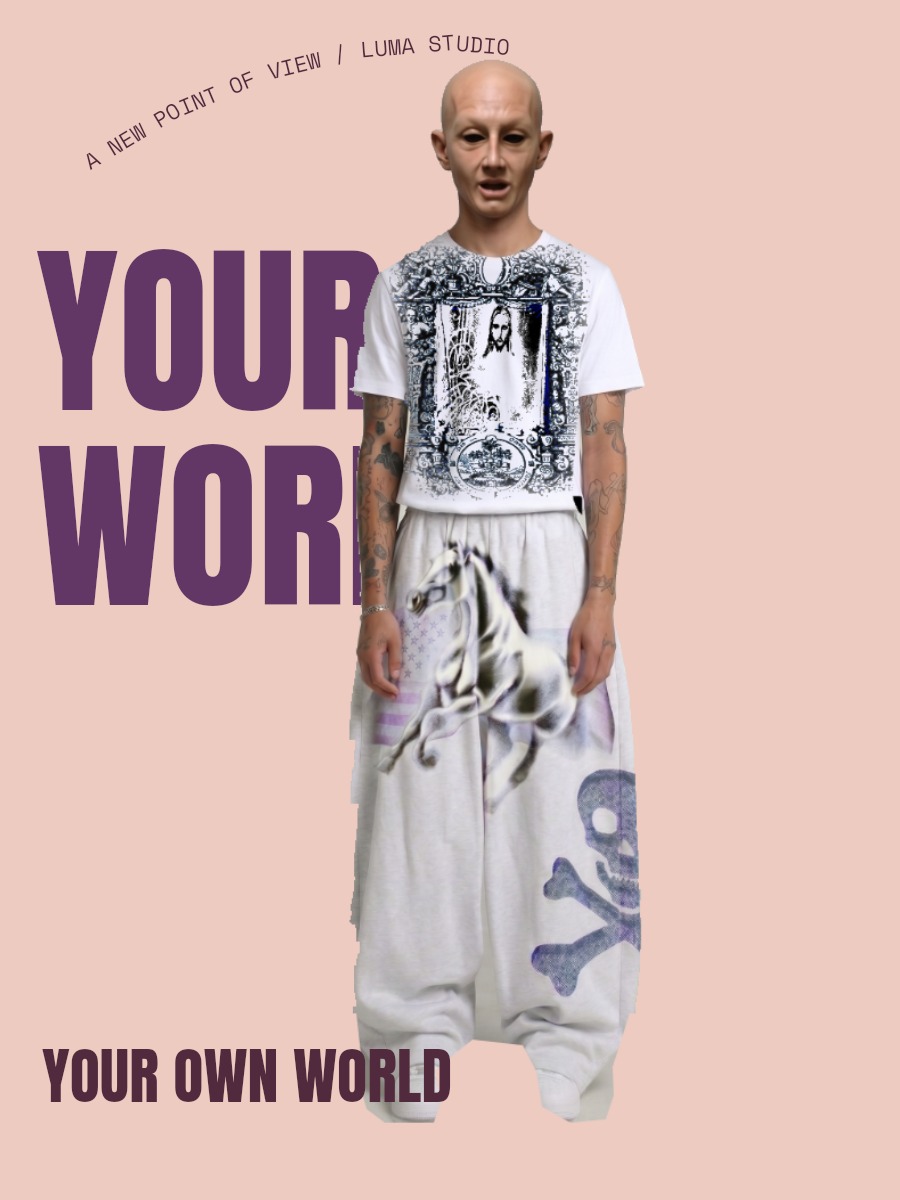
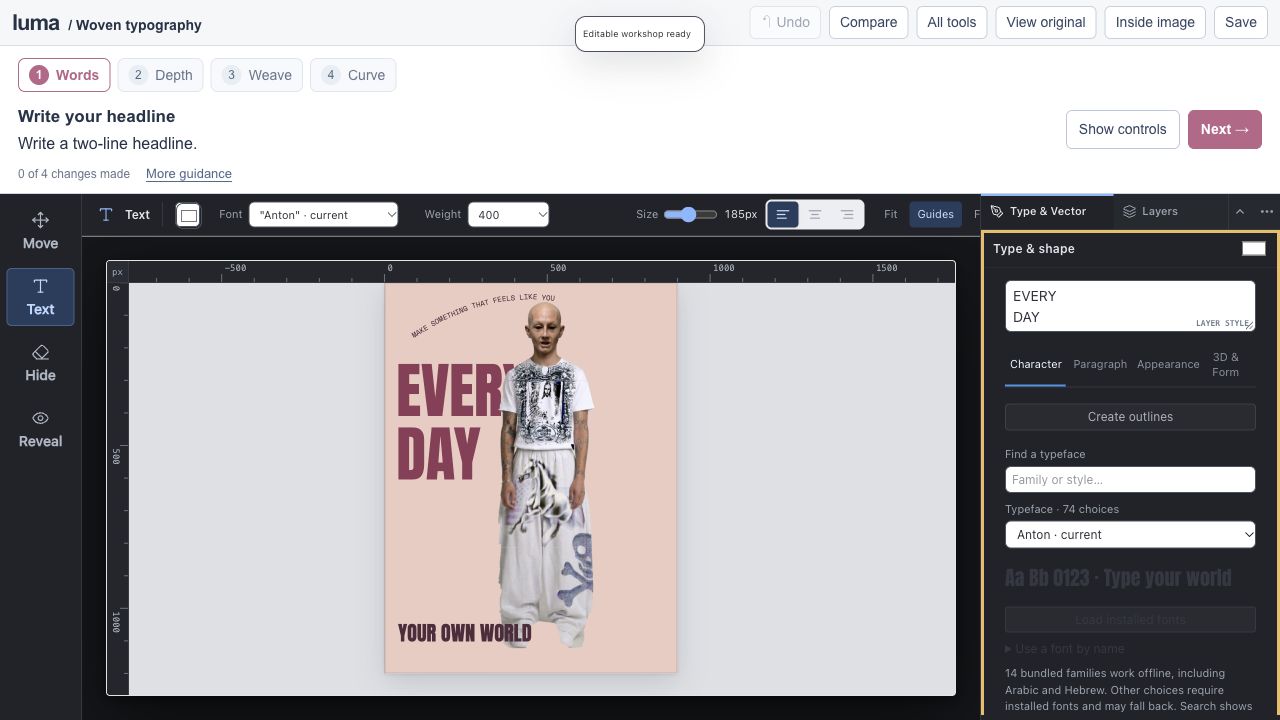
Make type weave through an image. studio Editable session Expand editor ↗
Save an editable project to keep your work.
Editable type / layer depth / masks / type on paths
Write behind the supplied model, reveal a letter through the subject mask and edit curved supporting type.
View originals & get the editable files The original image stays intact. The workshop adds editable layers, type, masks and color treatments.
A genuine screenshot of this prepared Luma session. 04 6–8 min · 3 steps
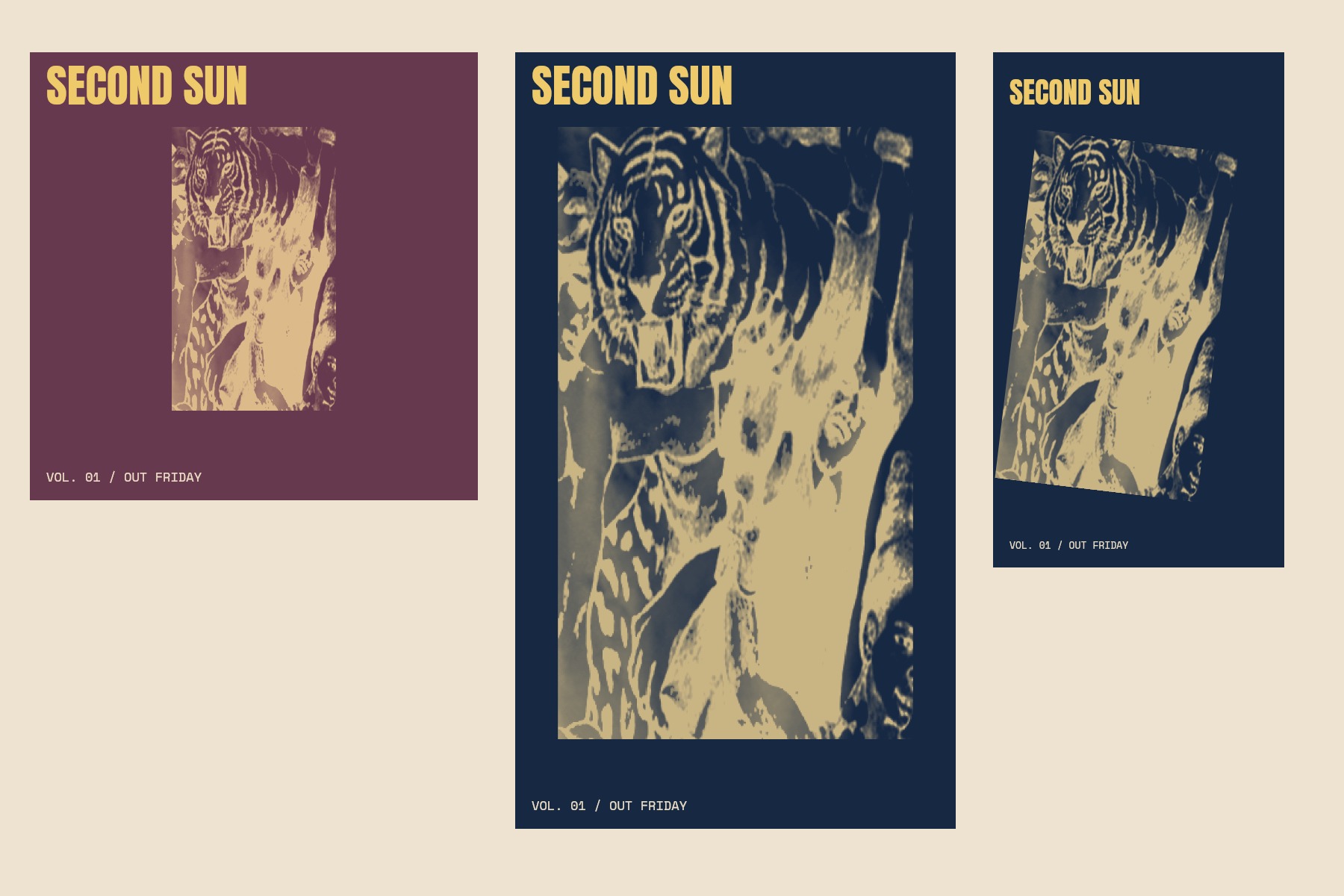
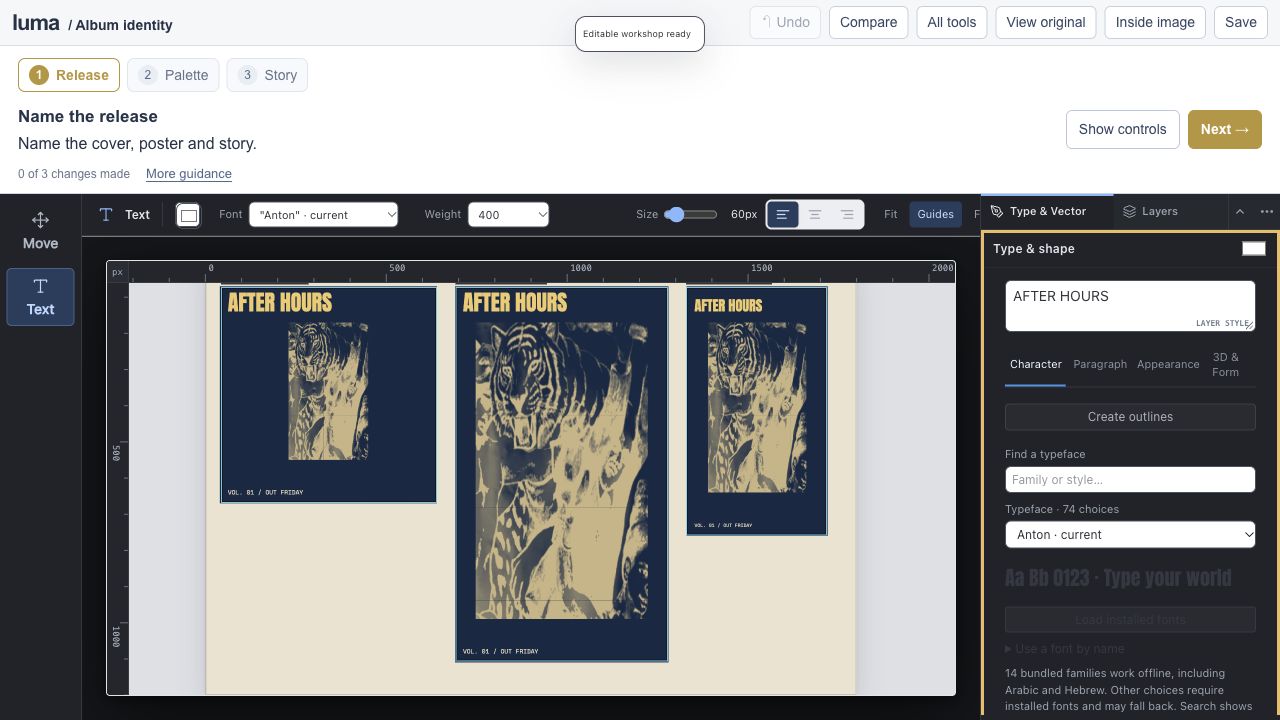
Build an album’s visual identity. studio Editable session Expand editor ↗
Save an editable project to keep your work.
Shared artwork / independent layouts / shapes / artboard export
Turn the fabric motif into a cover, release poster and vertical story. Export three real artboard regions.
View originals & get the editable files The original image stays intact. The workshop adds editable layers, type, masks and color treatments.
A genuine screenshot of this prepared Luma session. 05 6–9 min · 4 steps
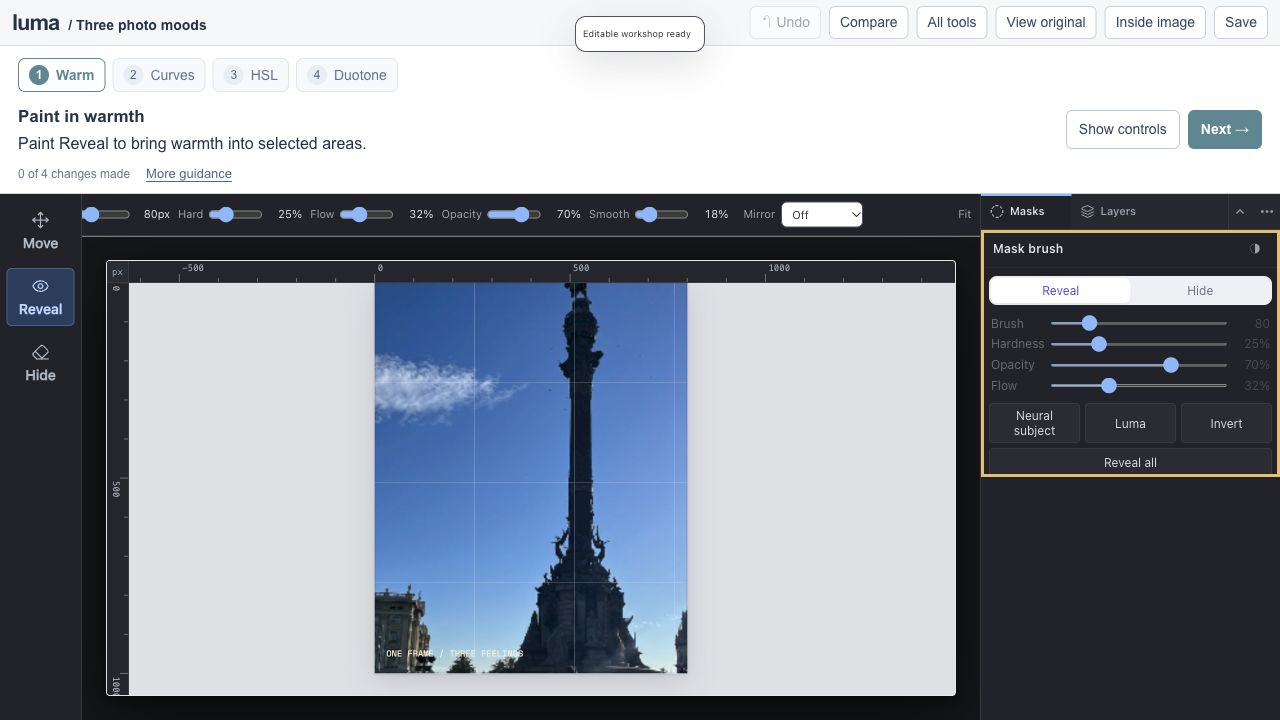
One photograph, three feelings. studio Editable session Expand editor ↗
Save an editable project to keep your work.
Curves / HSL / Gradient Map / adjustment masks
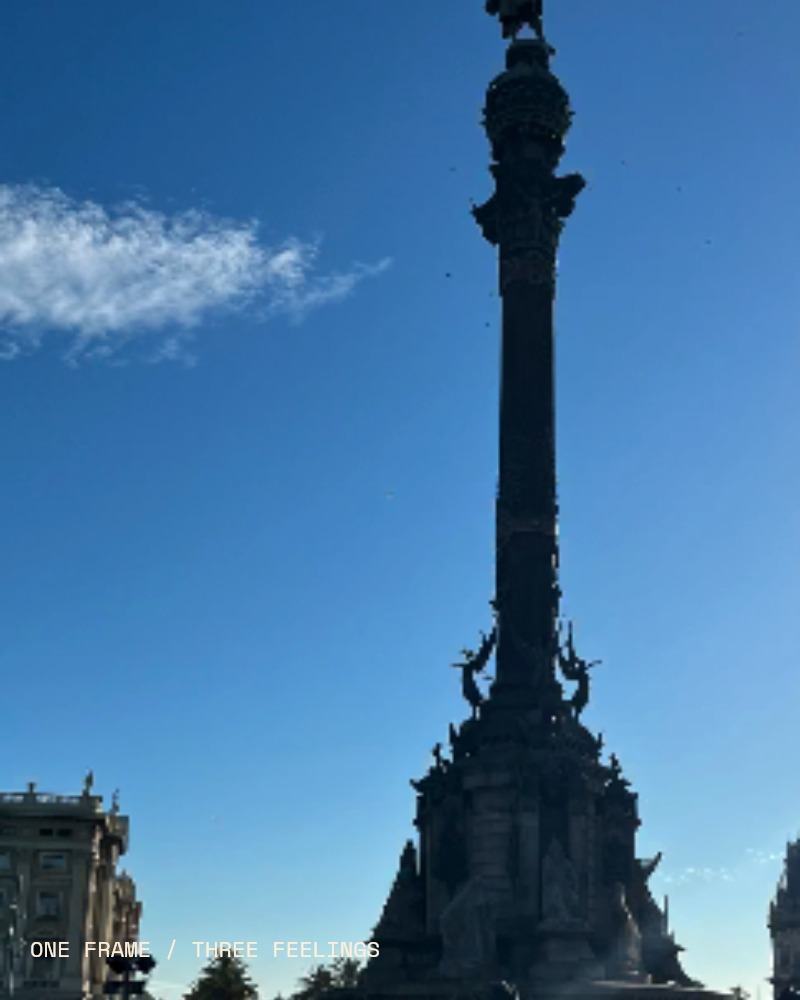
Paint warmth into your supplied photograph, shape Curves and explore HSL and a graphic Gradient Map.
View originals & get the editable files The original image stays intact. The workshop adds editable layers, type, masks and color treatments.
A genuine screenshot of this prepared Luma session. 06 5–8 min · 3 steps
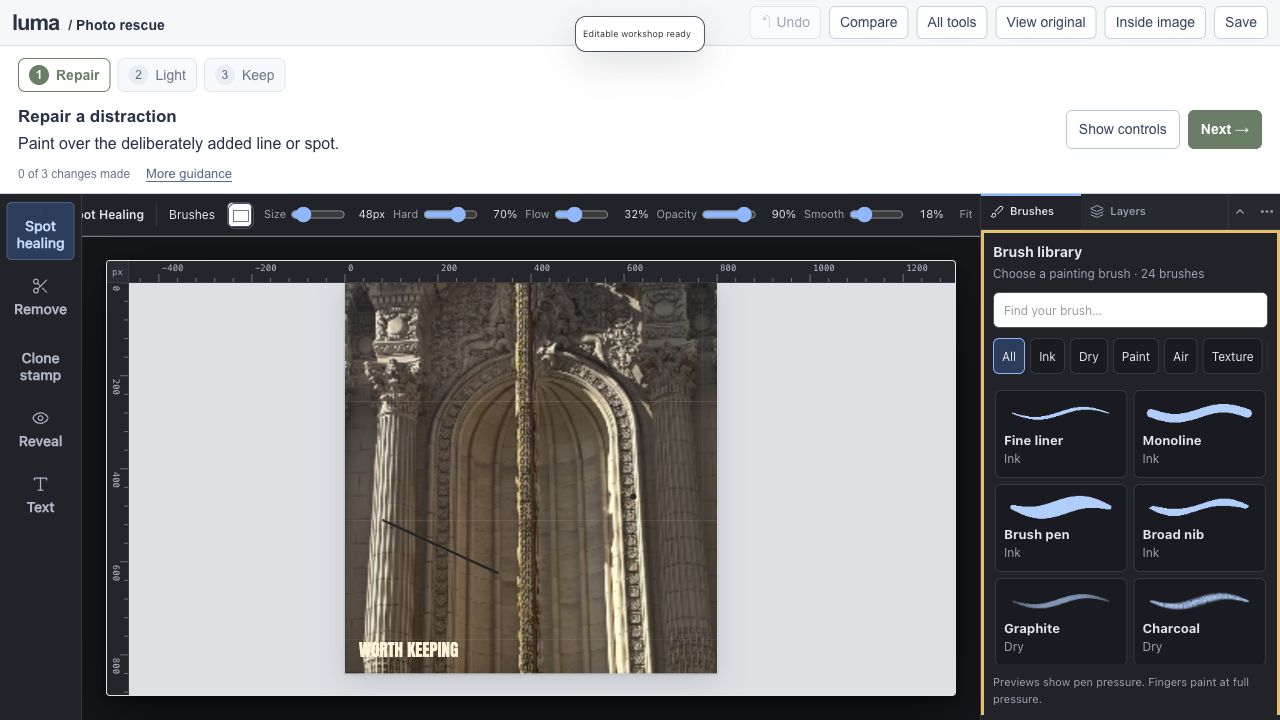
Rescue a favorite photograph. studio Editable session Expand editor ↗
Save an editable project to keep your work.
Spot healing / Remove / Clone / local light
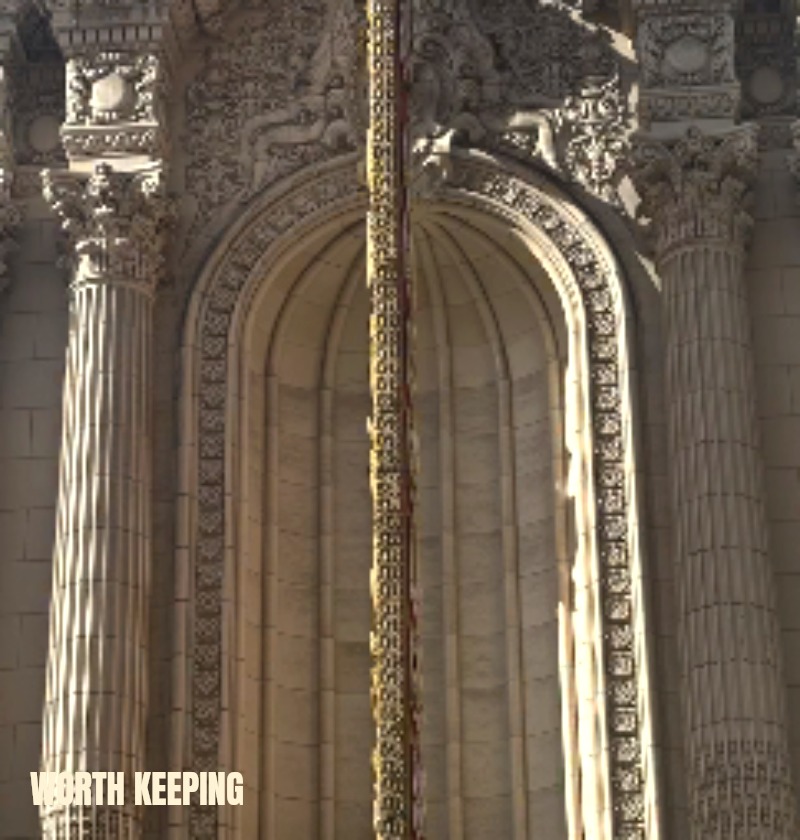
Repair deliberately added practice distractions on a copy of your travel photograph, then brighten a selected area.
View originals & get the editable files The original image stays intact. The workshop adds editable layers, type, masks and color treatments.
A genuine screenshot of this prepared Luma session. 07 5–7 min · 4 steps
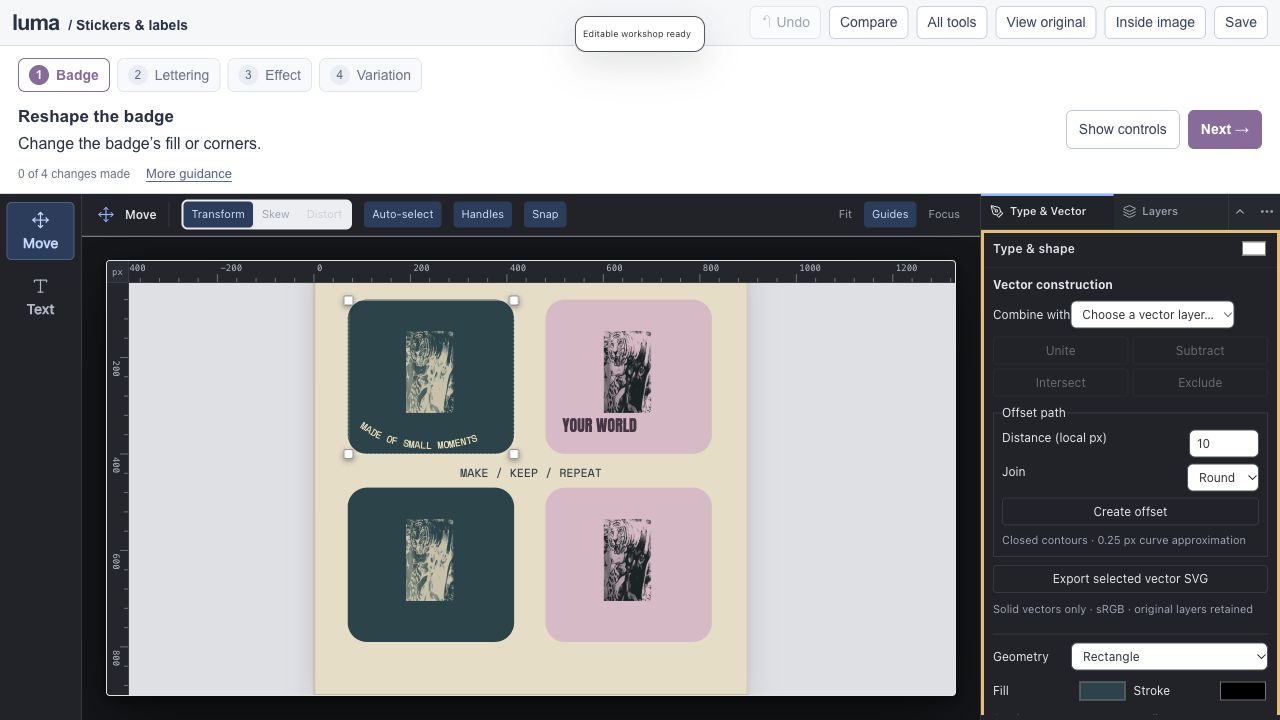
Design a sticker and label collection. studio Editable session Expand editor ↗
Save an editable project to keep your work.
Vector badges / type on paths / layer effects / variations
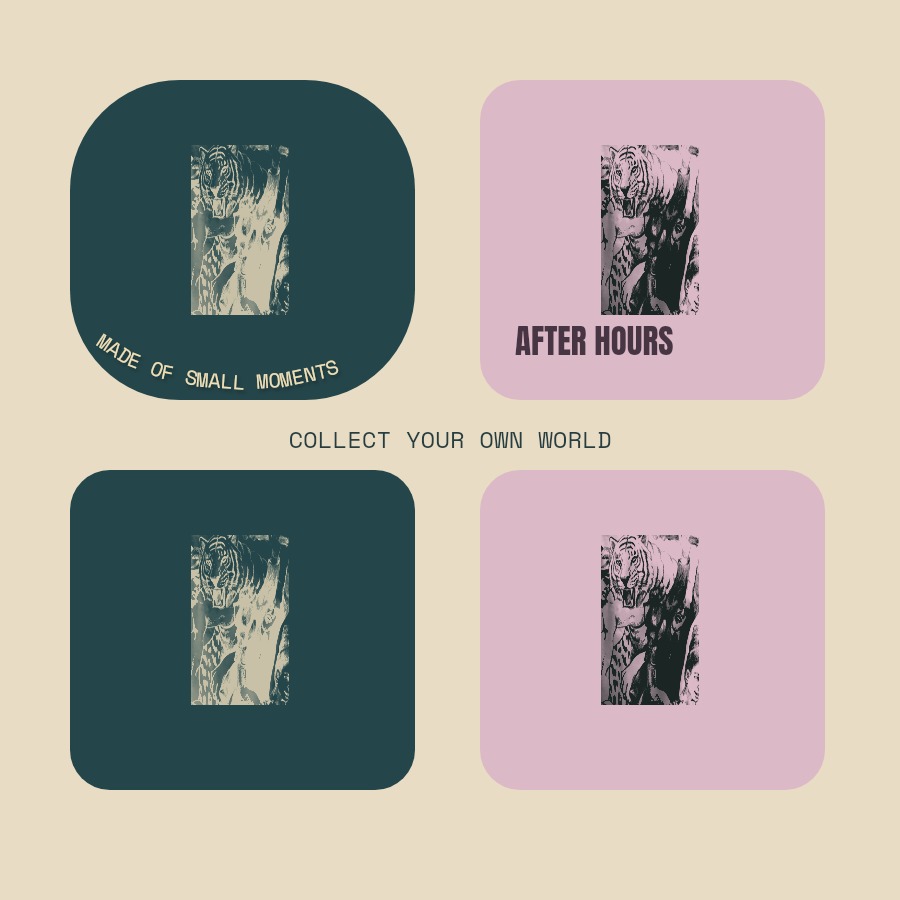
Build coordinated badges with your fabric motif, editable vector shapes, curved lettering and layer effects.
View originals & get the editable files The original image stays intact. The workshop adds editable layers, type, masks and color treatments.
A genuine screenshot of this prepared Luma session. 08 6–9 min · 5 steps
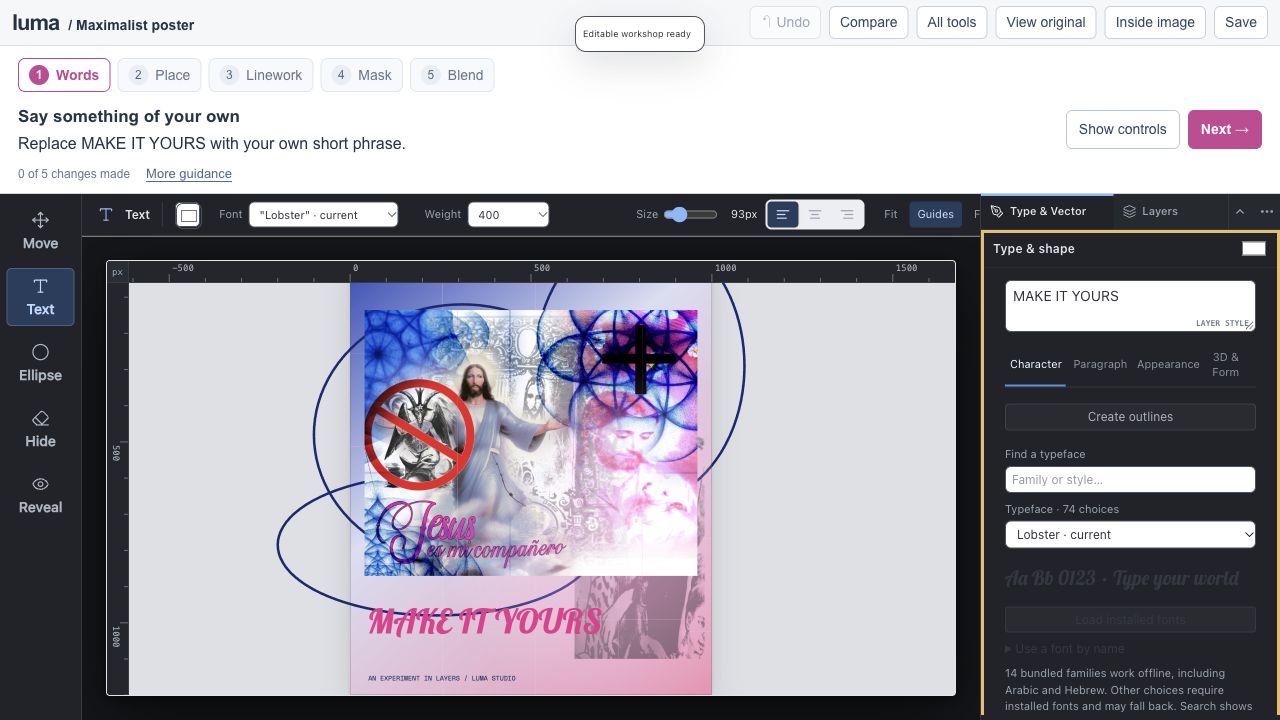
Make a maximalist poster. studio Editable session Expand editor ↗
Save an editable project to keep your work.
Layered collage / masks / vector shapes / live type
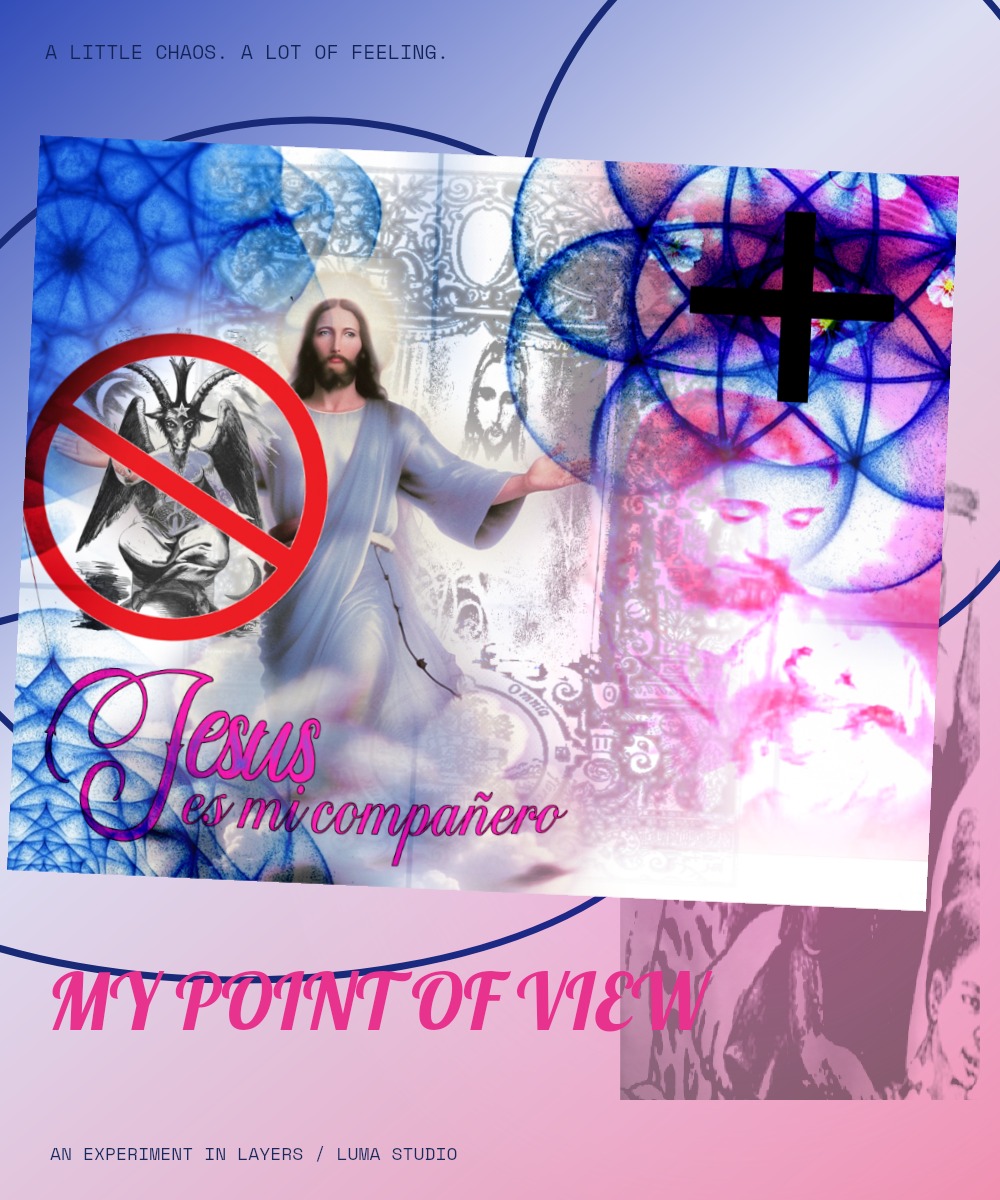
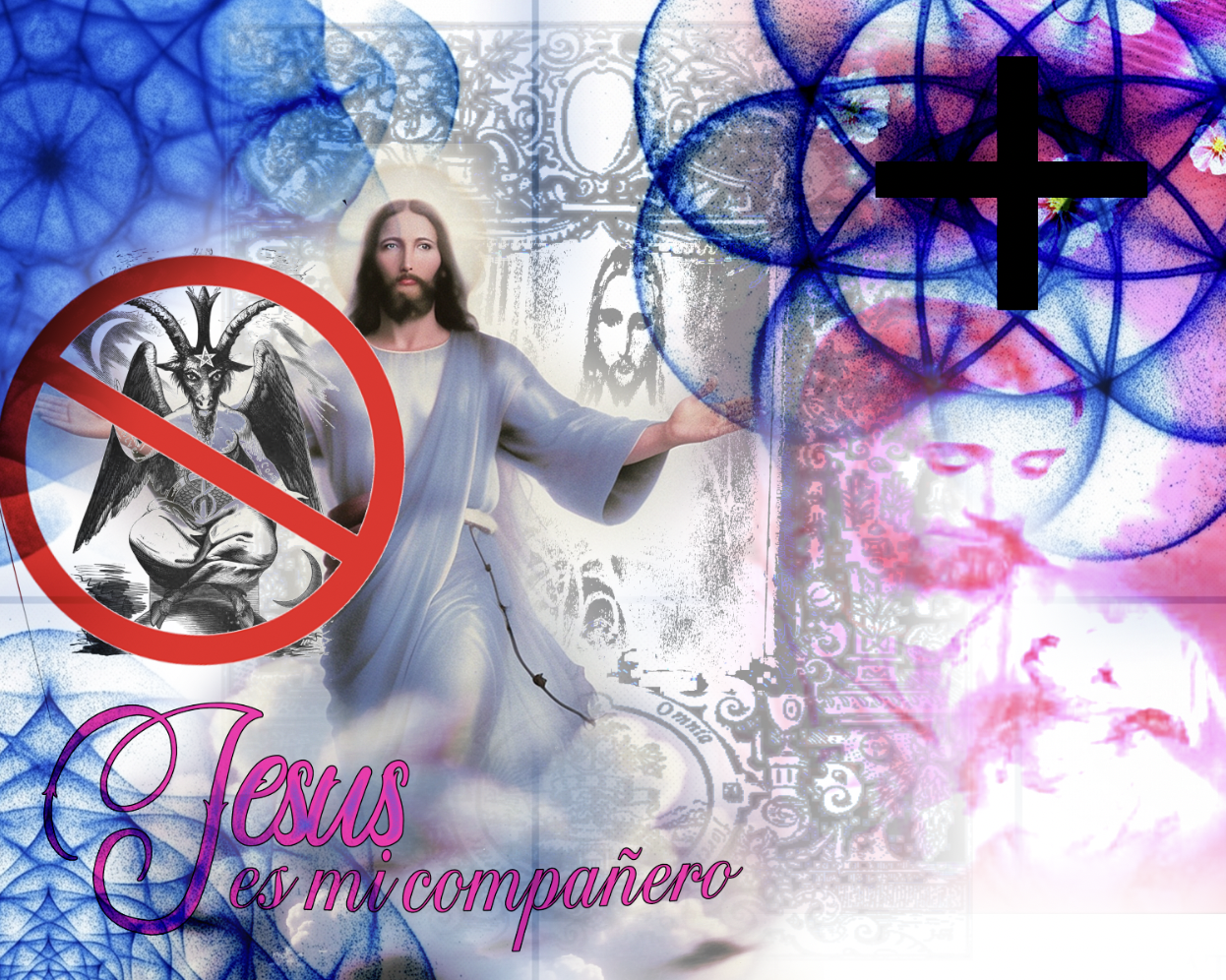
Build on the supplied blue-and-pink collage with editable lettering, linework and masked glow.
View originals & get the editable files The original image stays intact. The workshop adds editable layers, type, masks and color treatments.
A genuine screenshot of this prepared Luma session. 09 6–8 min · 5 steps
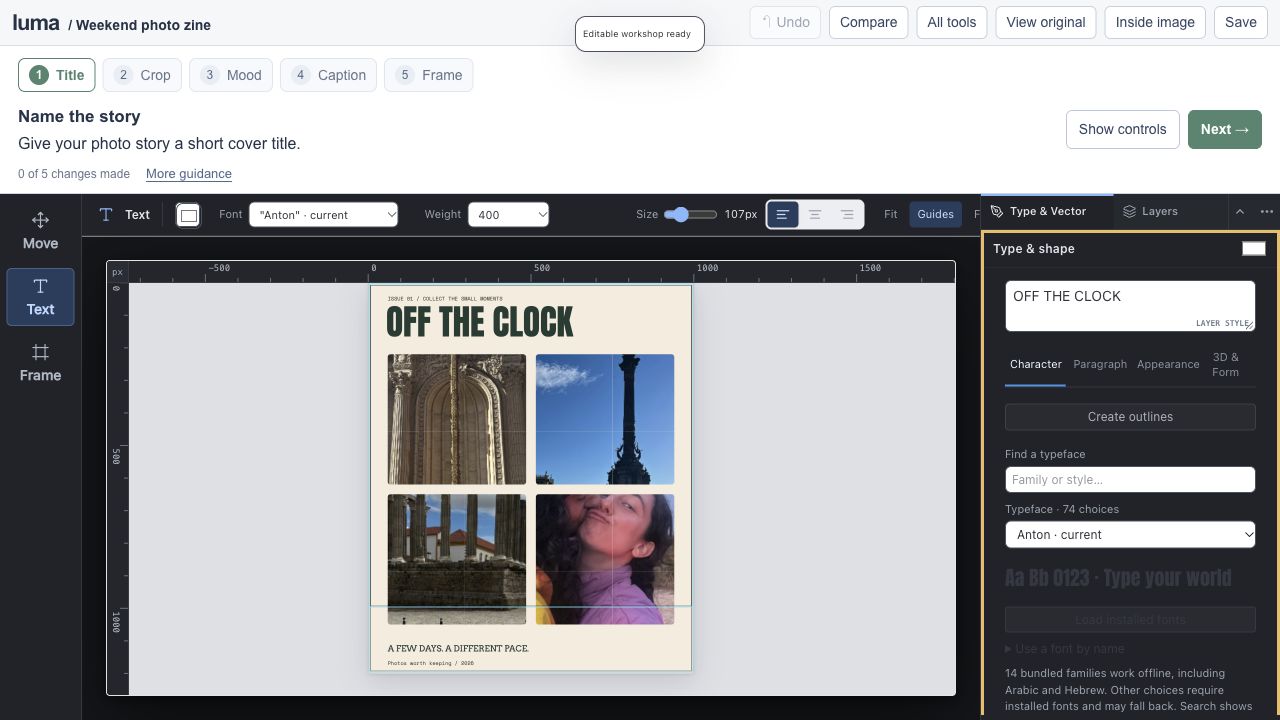
Make a weekend photo zine. studio Editable session Expand editor ↗
Save an editable project to keep your work.
Clipping frames / photo grading / typography / artboards
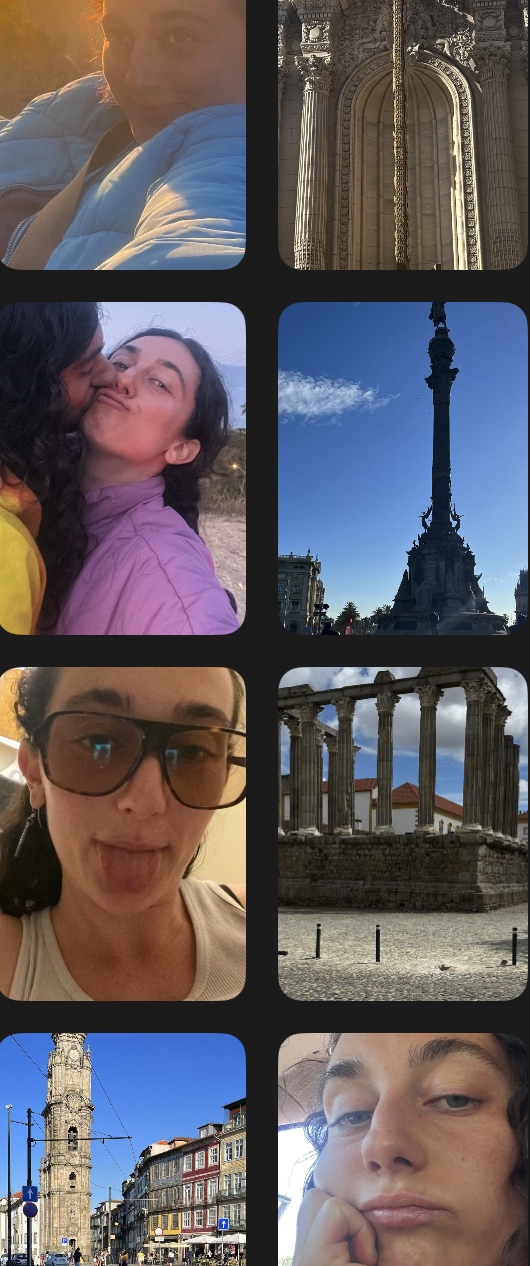
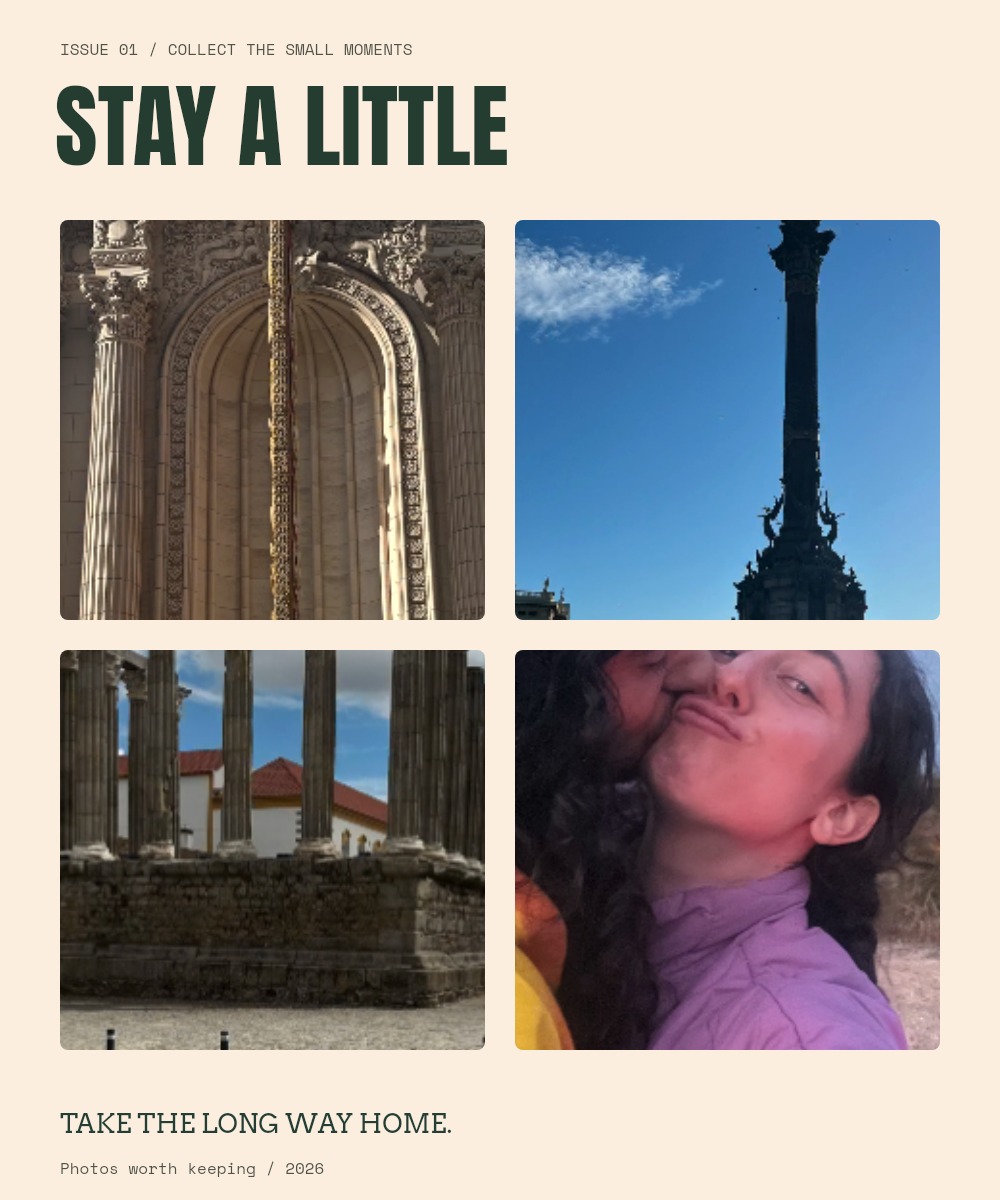
Turn the supplied travel and portrait photographs into an editorial story, then export a cover and a square social post.
View originals & get the editable files The original image stays intact. The workshop adds editable layers, type, masks and color treatments.
A genuine screenshot of this prepared Luma session. 10 7–10 min · 5 steps
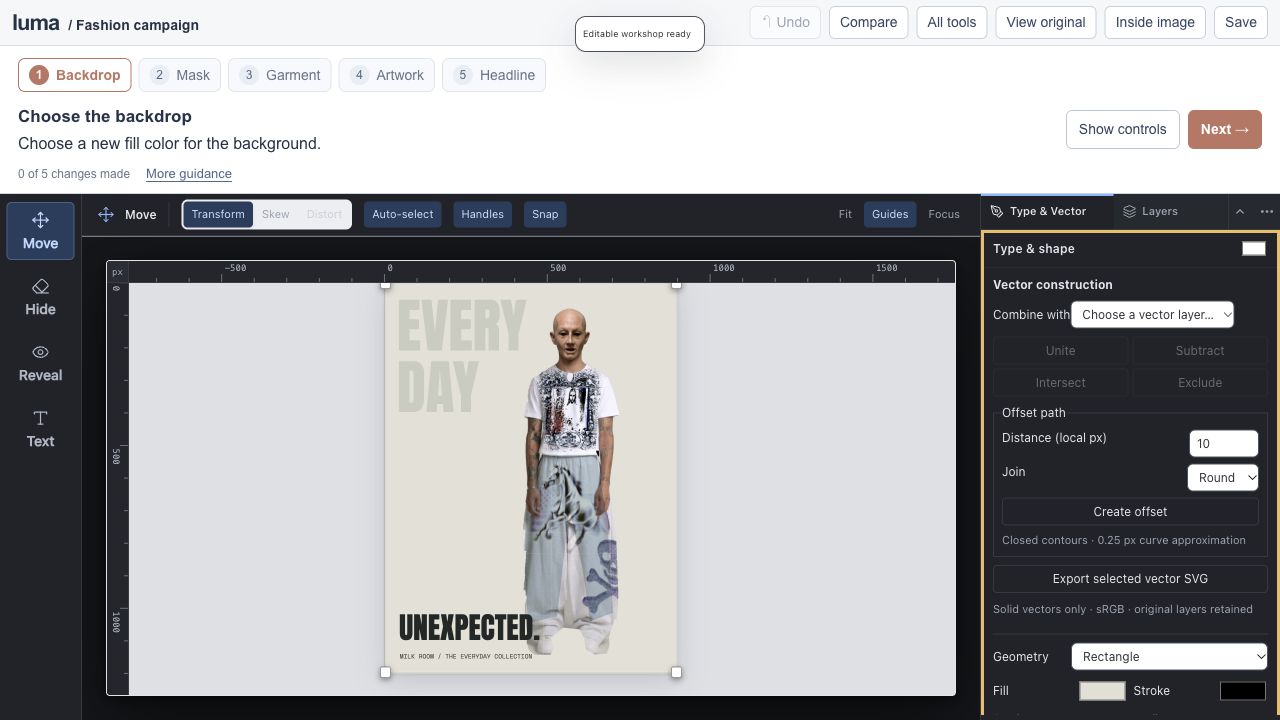
Create a fashion campaign. studio Editable session Expand editor ↗
Save an editable project to keep your work.
Mask cleanup / local color / artwork placement
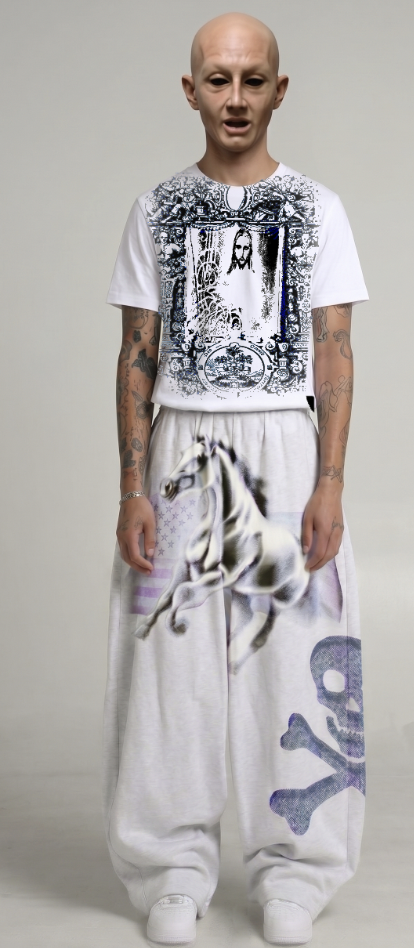
Start with a prepared cutout from the supplied outfit photograph. Choose a backdrop, treat the garment and give the image a voice.
View originals & get the editable files The original image stays intact. The workshop adds editable layers, type, masks and color treatments.
A genuine screenshot of this prepared Luma session. 11 7–10 min · 5 steps
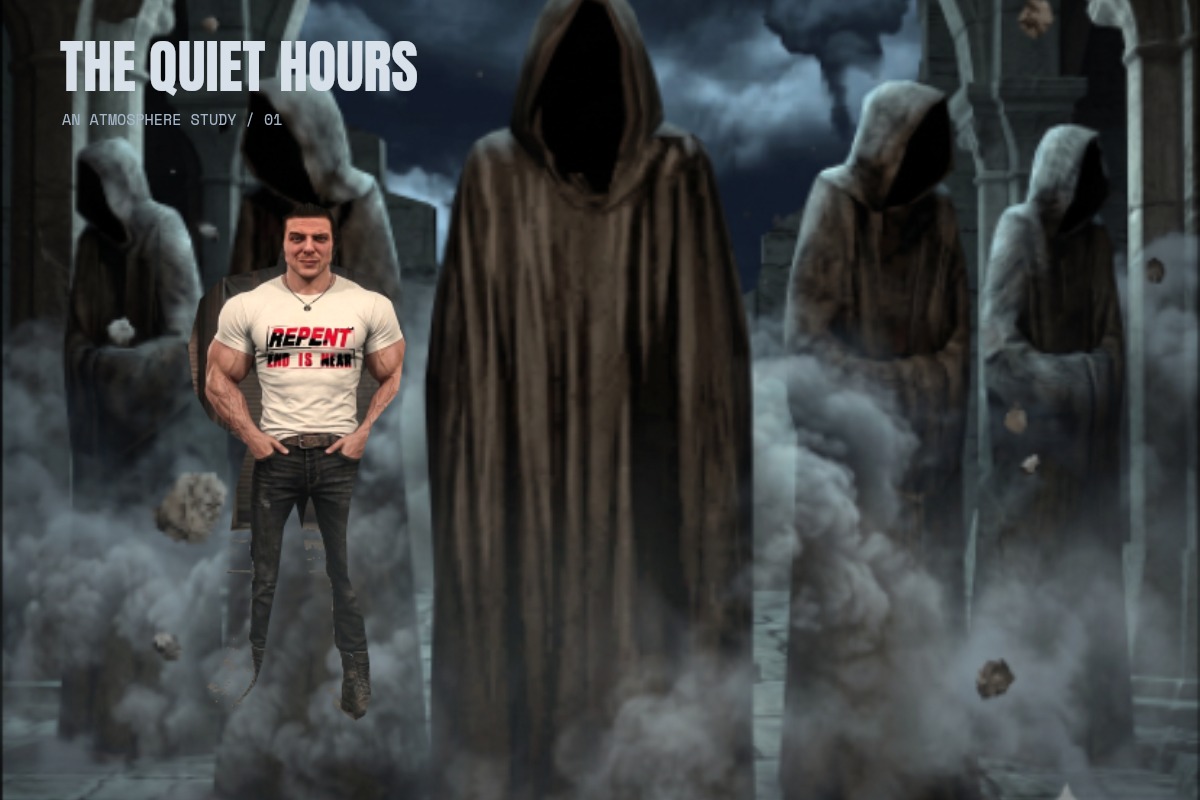
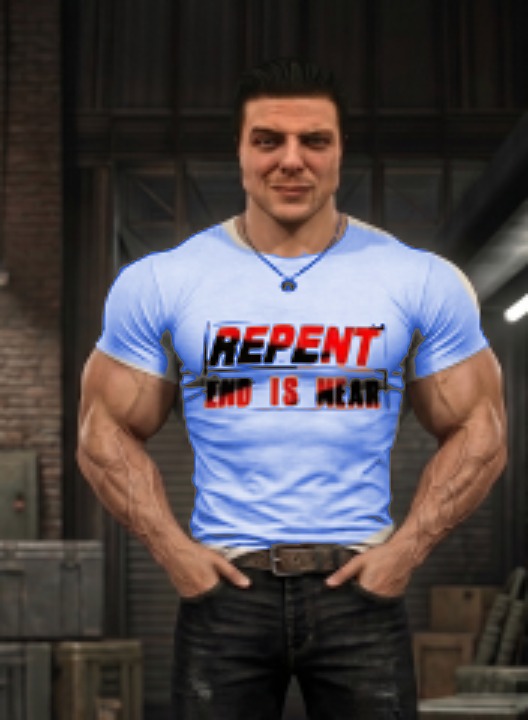
Build a cinematic scene. studio Editable session Expand editor ↗
Save an editable project to keep your work.
Mask painting / compositing / Curves / mood studies
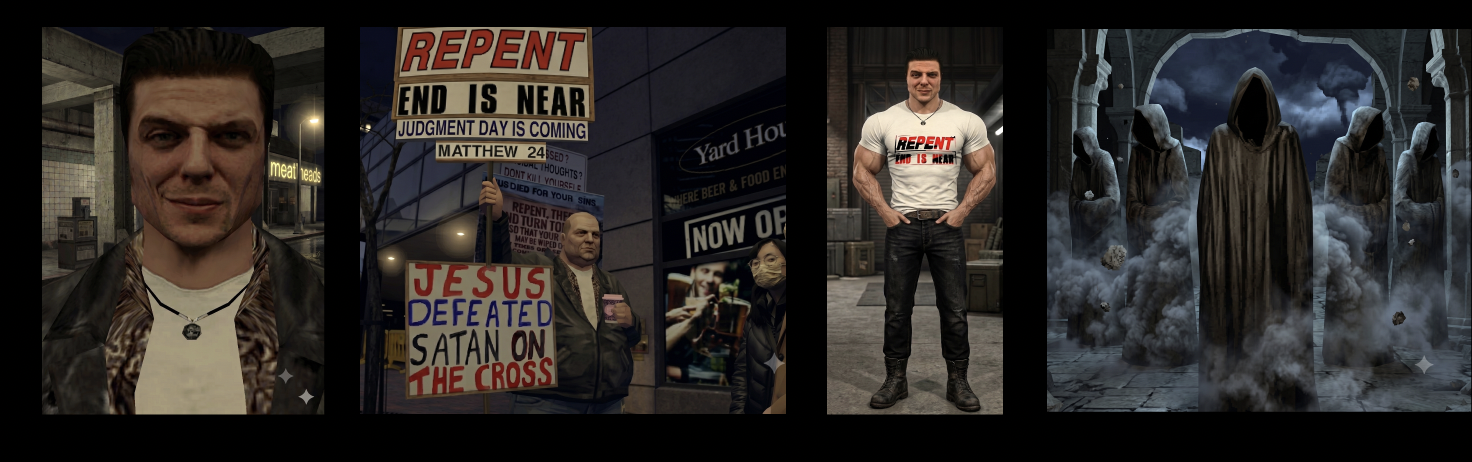
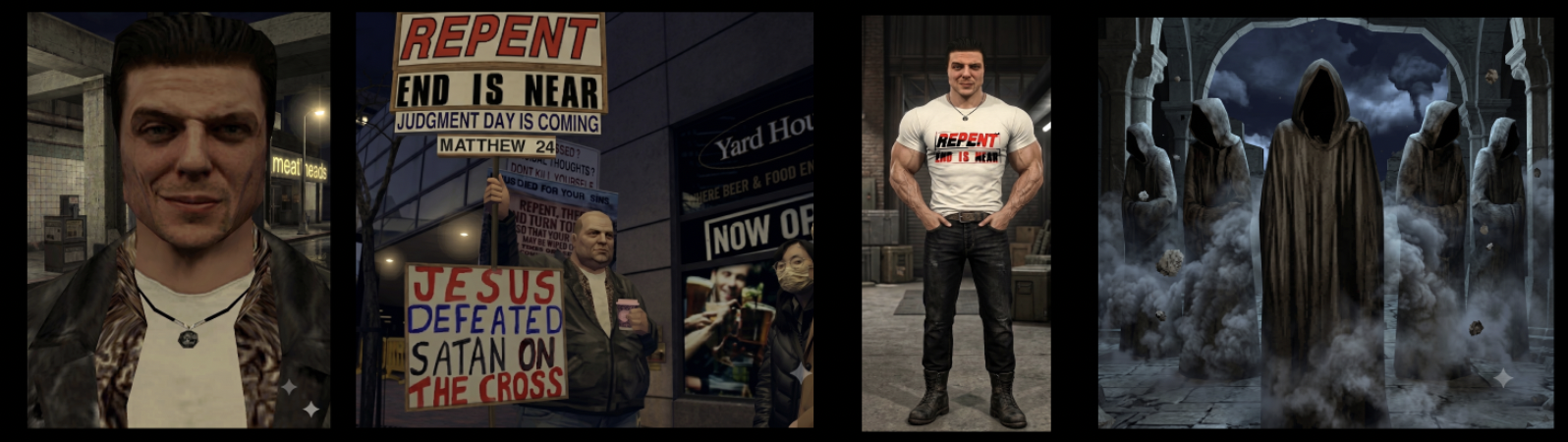
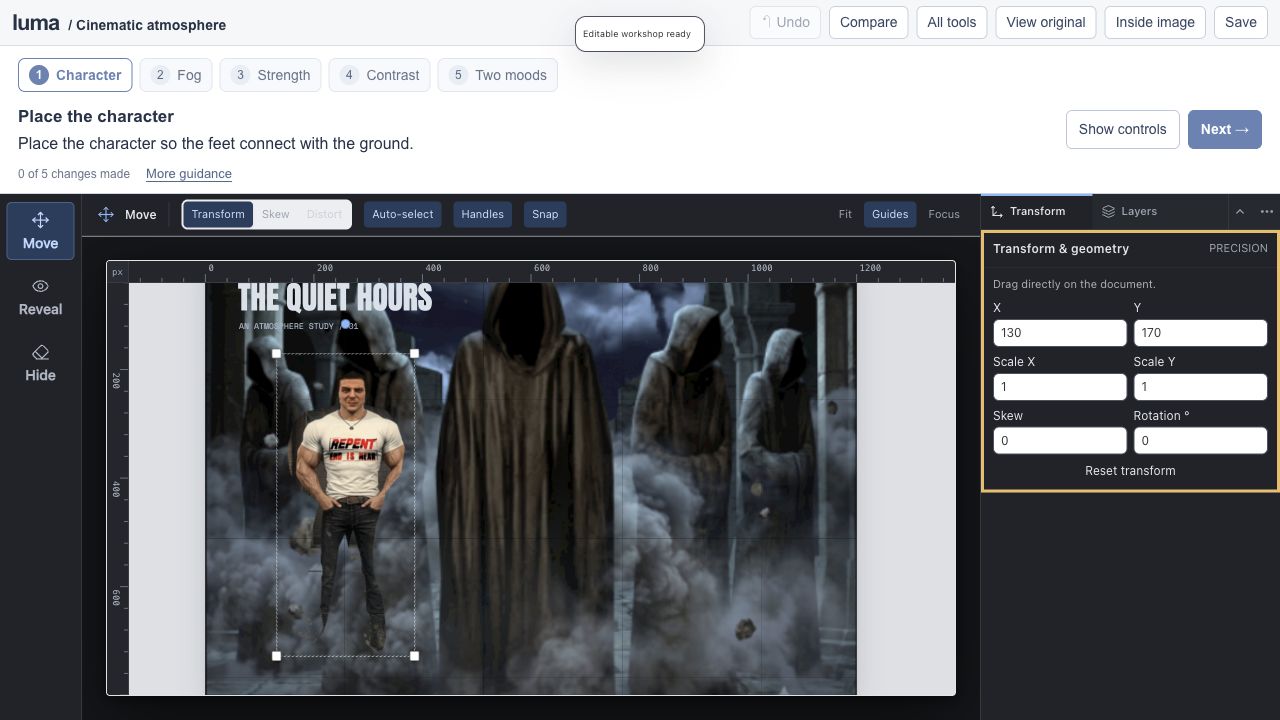
Combine the character and hooded scene from the two supplied boards. Paint in the atmosphere and compare moonlight with an amber grade.
View originals & get the editable files The original image stays intact. The workshop adds editable layers, type, masks and color treatments.
A genuine screenshot of this prepared Luma session. 12 4–6 min · 3 steps
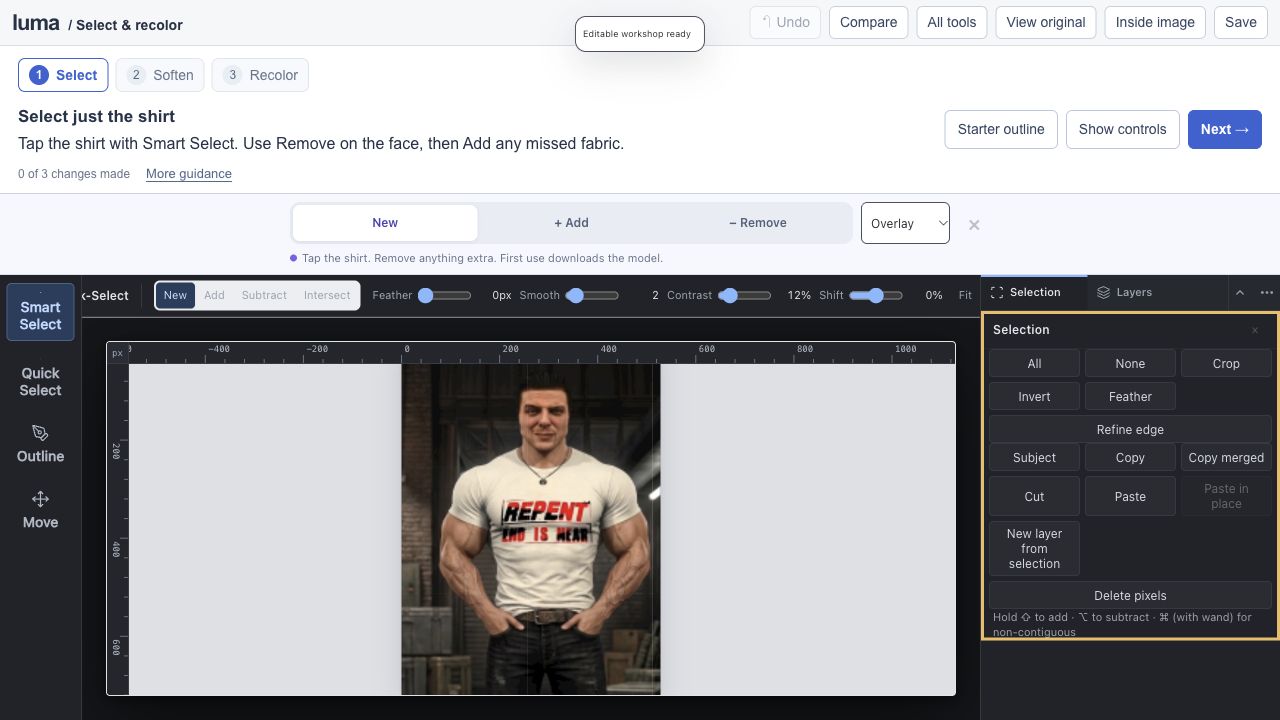
Select his shirt. Change its color. studio Editable session Expand editor ↗
Save an editable project to keep your work.
Smart selection / mask preview / edge refinement / targeted Recolor
Tap to smart-select the man’s T-shirt, refine its mask with Add and Remove, then recolor a copy. Keep his face, arms, printed lettering and surroundings intact.
View originals & get the editable files The original image stays intact. The workshop adds editable layers, type, masks and color treatments.
A genuine screenshot of this prepared Luma session. 13 5–7 min · 5 steps
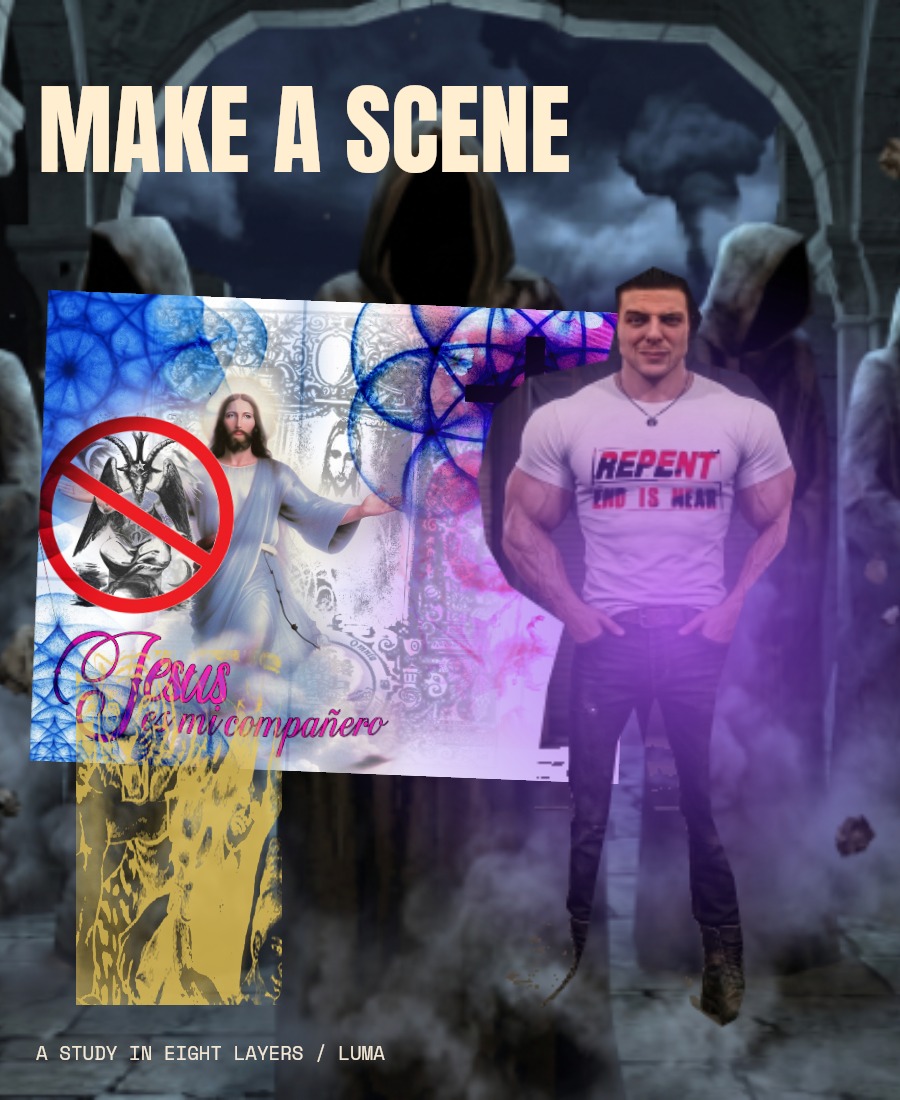
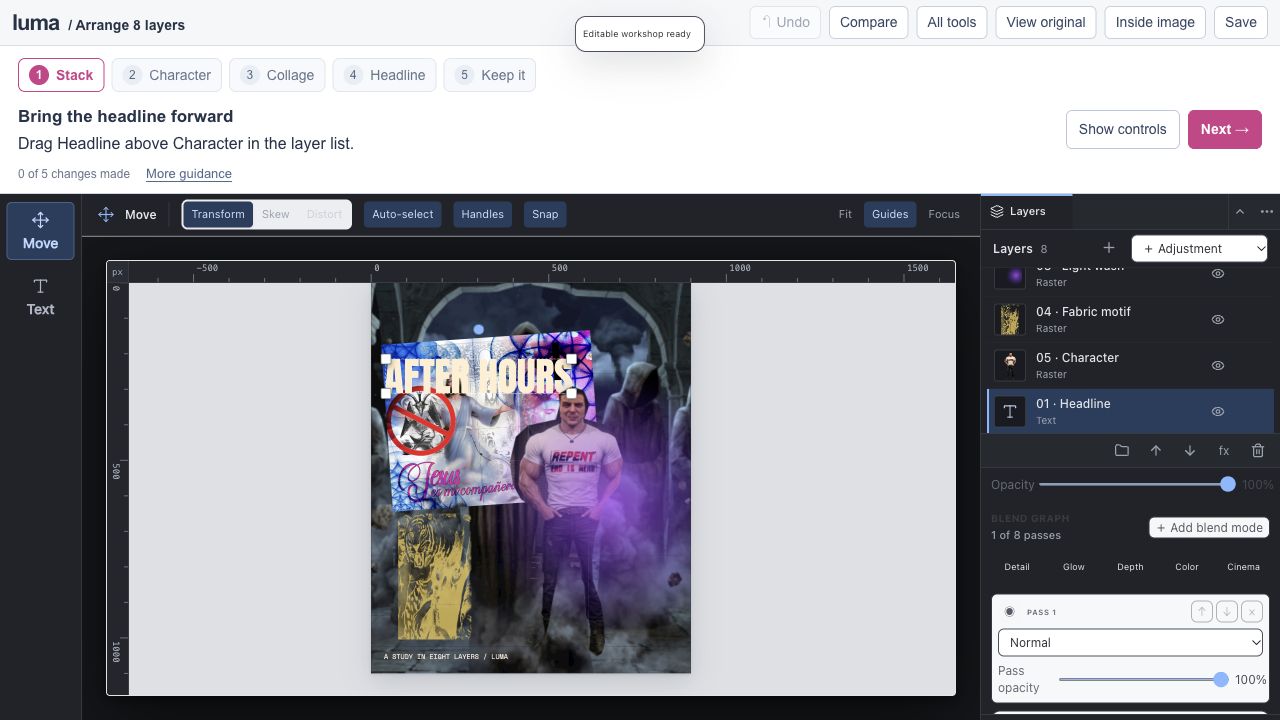
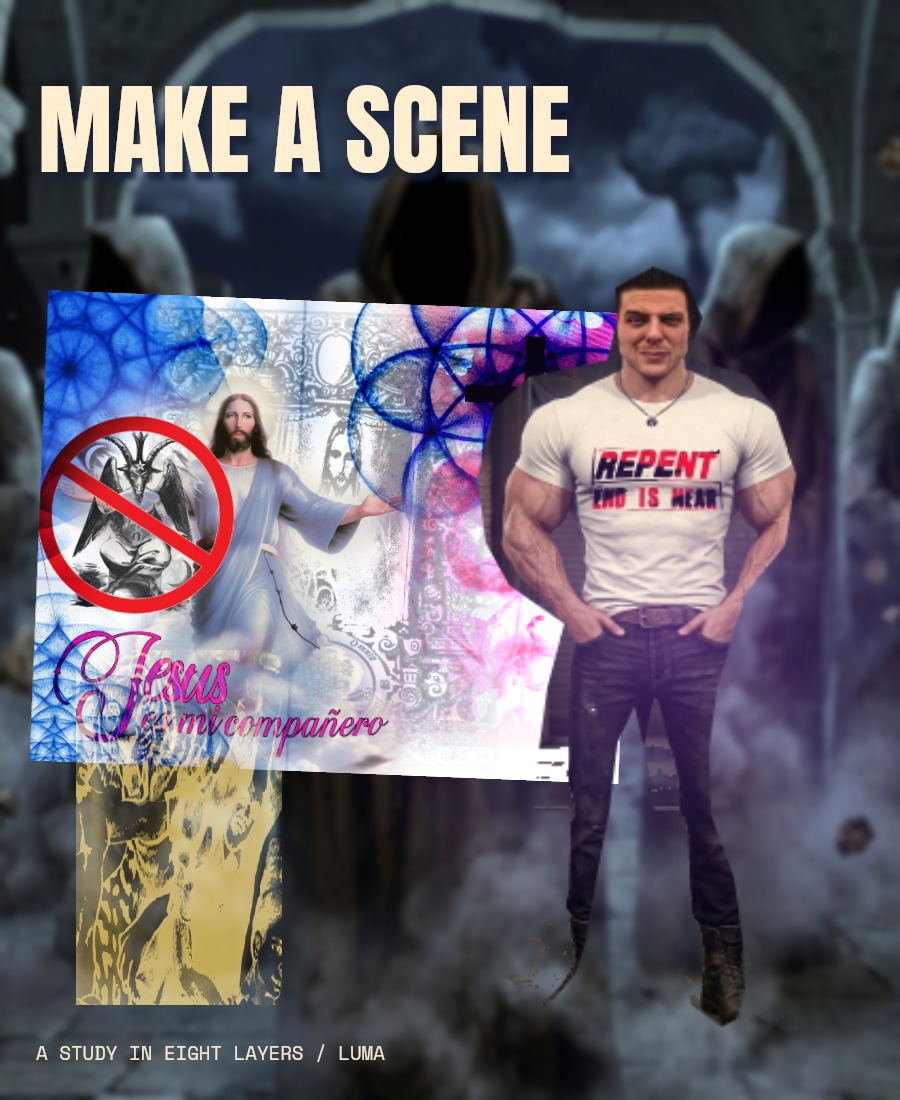
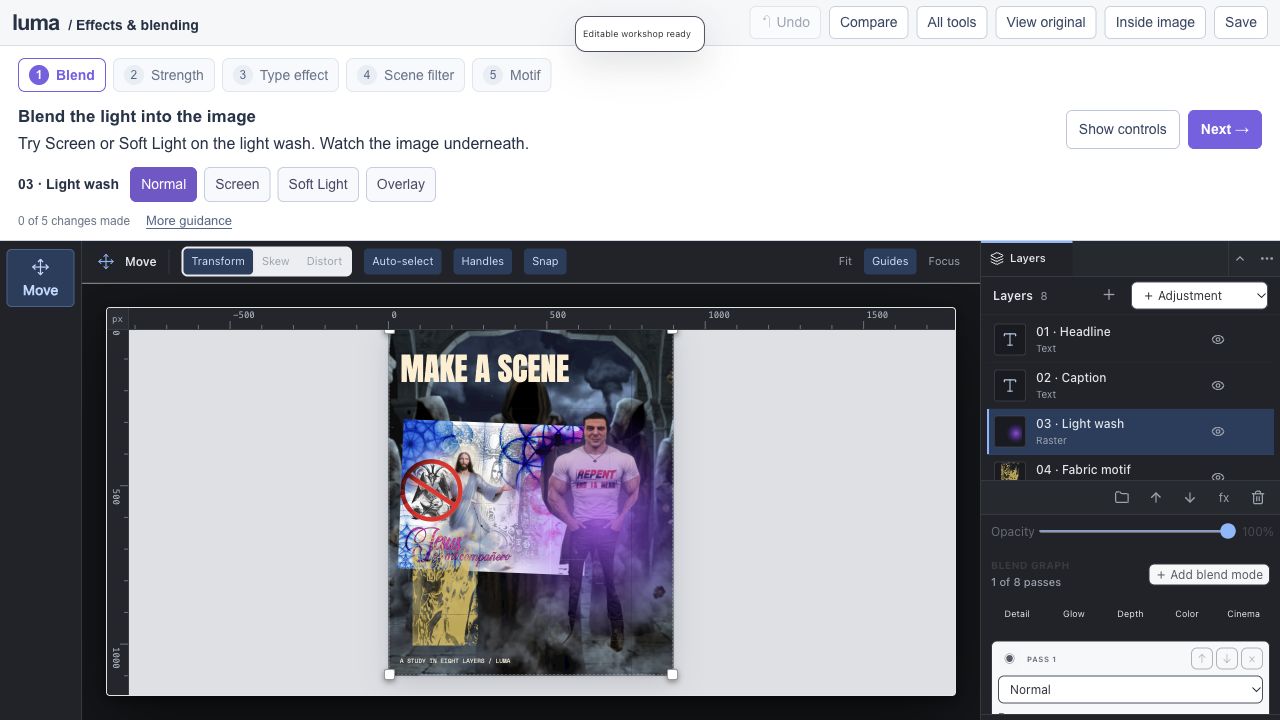
Eight layers. Your composition. studio Editable session Expand editor ↗
Save an editable project to keep your work.
8 editable layers / layer order / placement / live text
Reorder the stack, move the imagery and edit the headline. Continue with this exact document in the next lesson.
View originals & get the editable files The original image stays intact. The workshop adds editable layers, type, masks and color treatments.
A genuine screenshot of this prepared Luma session. 14 6–9 min · 5 steps
Same layers. A different feeling. studio Editable session Expand editor ↗
Save an editable project to keep your work.
Blending / opacity / layer effects / smart filters
Continue your composition and explore all 27 blend modes, 17 layer effects and 15 editable smart filters.
View originals & get the editable files The original image stays intact. The workshop adds editable layers, type, masks and color treatments.
A genuine screenshot of this prepared Luma session.