Other apps from MomentiumAn independent Momentium app
Web library / OPEN FOR EXPLORATION
Librarian
A little space for deep reading.
Gather your PDFs on a personal shelf. Open a page, change the reading atmosphere and settle into the details.
Web library · local PDF reading
SMALL PROJECTS. REAL POSSIBILITIES.
Build a small shelf around one idea.
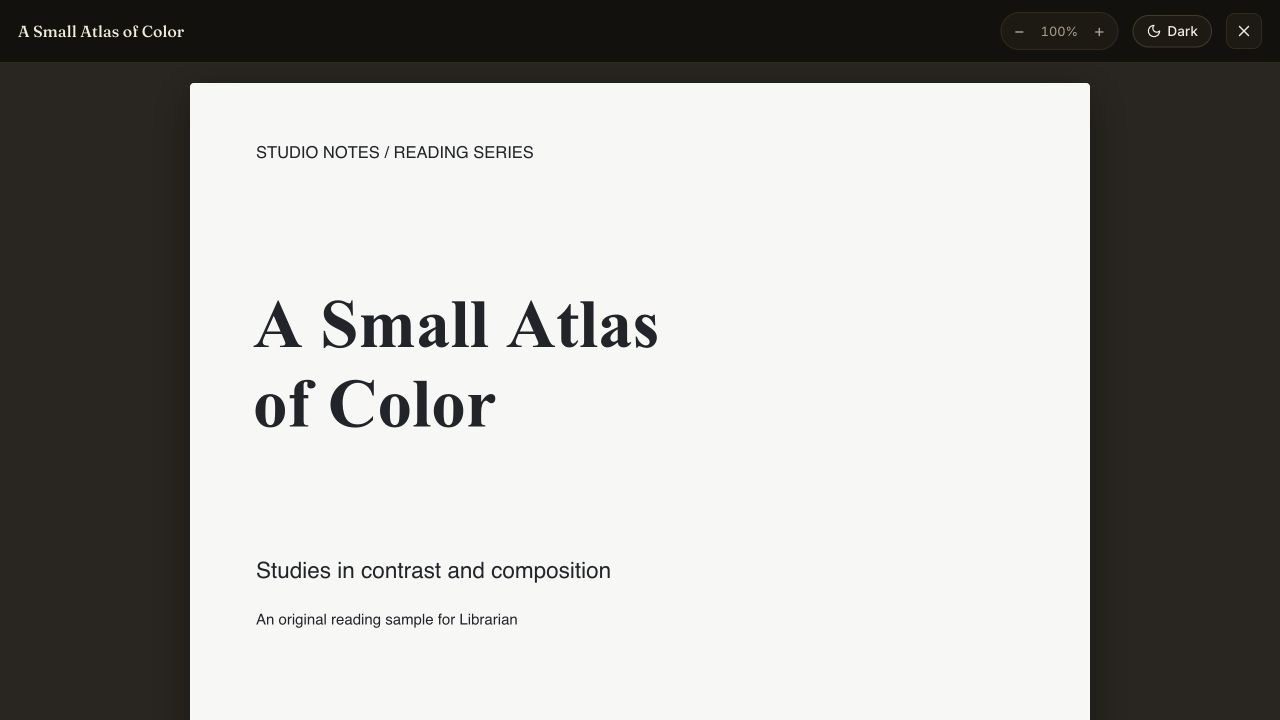
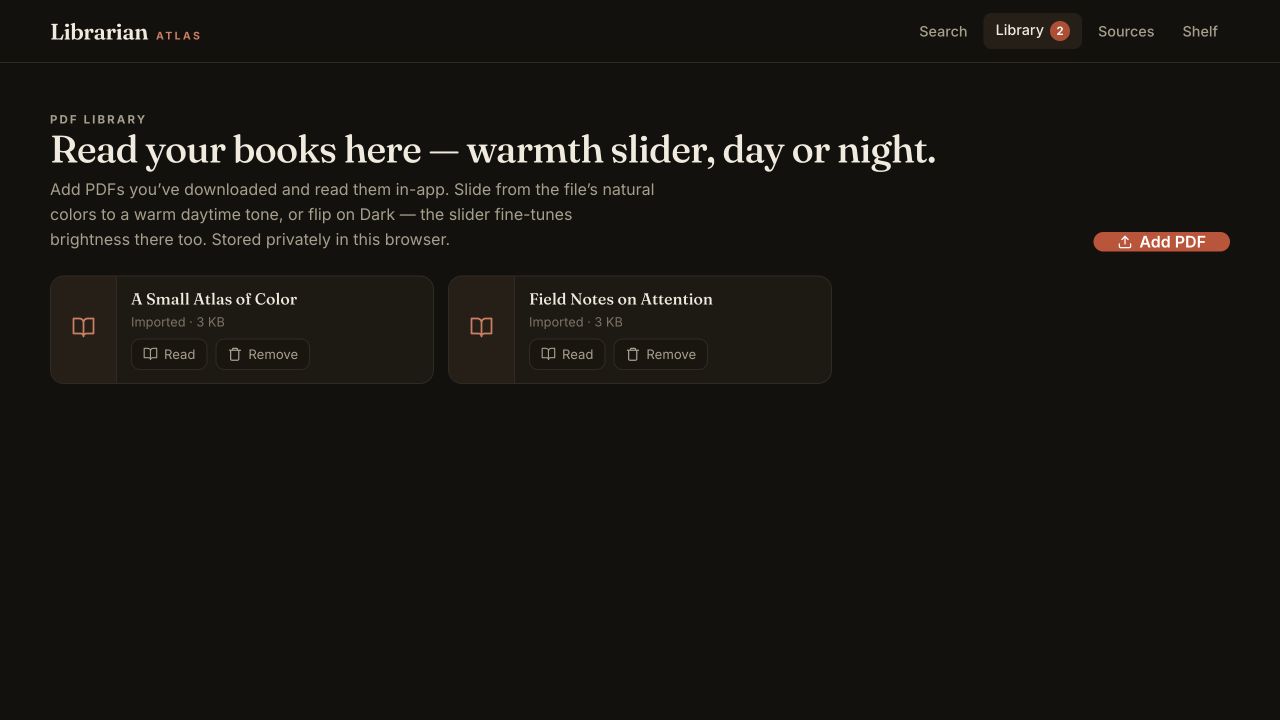
Use two original field guides to try local reading, a change of reading light, and returning to your research.
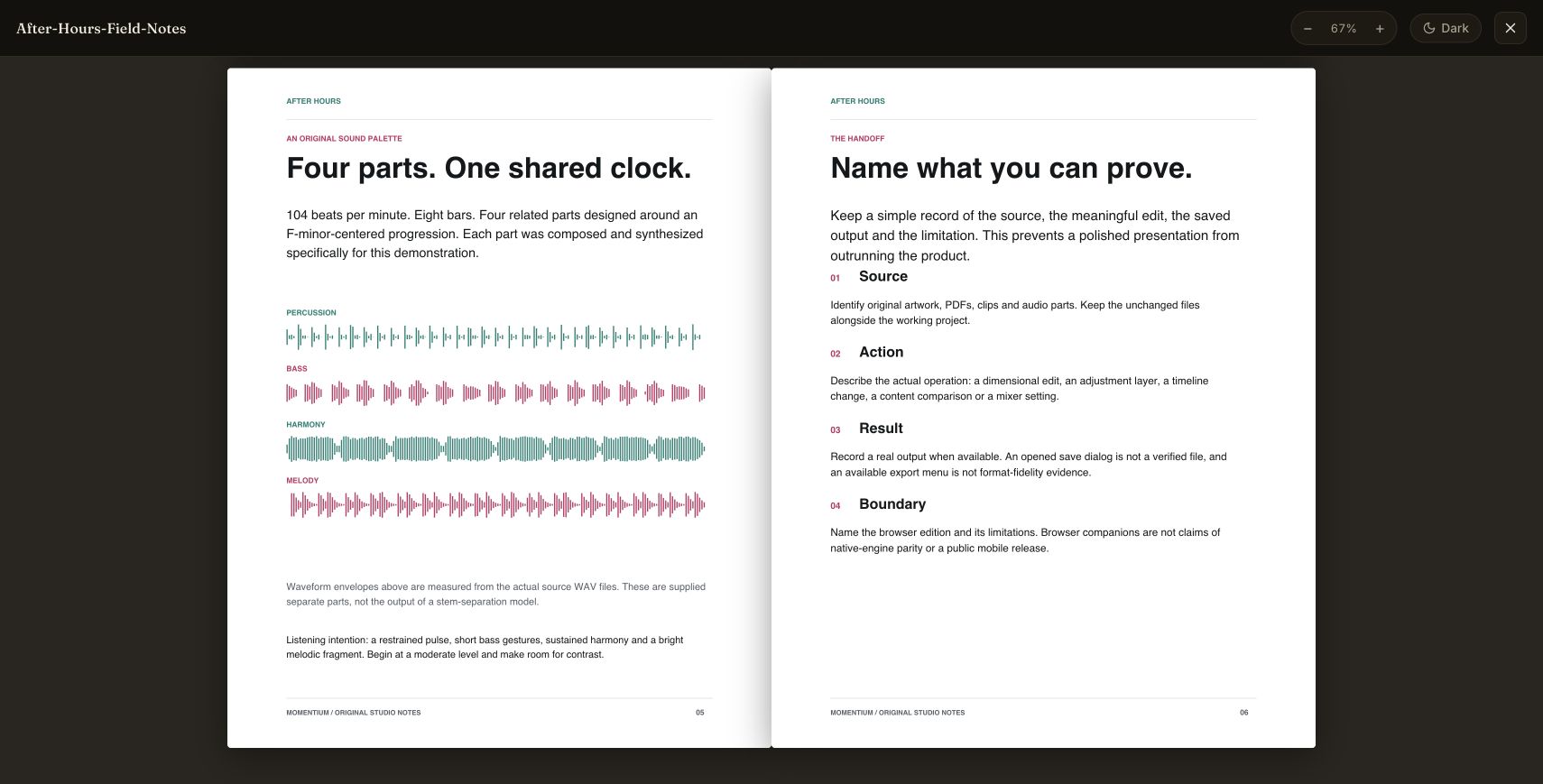
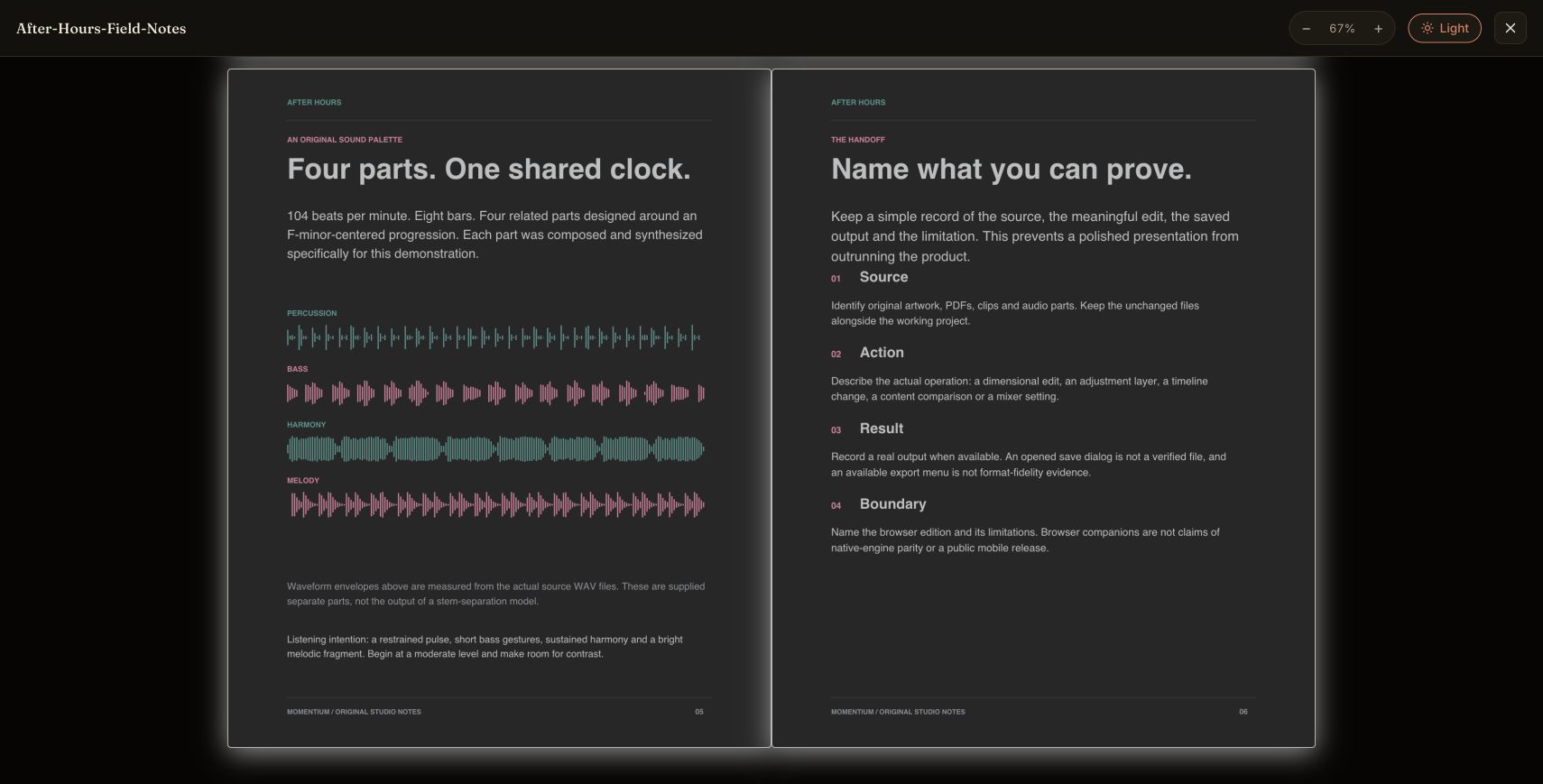
Compare the same reading spread in the actual light and dark reader views.
01 / 2 minutesBring two documents into one shelf
- Download the two original PDFs below.
- Import them using the live library’s PDF import control.
- Open the field notes and then follow the materials-and-sound study.
What you getA small research shelf built around a connected creative project.
02 / 2 minutesRead in the light you prefer
- Move the comparison slider to inspect the same spread.
- Open a PDF in the live reader.
- Try its light, warm or dark presentation and adjust zoom.
What you getA more comfortable reading view without changing the source PDF.
03 / 2 minutesReturn to the research
- Return to the local library after reading.
- Reopen an imported document.
- Keep the original PDF alongside the browser copy.
What you getA repeatable path back to your documents. Browser storage can still be cleared or evicted.
Use the starter instructions to open an example in the app. The live workspace loads only when you launch it.
On a small screen, open the app in its own tab for the full workspace.
INSIDE LIBRARIAN
What Librarian can do.
Discover books across catalogs, build a personal shelf, and read your PDFs.
16features to explore
Discover across catalogs
5 features
Federated discovery
Search 15 configured catalog integrations from one query.
Broad source coverage
Open Library, Google Books, Gutenberg, OpenAlex, Crossref, Internet Archive, CORE, DPLA, Europeana, K10plus, Library of Congress, BnF, DNB, Finna, and Norway’s National Library.
Flexible search
Search titles, authors, subjects, and ISBNs.
Duplicate merging
Combine matching records using ISBNs and title/author similarity.
Ranked results
Consider query relevance, metadata completeness, and coverage across catalogs.
Explore records & access
6 features
Rich result cards
Covers, authors, categories, publication information, page counts, availability, and source badges.
Filtering
Narrow by source, language, and availability.
Source controls
Enable or disable catalog sources and inspect source information.
Detailed records
Read descriptions, subjects, identifiers, provenance, and original catalog links.
Try this in an exampleEdition discovery
Expand available Open Library editions.
Access links
Follow supported preview, public-domain, download, borrowing, and library-finding links.
Build a shelf & read
5 features
Personal shelf
Save and remove books locally and return to a working collection.
Try this in an examplePDF library
Import multiple PDFs or save accessible linked PDFs into the library.
Try this in an exampleBuilt-in reading
Read stored PDFs, adjust zoom, and switch reading presentation between light, warm, and dark settings.
Try this in an exampleOffline PDF access
Return to locally stored imported documents.
Try this in an exampleAI recommendations
Ask questions about search results and receive recommendations grounded in those results and shelf context.
AFTER HOURS / Librarian / Web library
Keep the ideas close.
Two original research documents become a small browser library. Move from the brief to its sound palette, adjust the reading view, and return after a reload.
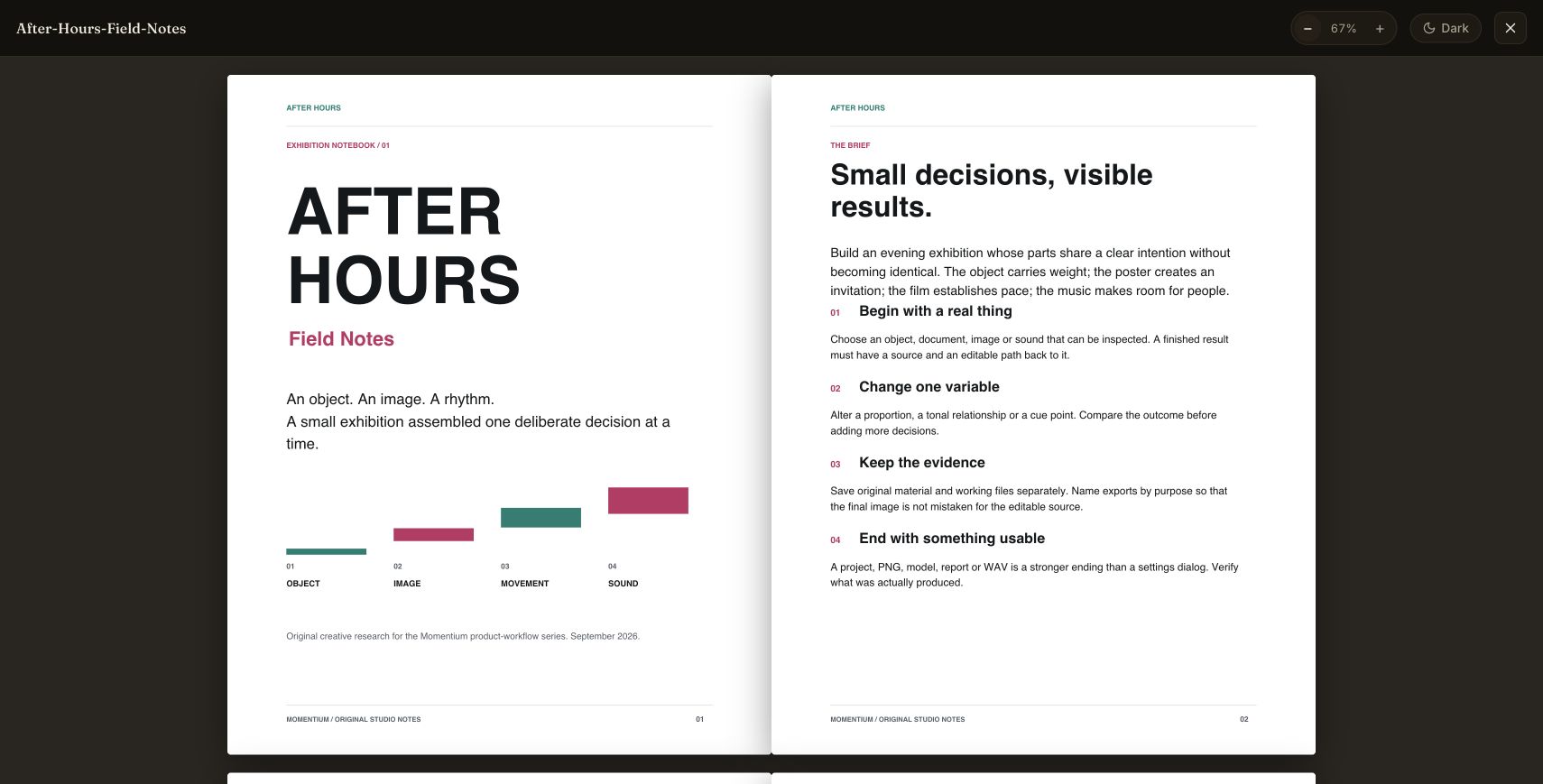
Open the exhibition brief
After Hours Field Notes and Materials and Sound were imported as original PDFs. The field notes open in a light reading view at 67% zoom.
Follow the sound
Pages five and six connect four measured waveform diagrams with the project handoff. The reader keeps the illustrated spread together.
Change the reading light
The supported Dark control changes the same spread to a dimmer reading view. The page content stays in place for comparison.
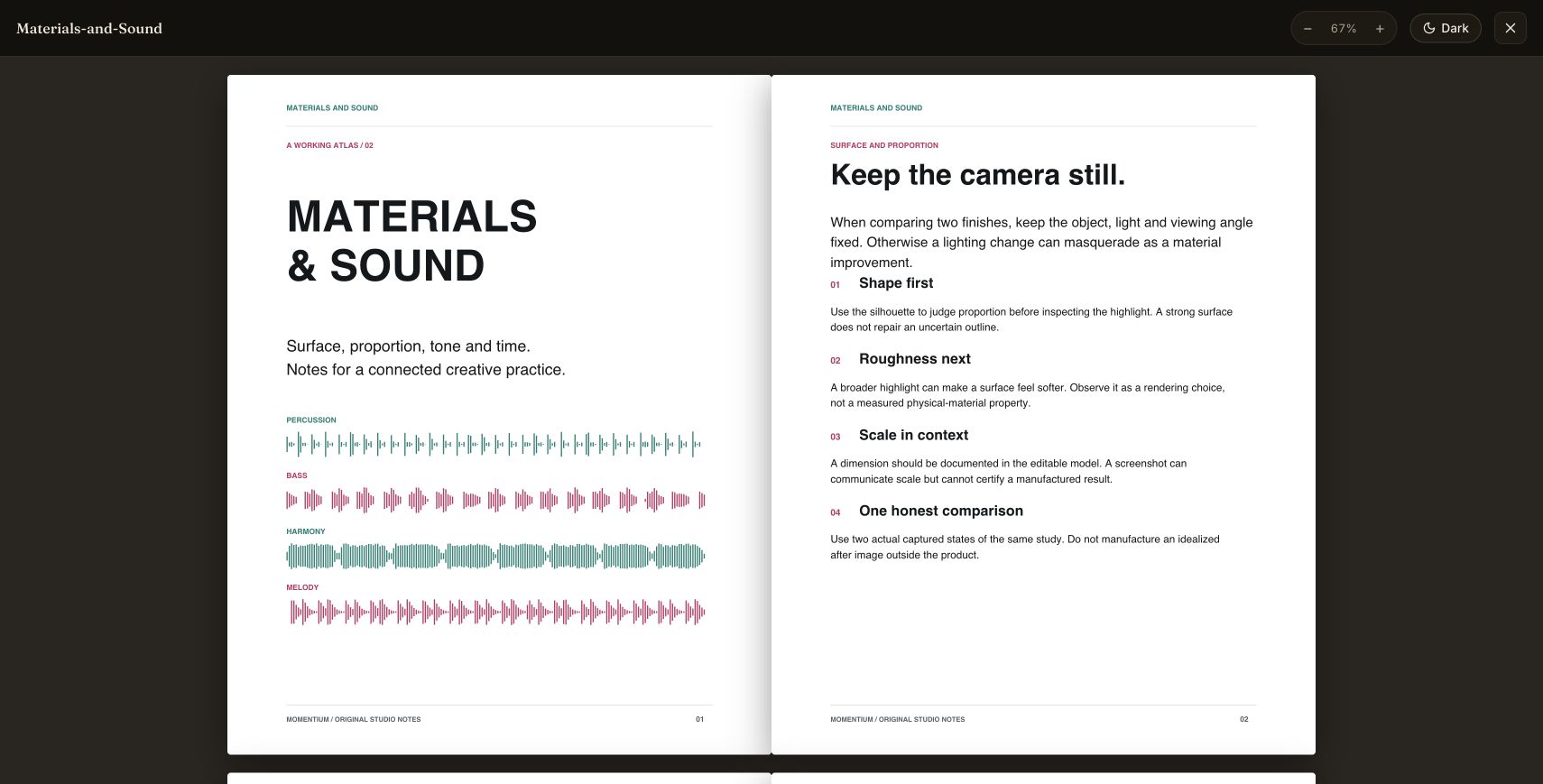
Return to the shelf
After a full reload, both PDFs remain in the local library. Materials and Sound reopens with its original diagrams and text.
Compare the reading modes
Actual browser session using original authored PDFs. Browser storage can be cleared or evicted; keep the original PDFs.
Web library / WORKFLOW GALLERY
See Librarian in motion.
Real sessions. Four useful moments. A closer look at what you can make.
Build a personal shelf
Import original PDFs and return to them from the library.
Open the book
Read an original demonstration PDF in the browser.
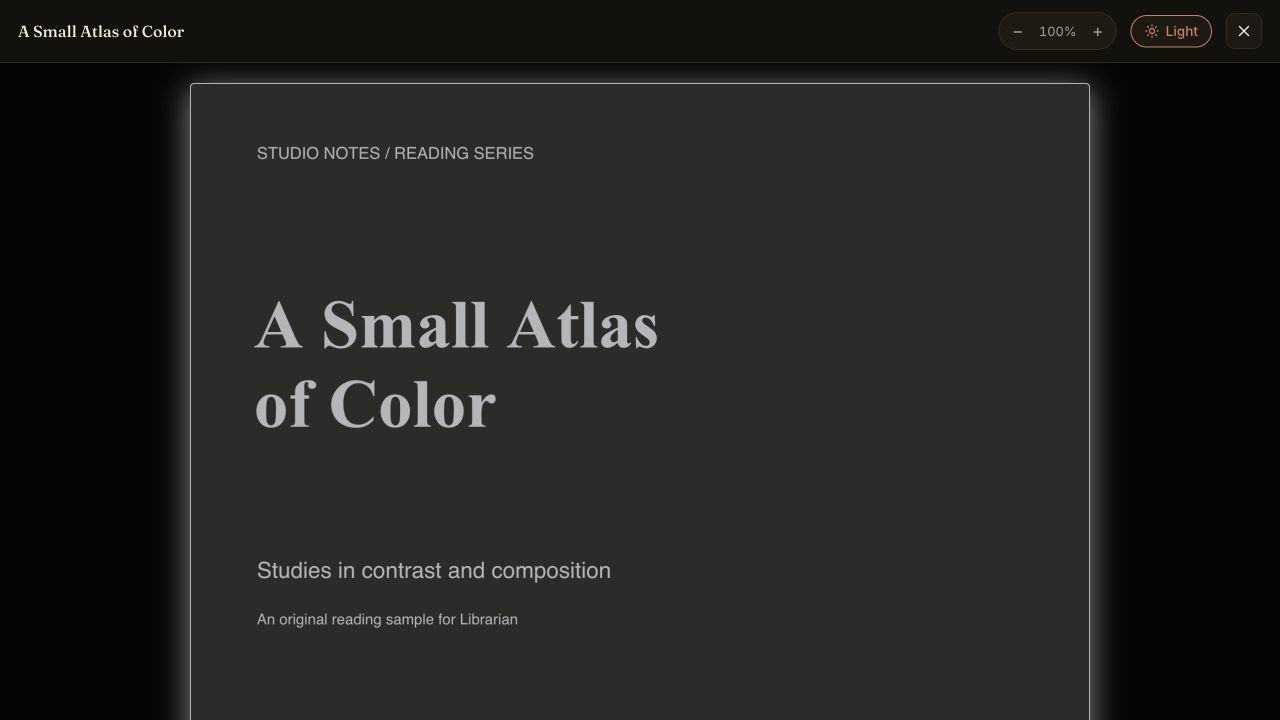
Change the atmosphere
Switch the surrounding reader interface to a dark theme.
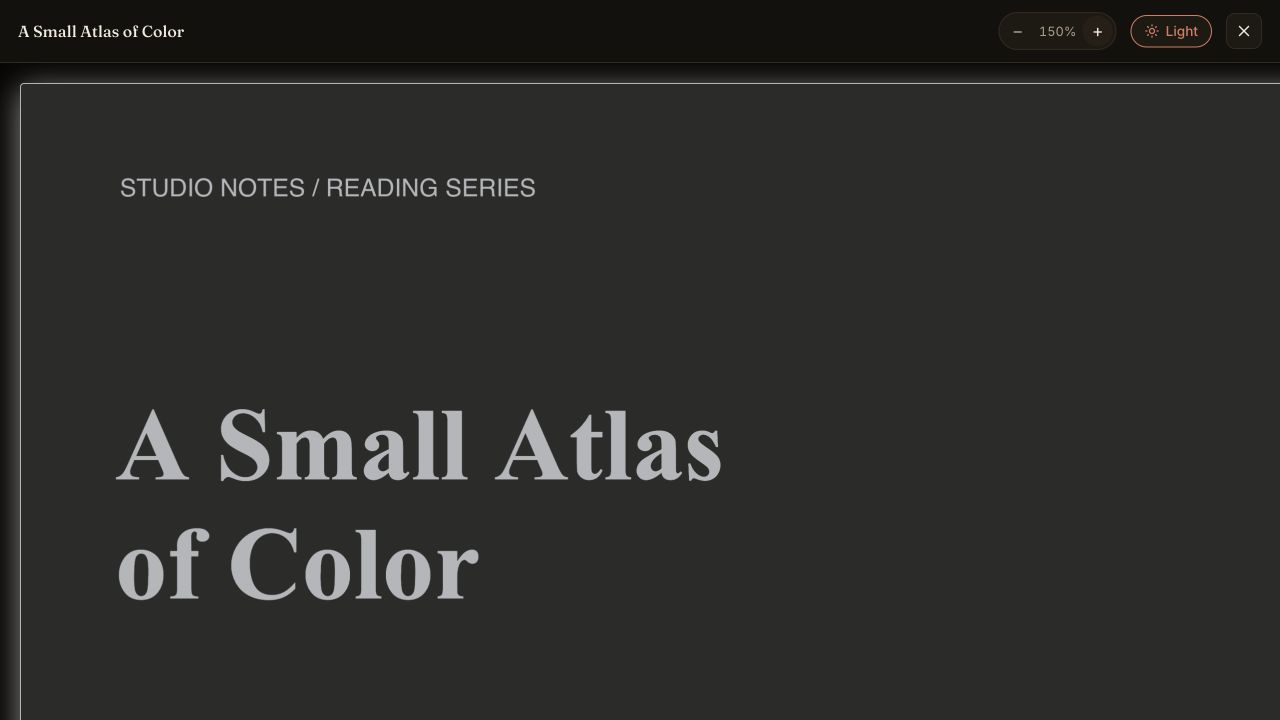
Look closer
Increase the reading zoom to 150 percent.
Original demonstration PDFs. Retain your source files: browser storage can be cleared. These captures demonstrate local reading, not hosted AI. Actual browser captures · September 29, 2026.
YOUR BROWSER EDITION
Start here.
Know what’s here.
Import your PDFs, read them, build a shelf, and search connected book catalogs.
Current limitations
Catalog search needs a network connection and depends on each source. AI features may send questions and shelf context to the service. Browser storage can be cleared or evicted; retain your original files.
One good first test
- 01Import an original PDF or use your own.
- 02Open it, change the reading view and revisit it.
- 03Try a catalog search and inspect its source.
Prefer the native app?
Mac release candidates are under review. Public download links are not available yet. No public iOS build is available.